GPT Image 2.5 AI Image Generator: Create and Edit Images on Medeo
Use GPT Image 2.5 from OpenAI inside Medeo to generate images from a prompt or edit them with reference images. Render at 1024, 2048, or 4096 pixels and carry your best images straight into a video, all in one workspace.


What Is GPT Image 2.5?
GPT Image 2.5 is an image model from OpenAI. Medeo offers it in two variants, Flare and Sunburst, both for creating and editing images.
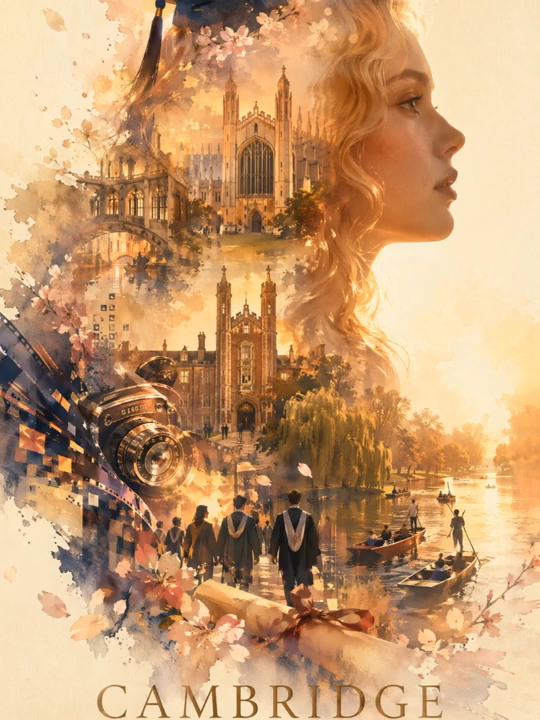
Create and edit in one model
Generate a new image from text, or give GPT Image 2.5 one or more reference images and describe the change you want.
From image to video
Images you make with GPT Image 2.5 become assets in your Medeo project, ready to animate with a video model or use as a reference.
Core Capabilities of GPT Image 2.5 on Medeo
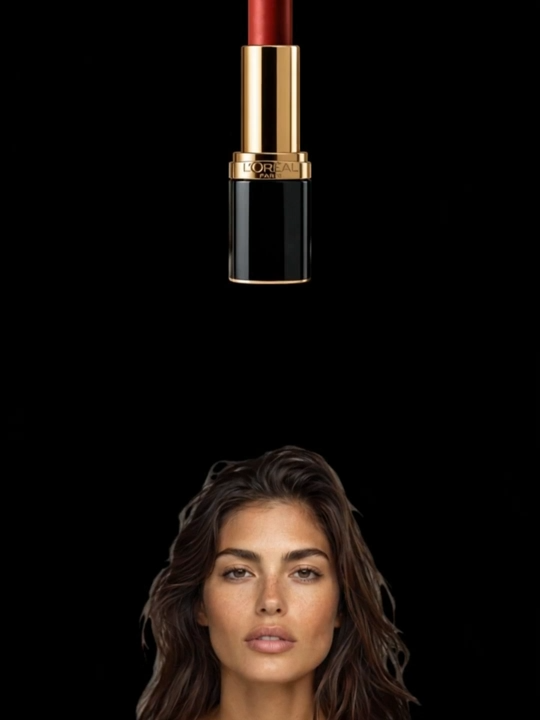
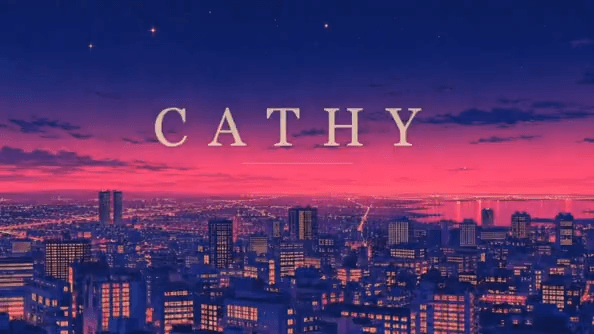
Text to image
Describe the image and generate it directly from the prompt.
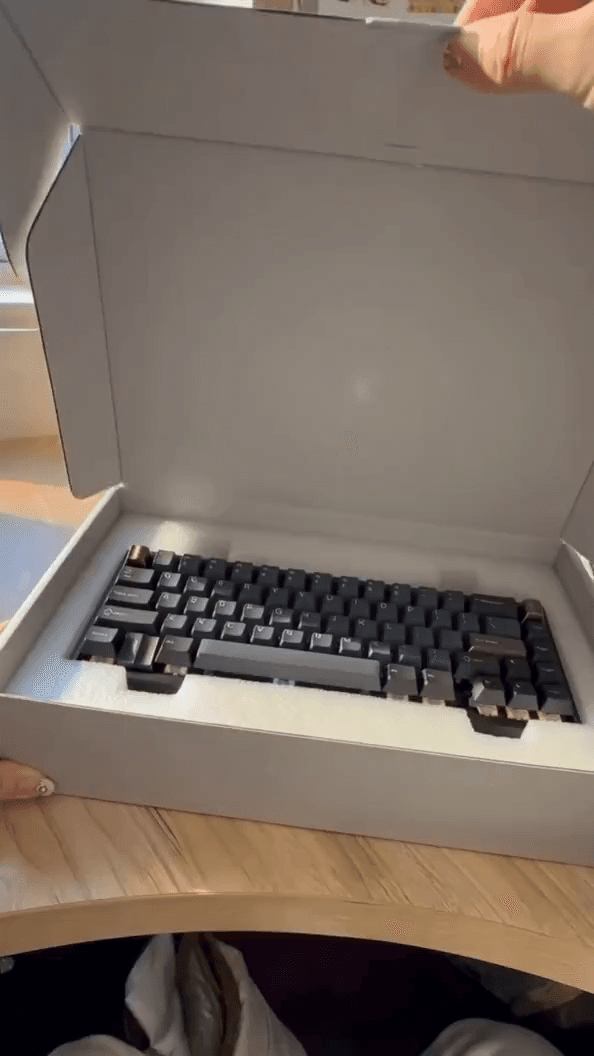
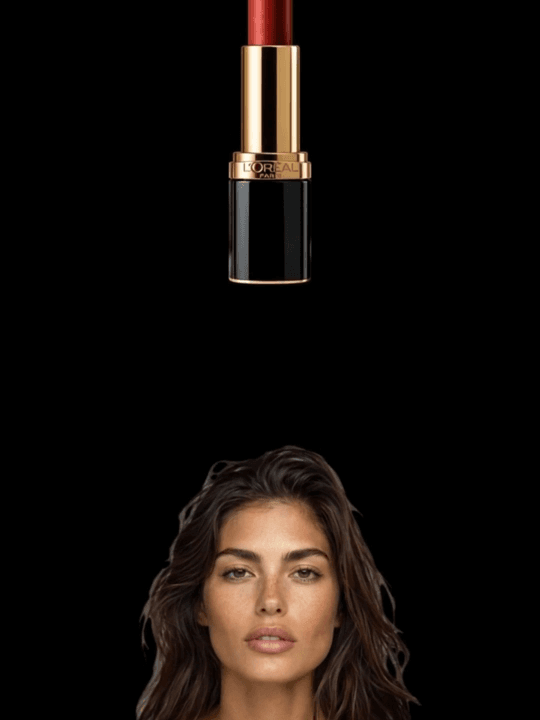
Edit with reference images
Combine or edit images by giving the model references and instructions.
Up to 4096 pixels
Choose 1024, 2048, or 4096 depending on where the image will be used.
Flare and Sunburst variants
Two variants of GPT Image 2.5 at the same price; try both on one prompt and keep the better result.
How to Use GPT Image 2.5 on Medeo
Step 1
Choose GPT Image 2.5
Start in Medeo and ask the agent to use GPT Image 2.5, or select it as the image model.
Step 2
Write a prompt or add references
Describe the image, or upload reference images and explain the edit. Pick the output size.
Step 3
Refine and use it
Iterate in the chat, then save the image to your assets or animate it into a video.
Generate GPT Image 2.5 Images on Medeo
Credits shown are the per-second (or per-image) rates on Medeo at the time of writing and may change; the exact cost is always shown before you generate.
| Mode | Size | Credits |
|---|---|---|
| Text to image or image editing | 1024 | 0.95 / image |
| Text to image or image editing | 2048 | 1.85 / image |
| Text to image or image editing | 4096 | 3.34 / image |
GPT Image 2.5 vs GPT Image 2 vs Nano Banana Pro vs Seedream 5.0
Based on the options Medeo offers for each model.
| — | GPT Image 2.5 | GPT Image 2 | Nano Banana Pro | Seedream 5.0 Pro |
|---|---|---|---|---|
| Text to image | Yes | Yes | Yes | Yes |
| Edit with reference images | Yes | Yes | Yes | Yes |
| Max size | 4096 | 4096 | 4096 | 2048 |
| Credits at 1024 | 0.95 / image | 0.95 / image | 5 / image | 1.9 / image |
| Credits at 4096 | 3.34 / image | 3.34 / image | 10 / image | — |
Which Model Should You Choose?
Choose GPT Image 2.5 for the newest OpenAI image model
Same price as GPT Image 2 on Medeo, with two variants to compare.
Choose GPT Image 2 for consistency with earlier work
Keep using GPT Image 2 if your existing images were made with it.
Choose Nano Banana Pro as a second opinion
A Google image model at a higher rate, useful when you want a different look.
Choose Seedream 5.0 Pro for 2048 images
A ByteDance option up to 2048 pixels.
Start from a Recipe
Image-led recipes on Medeo that you can open and adapt; generate the images with GPT Image 2.5.