AI Twerk Video Generator: Create Dance Videos from Photos
Turn a still photo into a short AI twerk video with rhythmic dance motion, camera movement, and social-ready energy. Upload an image, describe the dance style, and let Medeo create a playful video for TikTok, Reels, Shorts, memes, and creative edits.


What Is an AI Twerk Video Generator?
An AI twerk video generator turns a photo or character image into a short dance video using AI motion generation. With Medeo, you can upload an image, describe the dance rhythm, camera movement, and mood, then create a social-ready twerk video for TikTok, Reels, Shorts, memes, events, and creative edits.

See What You Can Create
Generate AI Twerk Videos from Prompts
| prompt | Picture/Video |
|---|---|
| Create a fun AI twerk dance video from this photo. The subject performs an upbeat, rhythmic dance with confident pose changes, smooth hip-hop-inspired movement, and a playful social media style. Keep the face, outfit, and overall appearance consistent. Vertical 9:16, 6 seconds. | 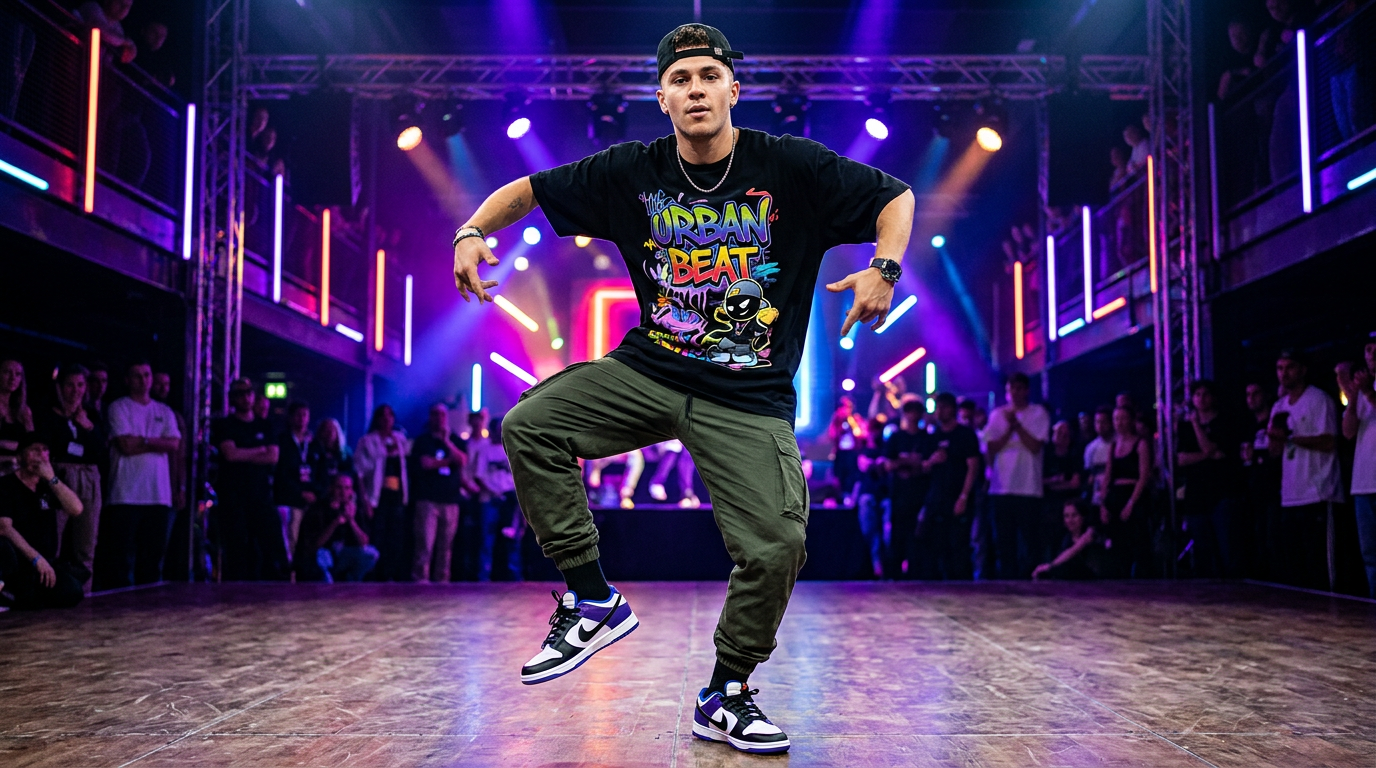 |
| Animate this character into a short rhythmic twerk dance loop. Add smooth dance motion, subtle camera shake, colorful club-style lighting, and playful meme-video energy. Keep the character recognizable and the motion clean. 9:16, 6 seconds. | 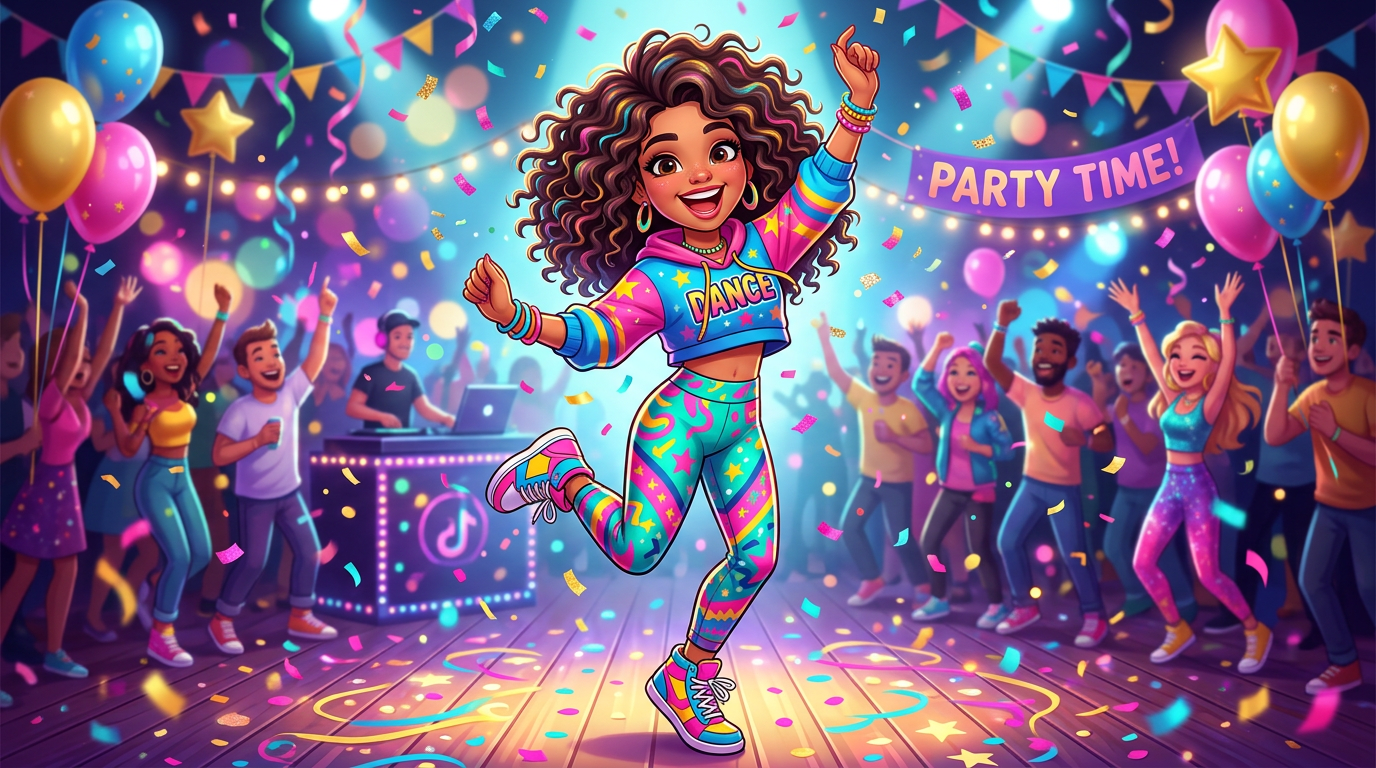 |
| Create a social-ready dance clip with an energetic stage background, bright lighting, smooth body motion, and a quick camera push-in. The result should feel playful, rhythmic, and ready for TikTok or Reels. 9:16, 6 seconds. | 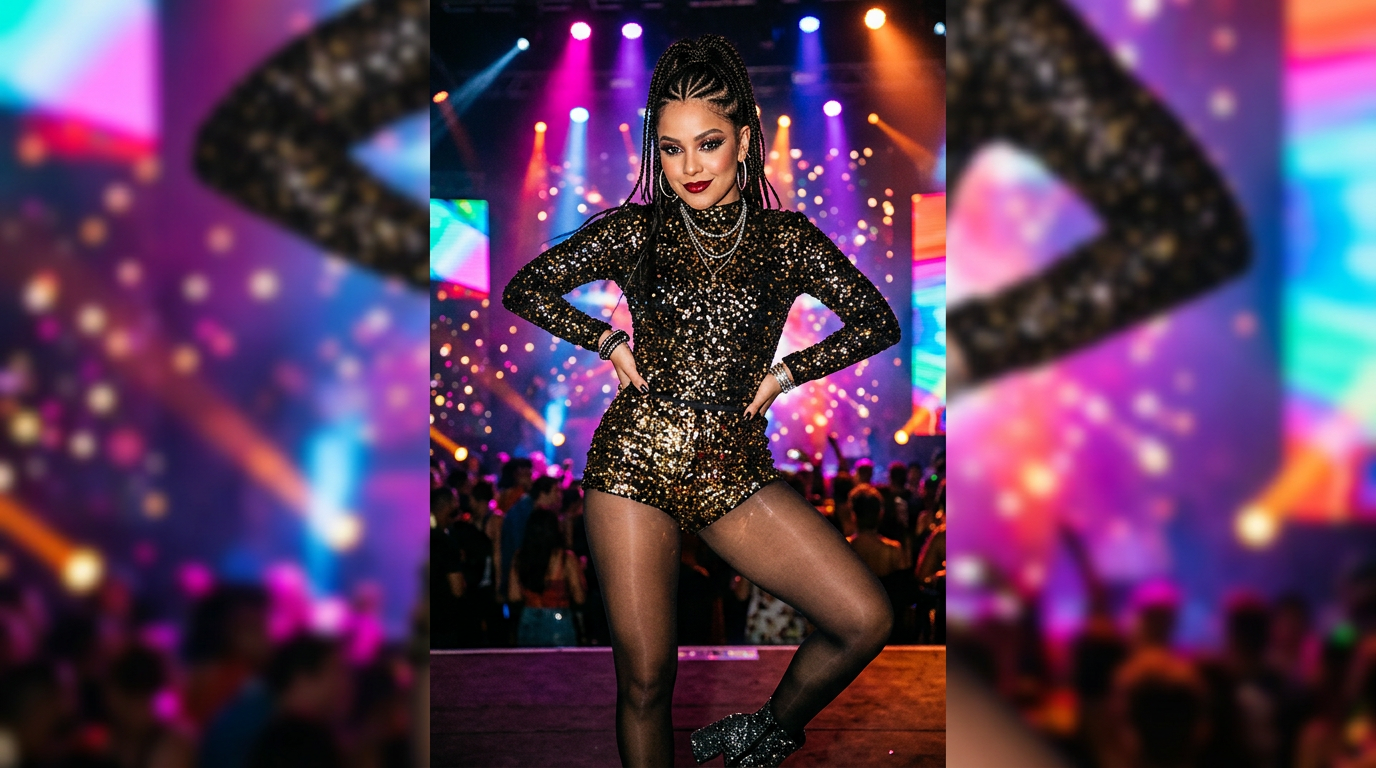 |
Why Choose Medeo's AI Twerk Video Generator?
Create short dance videos from photos, prompts, characters, and AI-generated visuals.
Photo to Dance Video Made Simple
Turn a still image into a short twerk dance video without filming, keyframing, or using complex editing software.
Built for Short-Form Social Content
Create fast vertical videos for TikTok, Reels, Shorts, memes, and trend edits.
Flexible Prompt Control
Guide the movement, rhythm, mood, camera angle, and lighting using natural language prompts.
Works with Characters and AI Images
Animate real photos, avatars, illustrated characters, or AI-generated portraits into rhythmic dance clips.
Powered by AI Models
Use Medeo's AI video workflow to generate, compare, and refine dance videos with advanced AI video models.
Respectful Creative Use
Create with adult, permission-based images. Avoid minors, public figures, private people without consent, and misleading edits.
Create AI Twerk Videos Without Traditional Editing
A faster way to animate photos, characters, and social visuals using prompts instead of manual video tools.
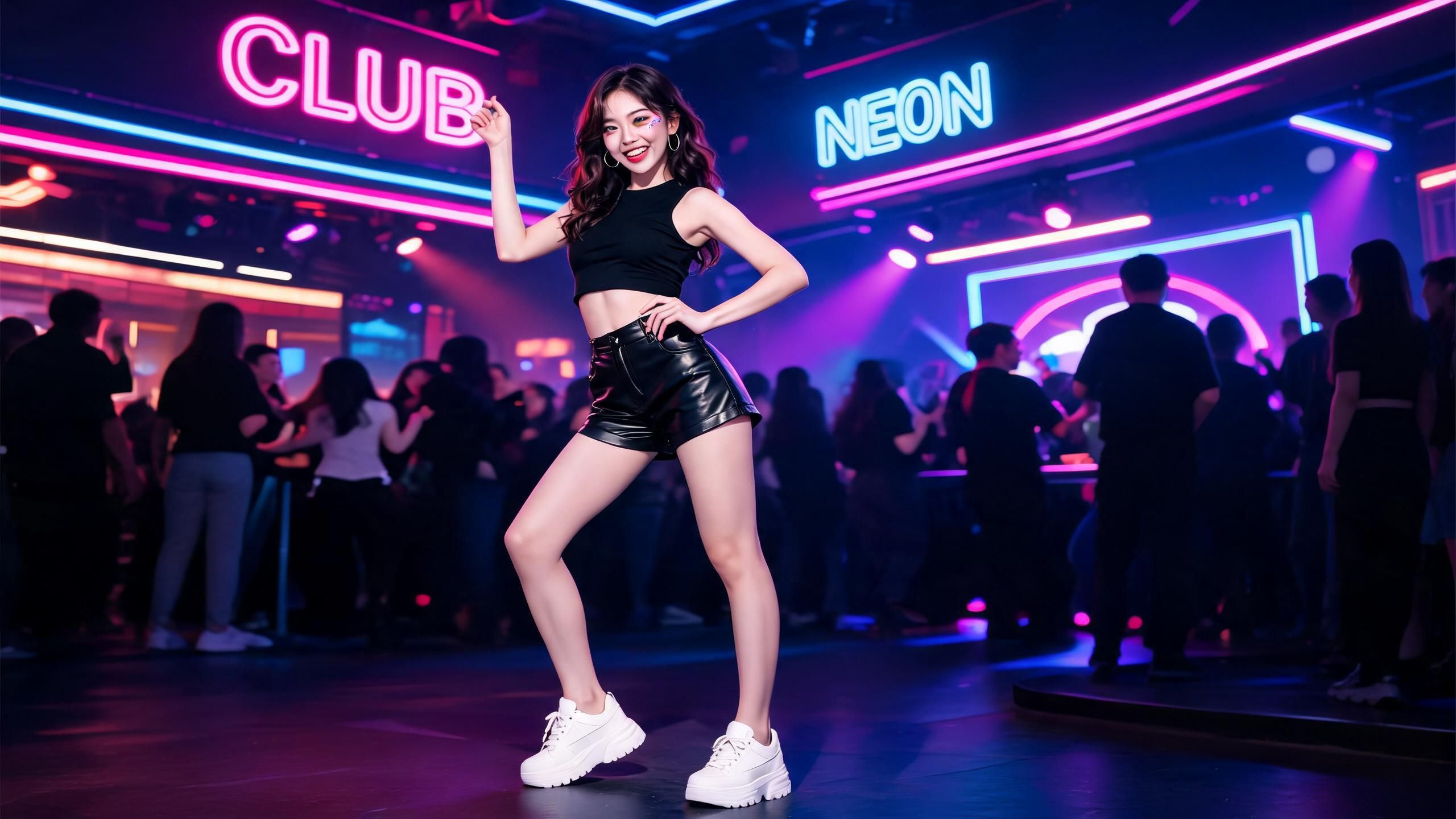
Photo to Video
Turn Photos into Dance Clips
Upload a clear image and create a short twerk dance video with rhythmic motion, camera movement, and social-ready pacing.
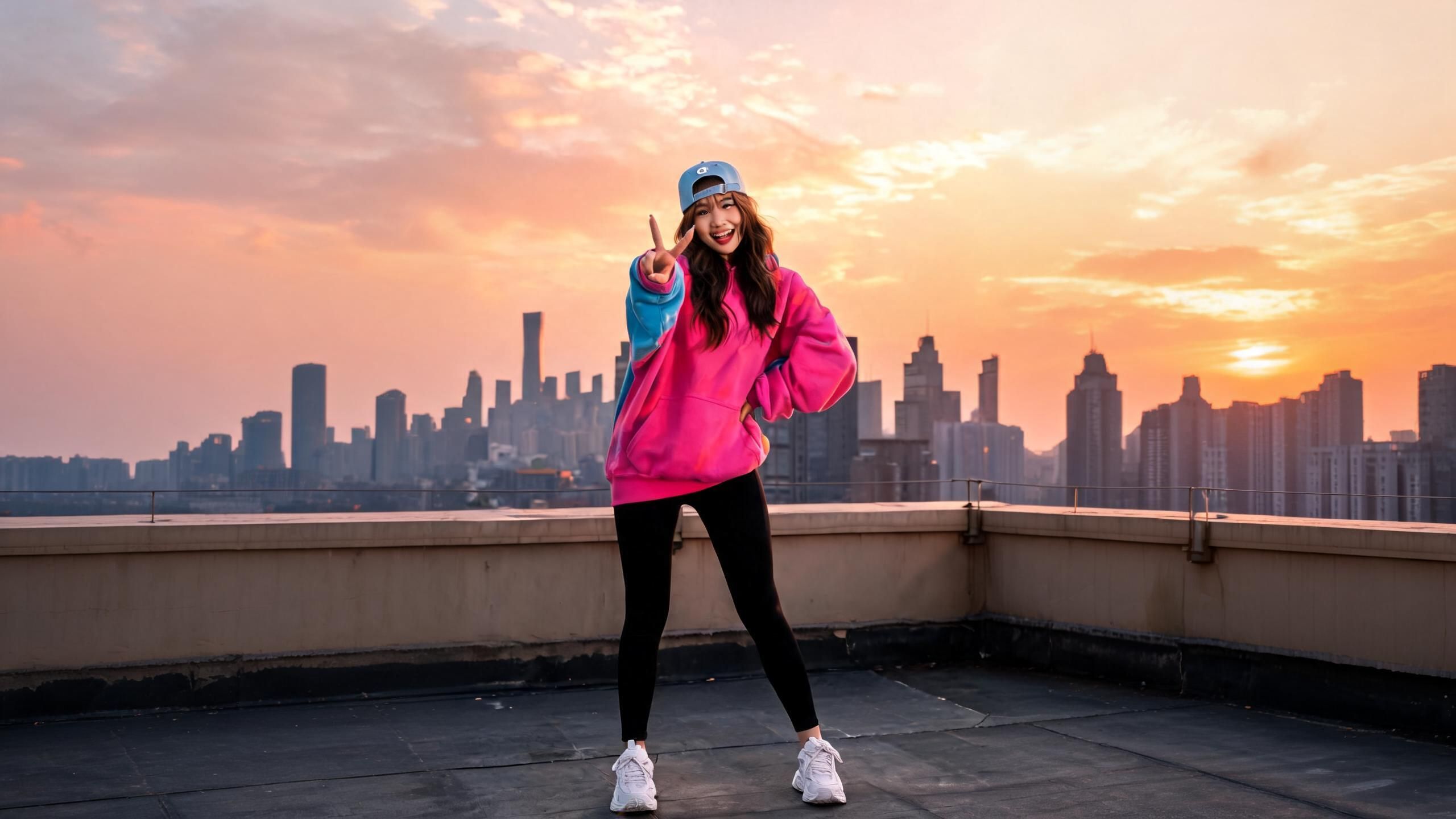
Prompt Control
Guide the Rhythm and Energy
Describe the dance style, speed, mood, lighting, and camera motion to shape the final AI twerk video.
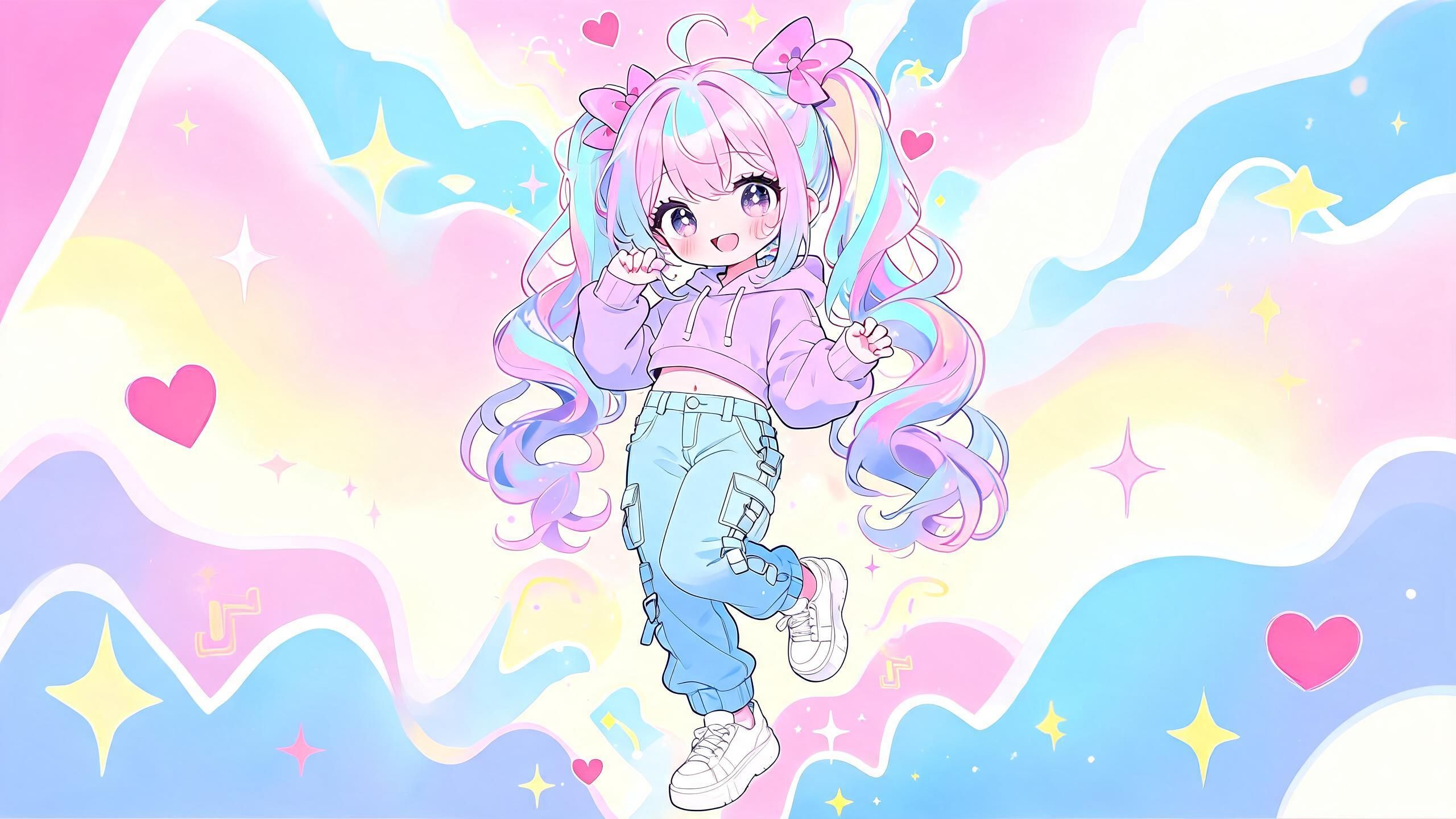
Character Animation
Animate Characters and Avatars
Use avatars, illustrated characters, or AI-generated portraits to create playful dance loops and meme-style videos.
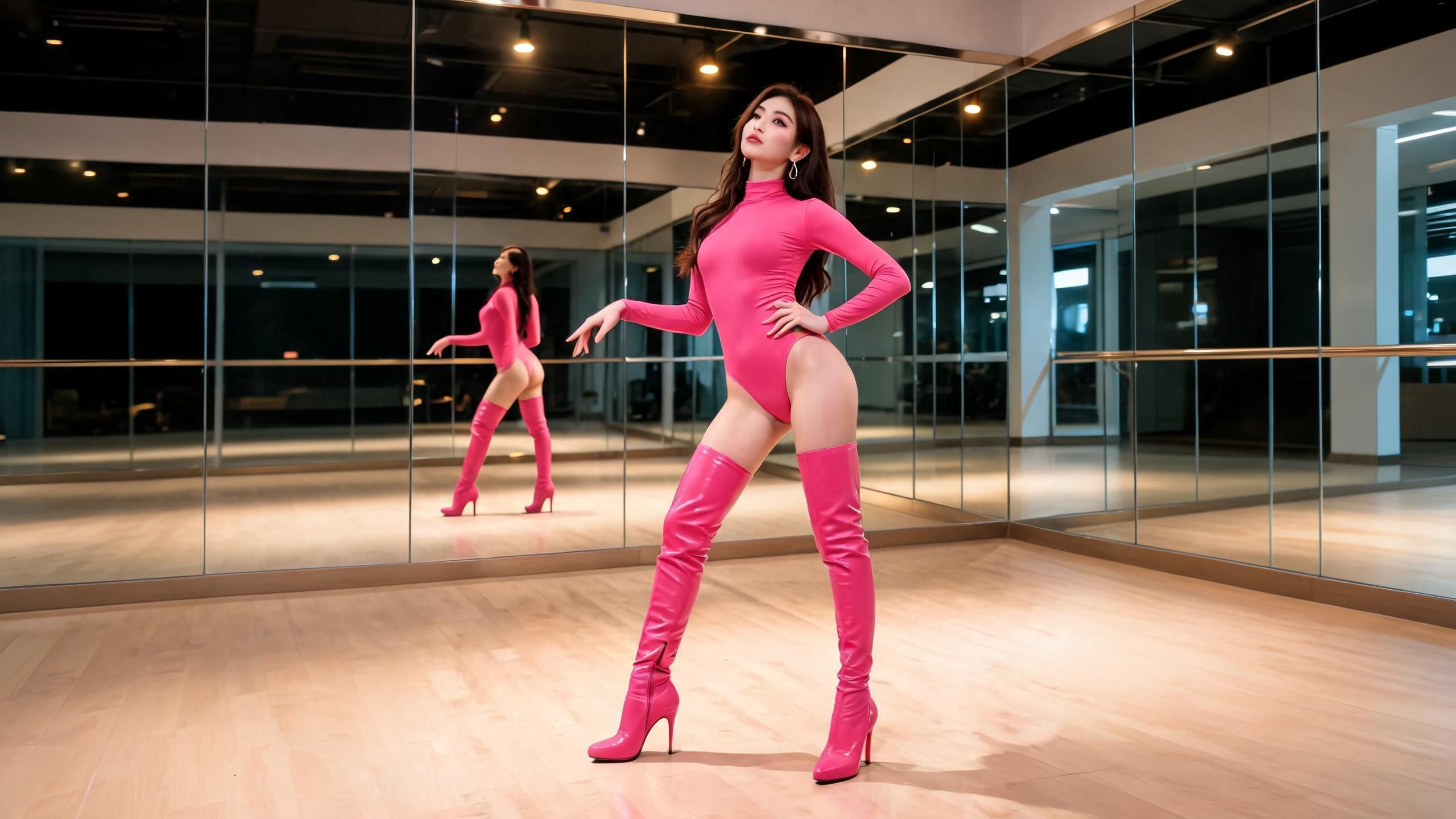
Social Ready
Create Vertical Videos for Social Platforms
Generate clips for TikTok, Reels, Shorts, and meme edits, then add music, captions, or overlays before sharing.
AI Twerk Videos for Social and Creative Content
Use Medeo to create short dance clips for trends, memes, campaigns, events, and visual experiments.
TikTok and Reels Trends
Turn still images into quick dance videos for trend posts, reaction content, and playful social media edits.
Meme and Character Videos
Animate characters, mascots, avatars, or AI-generated visuals into funny short loops for shareable meme content.
Music and Party Visuals
Create energetic dance clips for DJ promos, party invites, music visuals, and event teasers.
Creator Content
Make quick video variations for social posts, thumbnails, edits, and short-form experiments without filming every clip.
Marketing and Event Campaigns
Use playful dance clips for brand moments, festival promotions, product drops, or entertainment-focused campaigns.
AI Dance Experiments
Test movement styles, character designs, lighting, and camera direction before building a longer video or animation.
How to Create an AI Twerk Video in Medeo
Upload a photo, describe the dance, and generate a short social-ready clip.
Step 1
Upload a Photo or Character Image
Choose a clear image with a visible subject. Full-body or waist-up photos usually give the AI more information for dance motion.
Step 2
Describe the Dance Movement
Write a prompt with the dance style, energy, rhythm, camera movement, lighting, and aspect ratio.
Step 3
Generate Your AI Twerk Video
Choose your output format and generate the clip. Refine your prompt if you want different motion, pacing, or camera style.
Step 4
Download and Share
Download your AI twerk video and add music, captions, or edits before posting to TikTok, Reels, Shorts, or your creative project.
See Why Creators Choose Medeo AI Video Generator
"Medeo makes it easy to turn a simple image into a short dance clip that feels ready for social media."
Maya Chen
Short-Form Video Creator
"We use Medeo to test playful social concepts quickly before spending time on full production."
Leo Bennett
Creative Strategist
"Medeo makes it easy to turn a simple image into a short dance clip that feels ready for social media."
Maya Chen
Short-Form Video Creator
"We use Medeo to test playful social concepts quickly before spending time on full production."
Leo Bennett
Creative Strategist
"The prompt workflow is fast. I can generate several dance-video directions and choose the one that fits the campaign."
Nina Patel
Social Media Manager
"Medeo helps us create energetic motion tests from character images without opening a complicated animation tool."
Evan Brooks
Digital Content Producer
"The prompt workflow is fast. I can generate several dance-video directions and choose the one that fits the campaign."
Nina Patel
Social Media Manager
"Medeo helps us create energetic motion tests from character images without opening a complicated animation tool."
Evan Brooks
Digital Content Producer
Related Blog
How to Make Rizz Videos with AI: Step-by-Step Guide
Learn how to make rizz videos with AI using prompts, captions, audio, effects, and short-form templates for TikTok, Instagram Reels, and YouTube Shorts.
TIAN YUAN · May 8, 2026 · 18 min read
How to Make an Explainer Video with AI (Step-by-Step Guide for 2026)
Learn how to make a professional explainer video with MedeAI in 2026 — no editing skills required. Step-by-step guide covering script, visuals, voiceover, and publishing.
TIAN YUAN · Apr 29, 2026 · 13 min read

7 Best AI Love Story Video Generators in 2026 (Tested & Compared)
Discover the 7 best AI love story video generators in 2026 — tested and compared. From cinematic narratives to anniversary films, find the right tool for every romantic occasion.
TIAN YUAN · Apr 29, 2026 · 13 min read