SOP to Video Generator: Turn Text SOPs Into Clear Training Video
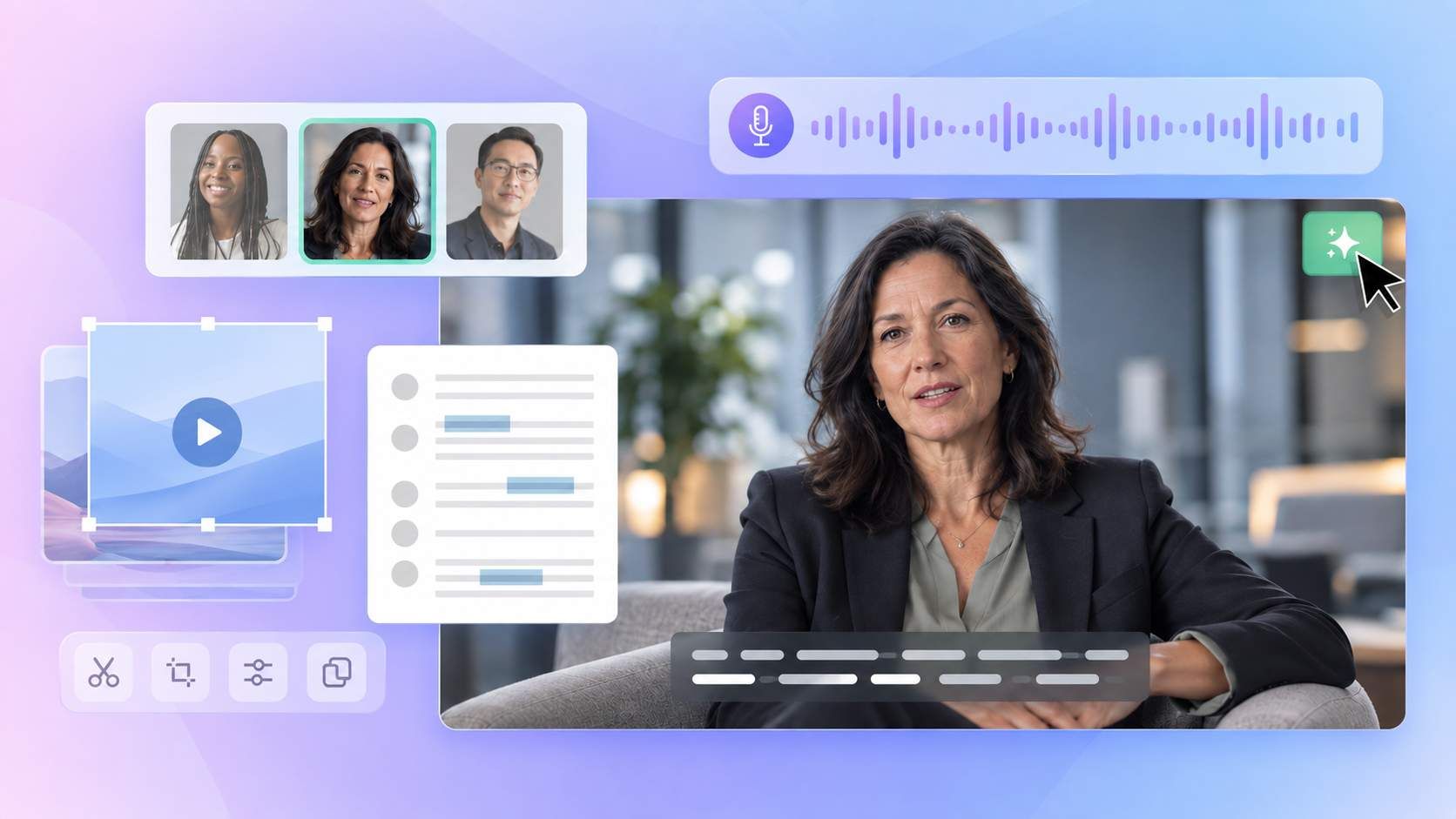
Upload your SOP file to Medeo and turn written procedures into a narrated training video. Add screenshots or demonstration clips to show employees what to do and what to check. Medeo builds the scenes, voiceover, and captions, which you can review and refine through chat.
Powered by world-class AI models


Turn SOPs Into Videos and Keep Them Updated
Upload your SOP file and let Medeo turn the instructions into a step-by-step training video. When the procedure changes, provide the revised instructions and any new visuals. Ask Medeo to update the relevant scenes, narration, or captions, then review the video before sharing it with your team.
Turn Your SOP File Into a Training Video
Start with the procedure you already have. Upload your SOP and tell Medeo who the video is for. It uses your instructions to develop the script and scene sequence, then brings the visuals, narration, and captions together.
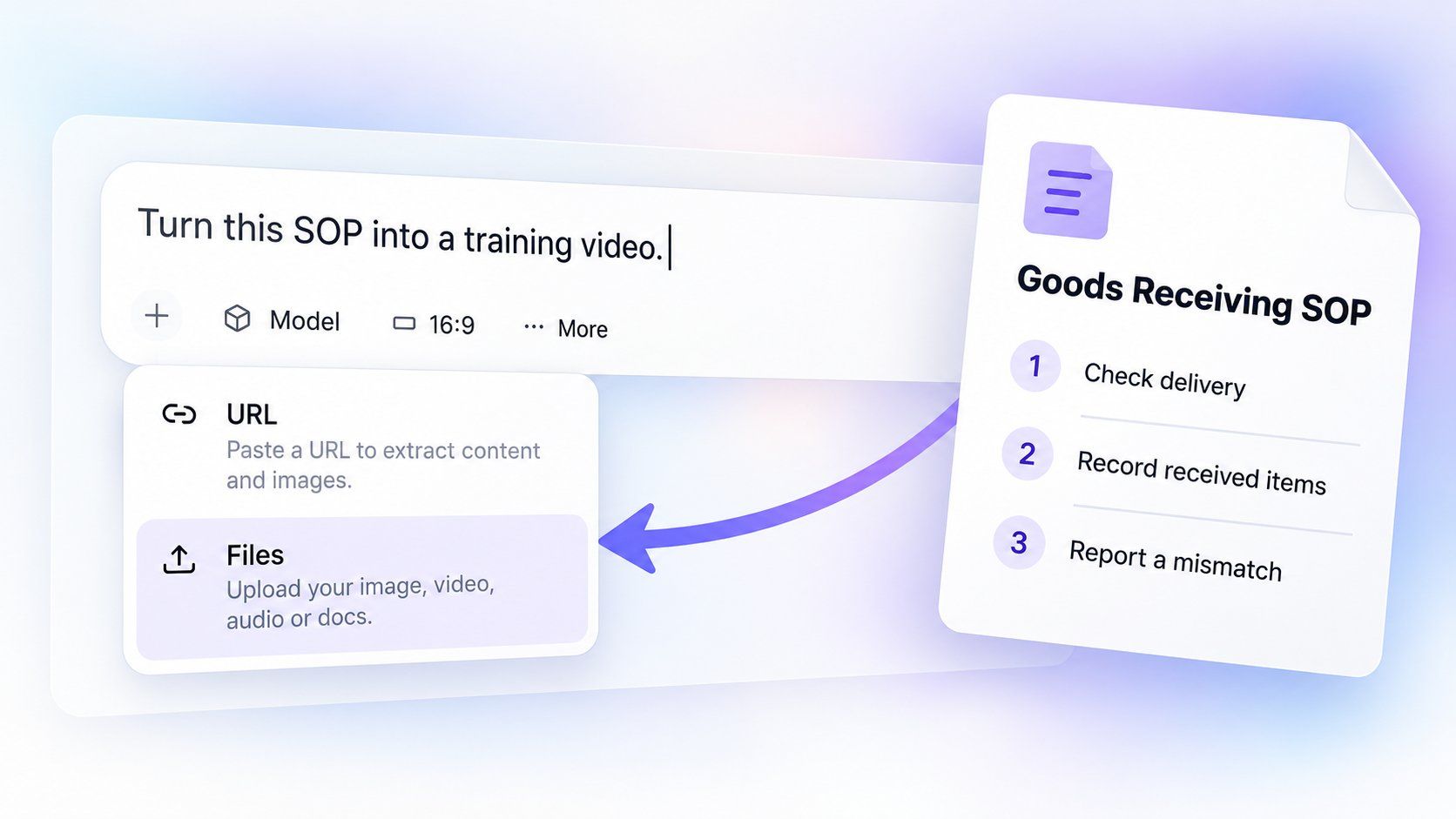
Start With Your Document
Upload the SOP you want to explain, such as a receiving checklist, an expense procedure, or a store-opening guide. Tell Medeo whether to cover the full procedure or one part. You do not need to rewrite the document as a video script before starting.
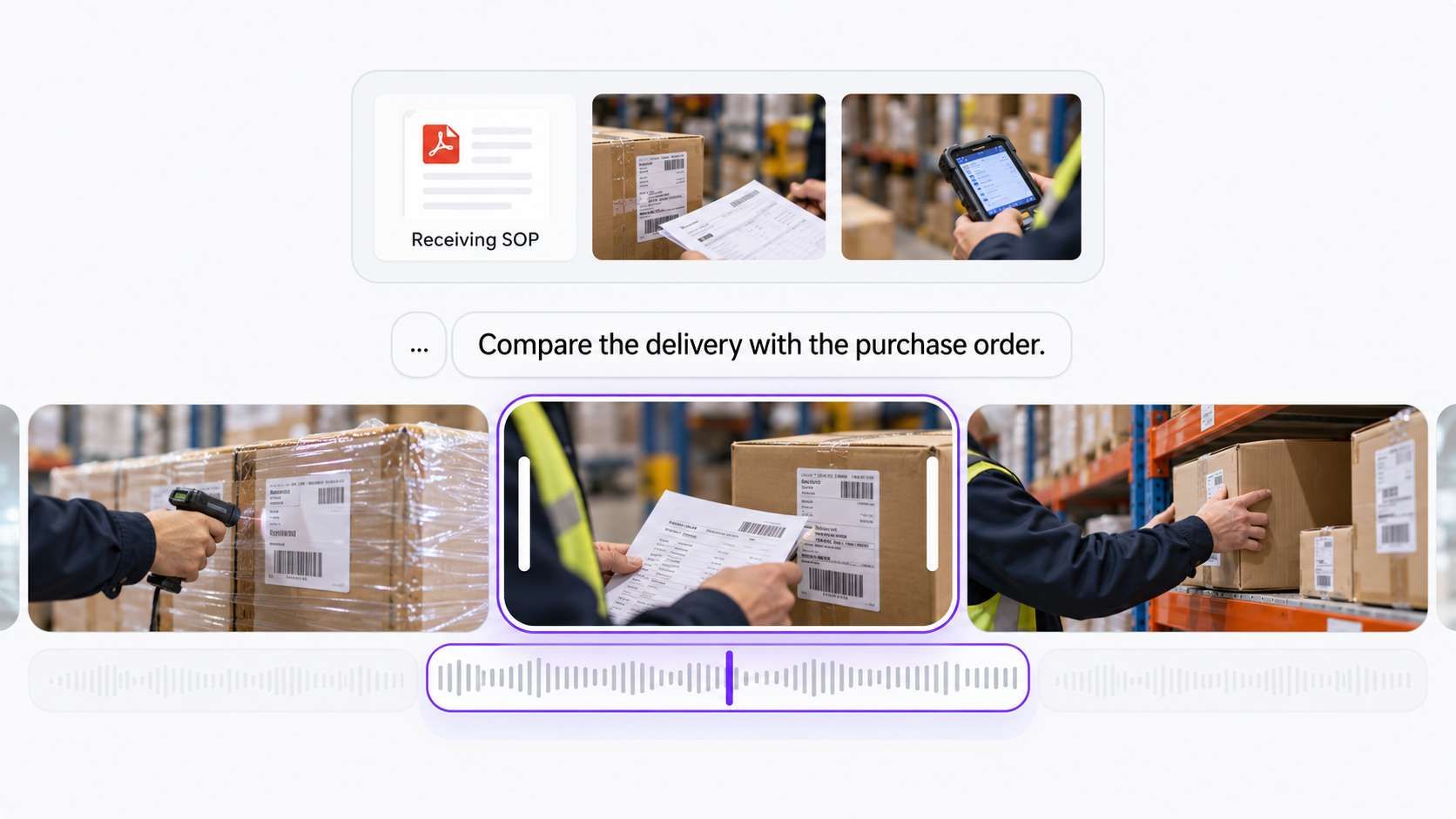
Show the Real Process
Add screenshots, workplace photos, or demonstration clips alongside the file. Ask Medeo to use them where employees need to recognize a screen, tool, or action. The video can explain the written step while showing what it looks like at work.
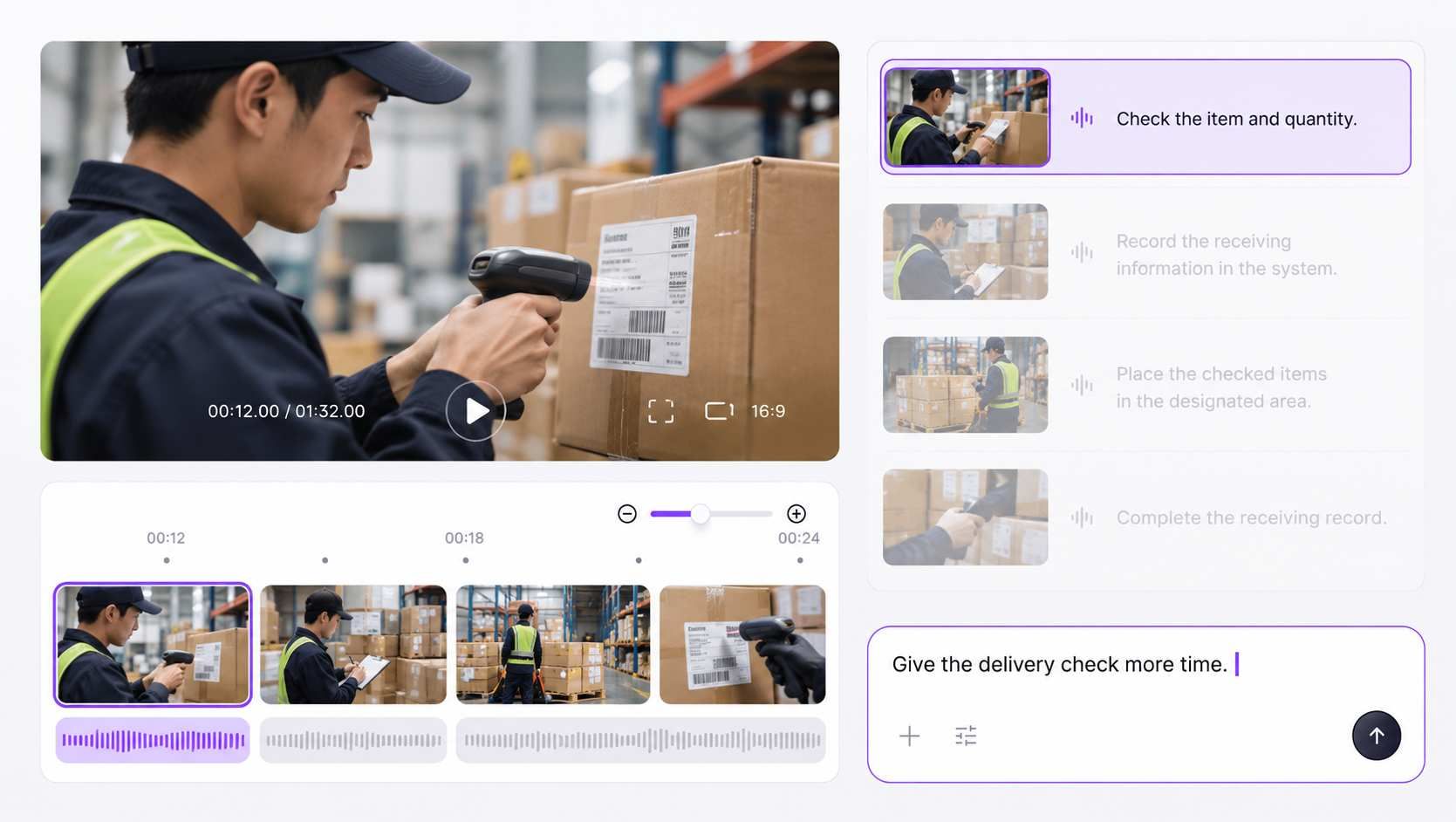
Refine Through Chat
Preview the generated video and tell Medeo what needs changing. Ask it to explain a check more clearly, replace a screenshot, or give an action more time. When the SOP changes, provide the revised instructions and update the affected parts of the video.
Make SOP Training Videos for Everyday Work
Choose a specific task employees need to learn. Build the video around the actions and decisions that matter to that task.
Software and Internal System Procedures
Explain how to enter a request, update a customer record, or submit an expense. Use current screenshots or screen recordings so employees can recognize the fields, buttons, and completion state.
Warehouse and Fulfillment Procedures
Show receiving, picking, packing, or dispatch steps with footage from your workplace. Include the checks required before an item moves to the next stage.
Store and Site Routines
Turn an opening, closing, or shift-handover SOP into a focused walkthrough. Show what staff must prepare, record, and pass to the next person.
Customer Support and Escalations
Explain the approved sequence for handling a request. Use sample cases to show when an agent can continue and when a supervisor or specialist must take over.
Quality and Equipment Procedures
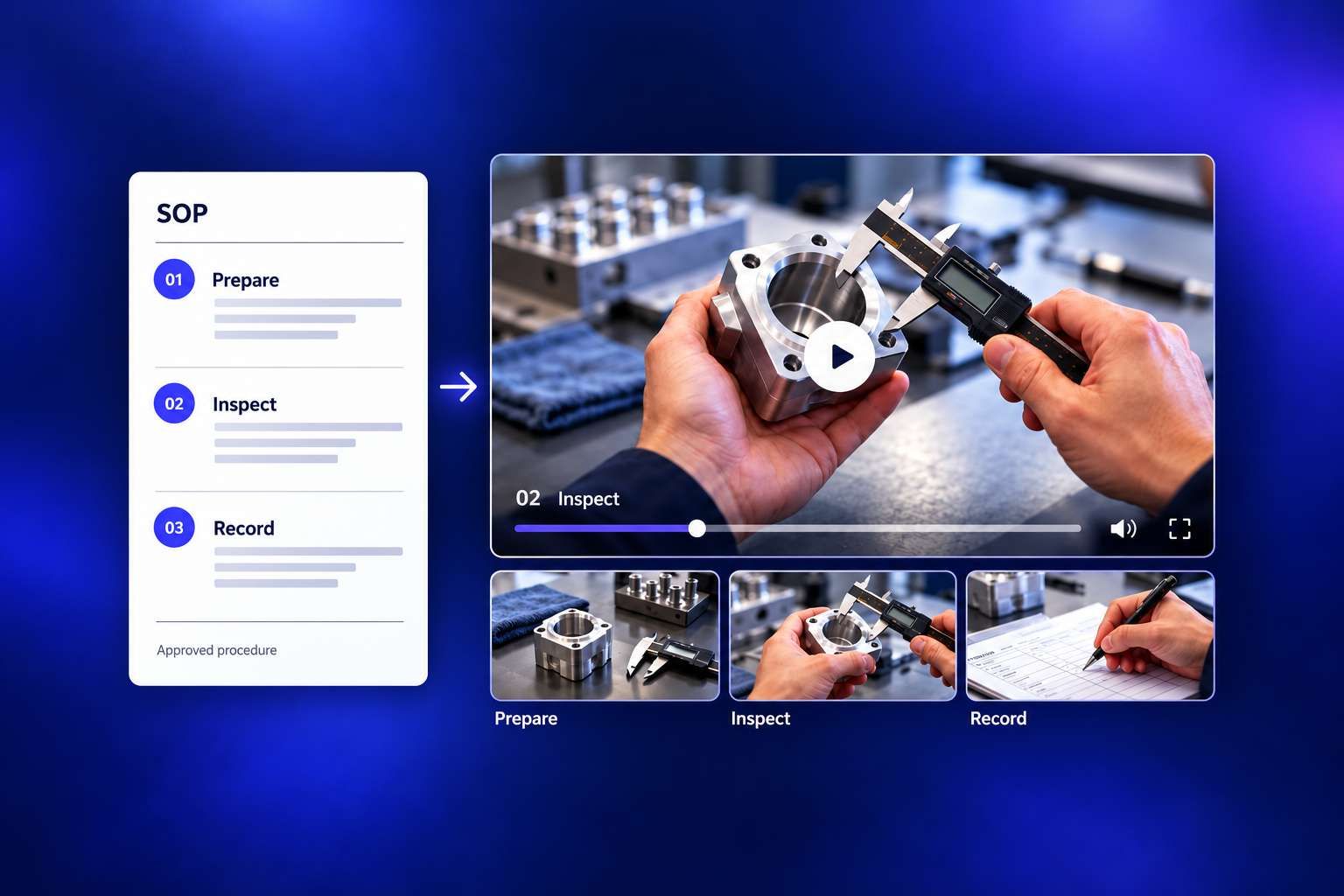
Use approved instructions and real demonstration footage to explain inspections or equipment tasks. Have the process owner verify the actions, limits, warnings, and checks before the video is used for training.
HR and Administrative Procedures
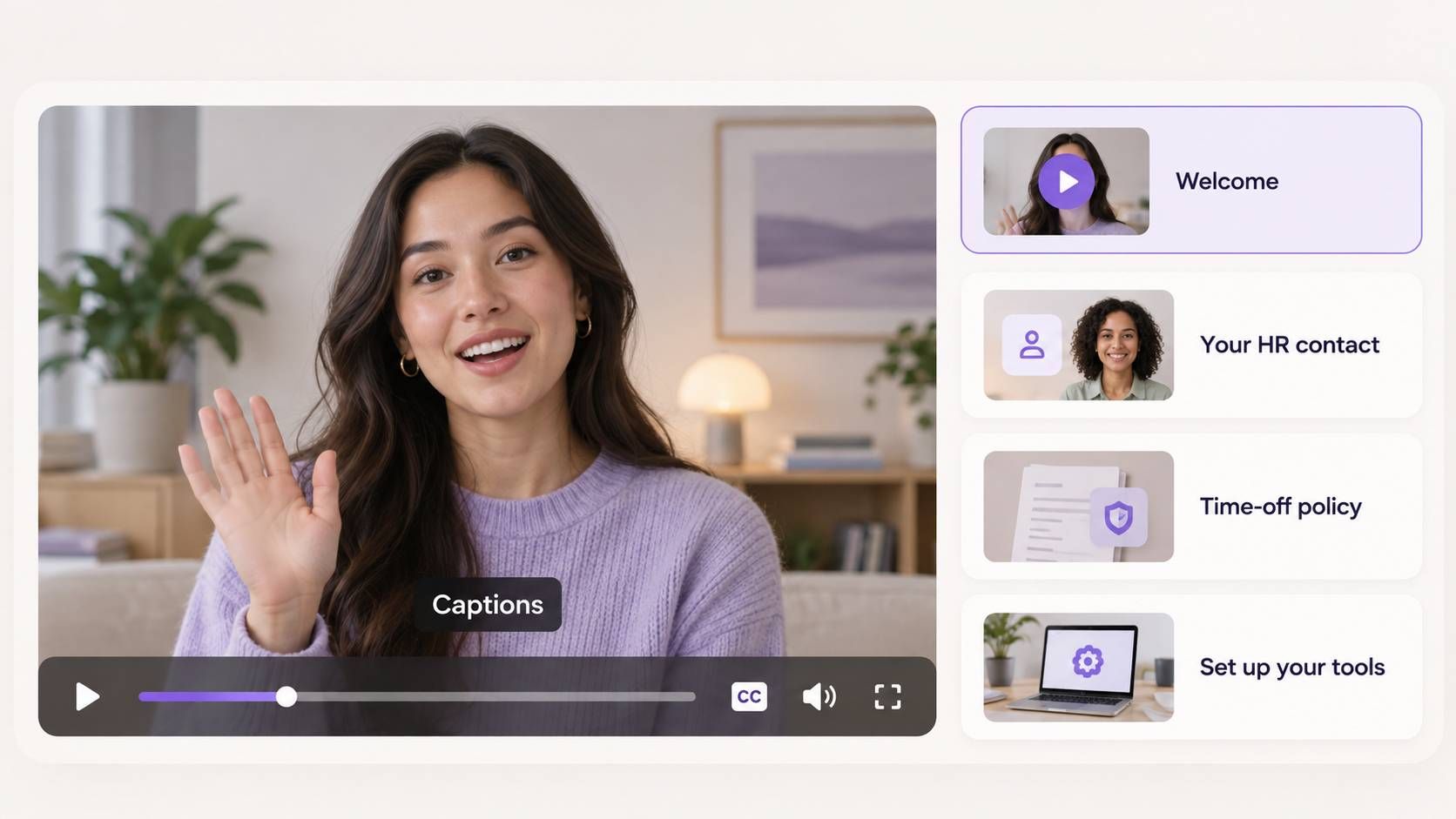
Turn leave requests, onboarding paperwork, or purchase approvals into clear SOP training videos. Show employees what to submit, who reviews it, and how to check that the process is complete.
See How a Written Procedure Becomes a Training SOP Video
Consider a goods-receiving SOP. A paragraph may describe the delivery check, the record to create, and what to do if something does not match. A video can give each part its own moment. This example shows a video structure. Your approved SOP defines the actual checks, records, and exception handling.
Show the Action
Use a real clip of the delivery check alongside a short instruction: “Compare the delivery with the purchase order.” Keep document details readable.
Show the Expected Result
Add a screenshot of a correctly completed receiving record. Explain which fields the employee must confirm, using the requirements in your approved procedure.
Show the Exception
Explain the approved response to a mismatch. Name the responsible role and show the required next action. Use the wording from your SOP for any instruction that must remain exact.
How to Turn an SOP Into a Video With Medeo
Step 1
Choose One Procedure and Its Audience
Use the current approved SOP. Identify the employee role, the task, and what successful completion looks like. For a long procedure, choose one logical stage for the first video.
Step 2
Add the Text and Supporting Visuals
Paste the relevant SOP text into Medeo and upload available screenshots, photos, or clips. Identify required steps, exact wording, warnings, and exceptions. Tell Medeo which visuals belong to each action.
Step 3
Generate and Refine the SOP Video
Ask Medeo to create a step-by-step video with narration and captions. Review the draft, then use chat or timeline controls to adjust the scenes, timing, text, and audio. Give important actions enough time to be understood.
Step 4
Check Against the SOP and Export
Have the process owner compare the video with the approved source. Check the sequence, responsibilities, warnings, exception handling, and final result. Export the reviewed video in 16:9 or 9:16 for your intended viewing setting.