YouTube Intro Maker for Your Channel’s Signature Opening
Create an intro with your channel name, logo, and music. Describe the opening you want and add photos or clips. Medeo brings the visuals and sound together into a video you can use across your YouTube uploads.
Powered by world-class AI models


Turn Your Idea Into a YouTube Intro
Start with a simple idea, such as a logo reveal, a few channel highlights, or an animated opening. Tell Medeo what should appear and how it should feel. It develops the scene sequence, generates visuals where needed, and combines them with your footage, music, and any narration.
Make a YouTube Intro With Your Own Style
Start with your channel idea and let Medeo handle the video production. Choose the visuals and sound that fit your content, then guide the result through chat.
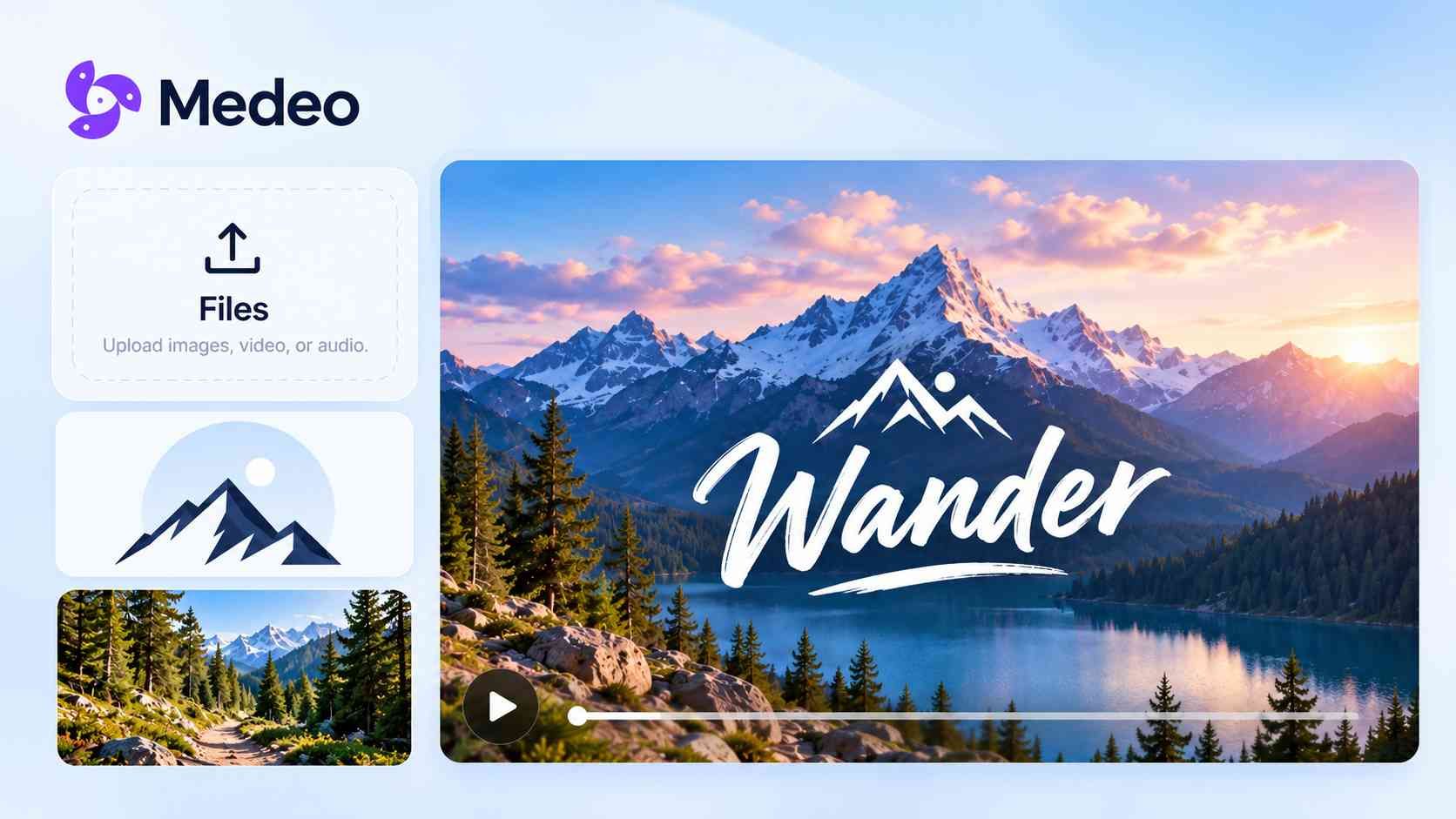
Start With an Idea, Image or File
You do not need a finished script to begin. Describe your channel and the opening you imagine. For example, ask for fresh ingredients, a finished dish, and your cooking channel’s name. Medeo develops those details into a video sequence.
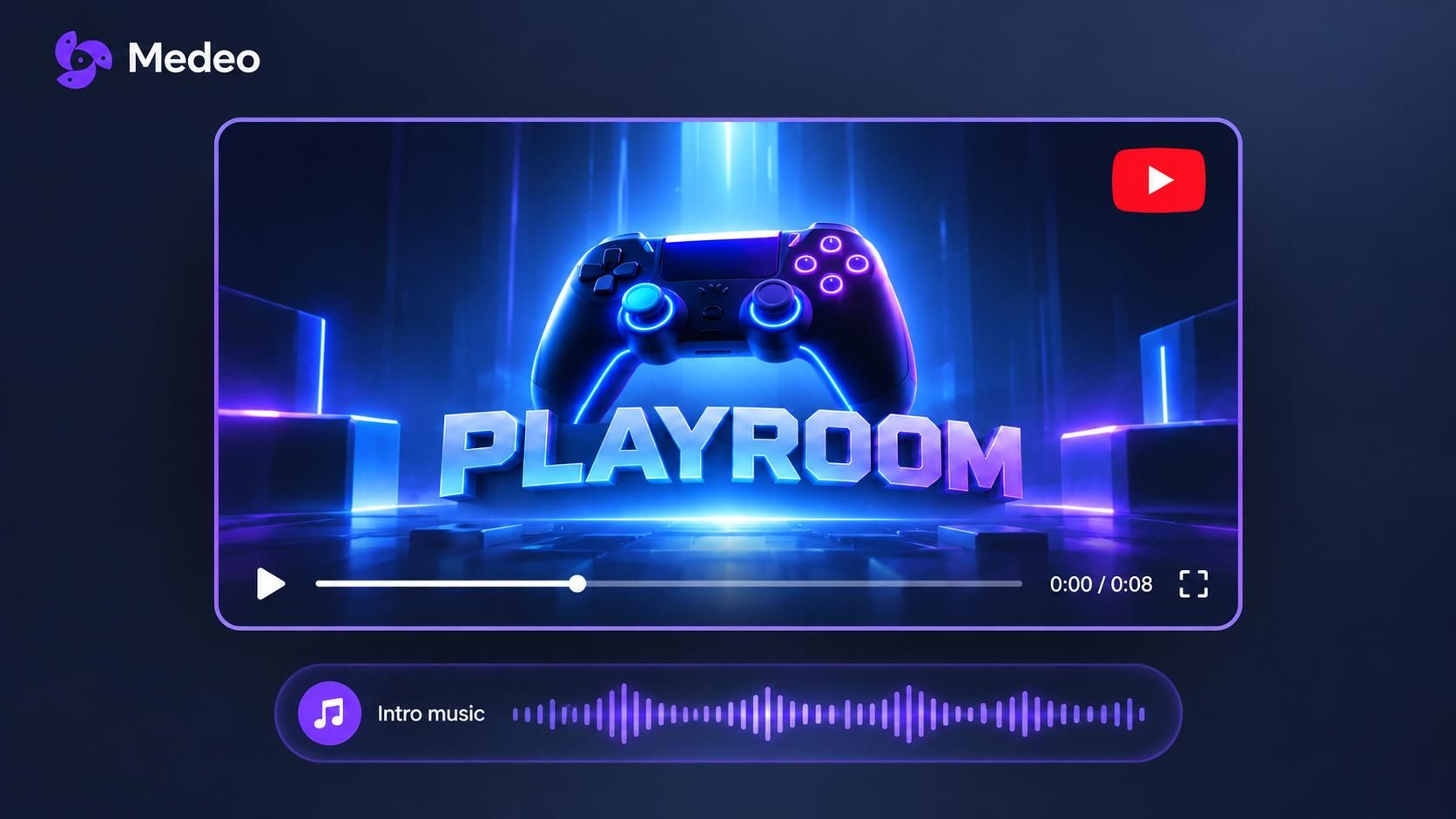
Create the Visuals and Sound Together
Ask for generated scenes and music, or include footage and audio you already have. Medeo assembles them in one project, so you can preview the complete intro with its visuals, timing, and sound.
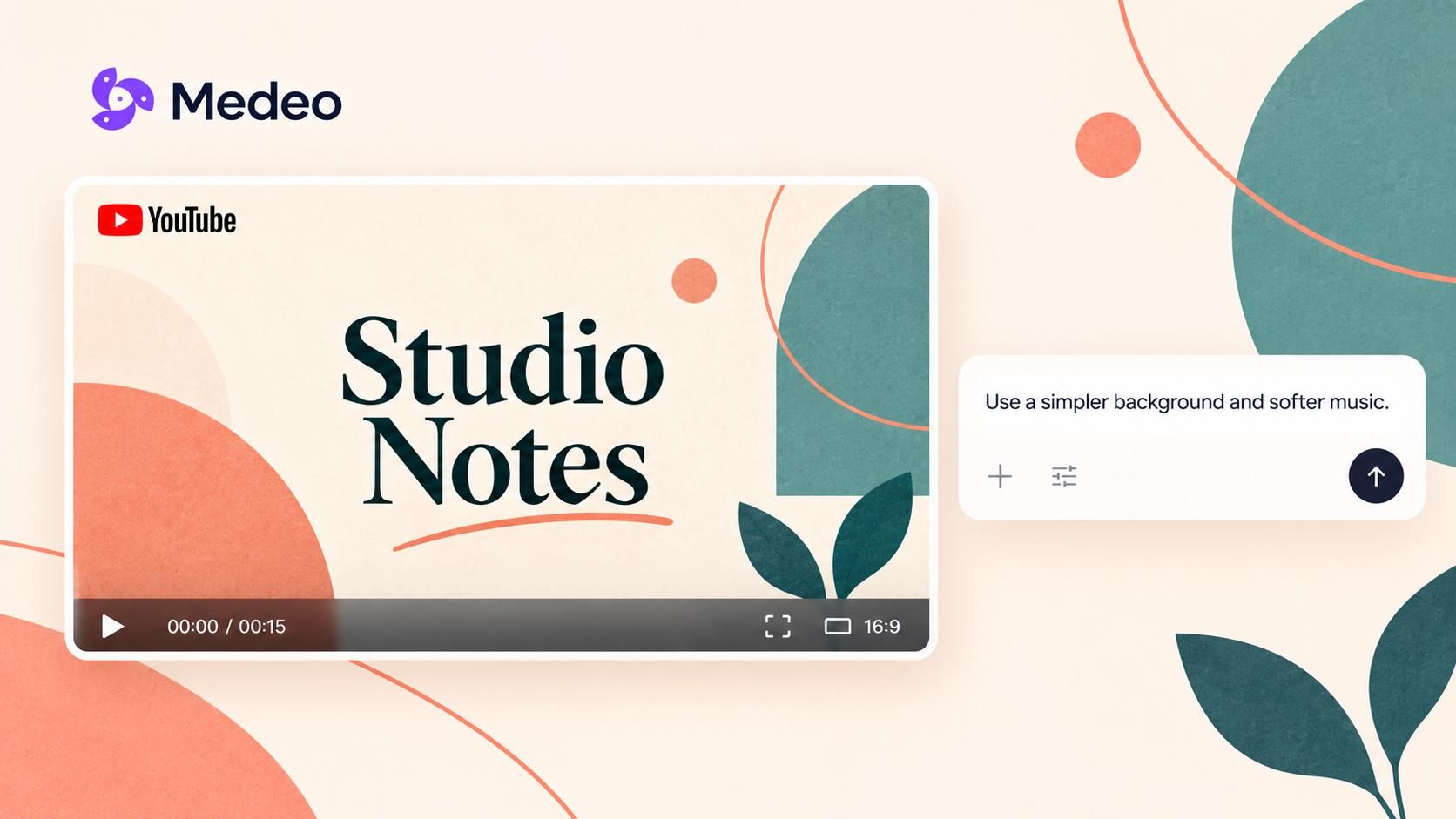
Refine the Result Through Chat
Watch the generated intro and tell Medeo what would suit your channel better. Ask for a simpler background, a softer soundtrack, or a shorter opening. Check your logo and on-screen wording before downloading.
YouTube Intros You Can Make With Medeo
Choose an opening that fits your content. Use your own channel visuals or describe a new scene for Medeo to generate.
Logo Reveals
Give your logo a focused moment on screen. Upload it and describe the reveal you want, such as a soft glow or a bold entrance with a short musical cue.
Channel Name Openers
Make your channel name the main feature. Choose a simple background or a scene related to your topic, then ask Medeo to introduce the name with movement and music.
Highlight Montages
Bring together moments that represent your channel. Use cooking clips, travel footage, gameplay, or finished projects to create a short introduction to what you make.
Animated Openings
Describe an animated world that matches your content. Try an illustrated kitchen, a neon gaming scene, or a moving travel map. Add your channel name and a soundtrack that fits.
Cinematic Intros
Open with an atmospheric scene, such as a mountain sunrise or a slow close-up of your latest creation. Ask Medeo for the camera movement, lighting, and music that set the mood for your videos.
Personal Welcome Intros
Introduce the person behind the channel. Upload a short welcome clip or a recorded greeting, then add your name and supporting visuals. Medeo brings them together into an opening that feels familiar to your viewers.
How to Make a YouTube Intro With Medeo
Share your idea, preview the generated opening, and download the intro for your next video.
Step 1
Describe Your Opening
Share your channel name, preferred style, and approximate length. Upload any logo, images, clips, or audio you want included.
Step 2
Generate Your Intro
Medeo develops the scenes and brings the visuals and sound together. Preview the result, then request any changes through chat.
Step 3
Download for YouTube
Export in 16:9 for a standard YouTube video, with output up to 1080p. Add the intro to your main video and save the clip for future uploads.