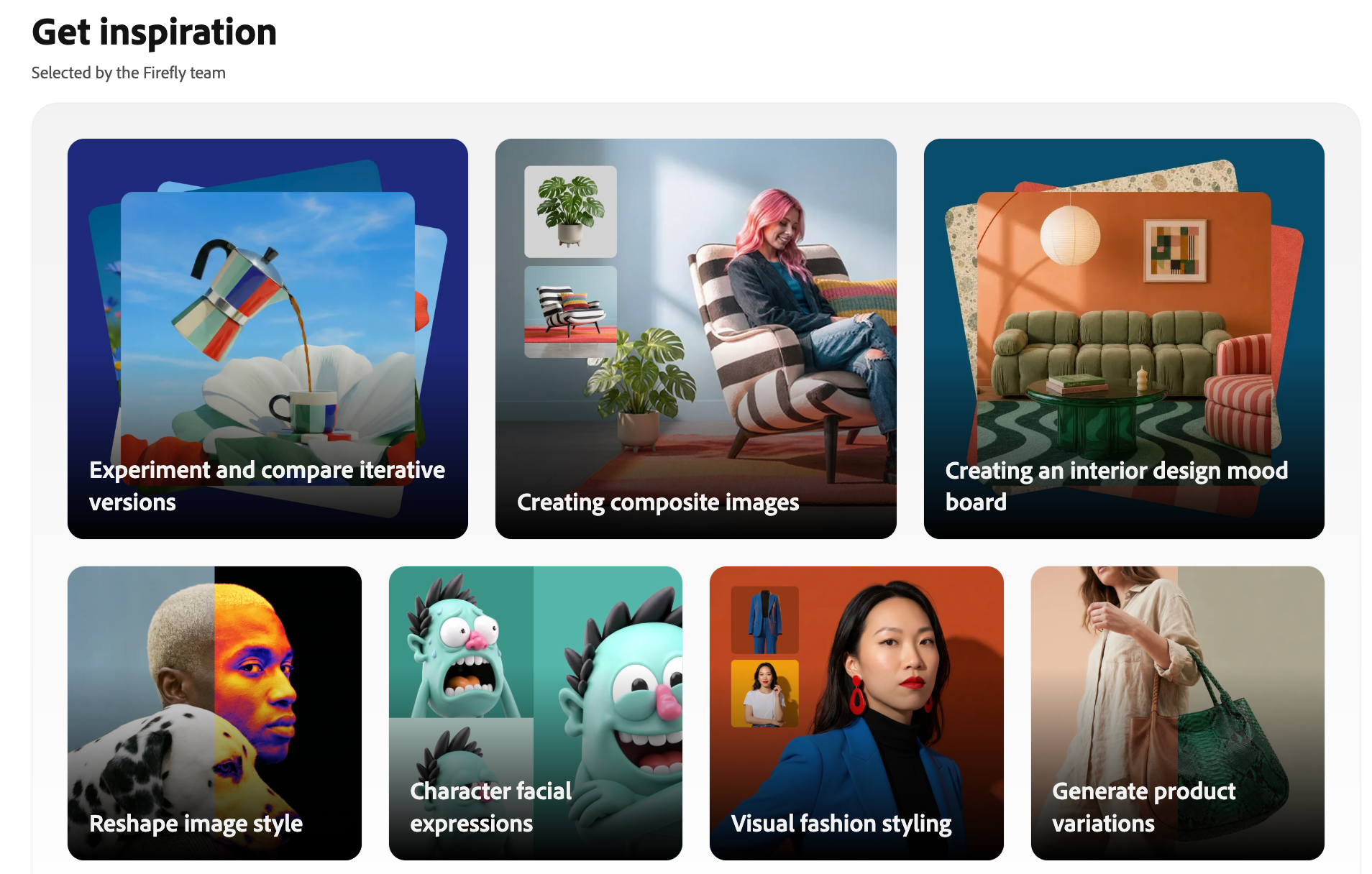
Adobe Firefly Video feels different from many AI video tools.
A lot of AI video platforms compete on speed, realism, shock value, or cinematic motion. Firefly’s pitch is more controlled: generate video inside a familiar creative ecosystem, use tools that connect with Adobe workflows, and create assets with a stronger emphasis on commercial safety.
That positioning makes sense. Adobe is not only speaking to casual creators who want a fun clip for social media. It is speaking to designers, editors, marketers, agencies, and creative teams that already use Photoshop, Premiere Pro, Adobe Express, or other Creative Cloud tools.
So Adobe Firefly Video is not just another “type a prompt and get a clip” product. It is Adobe’s attempt to make AI video feel usable inside professional creative work.
That is its biggest strength. It is also where some creators may start to feel its limits.
What Is Adobe Firefly Video?
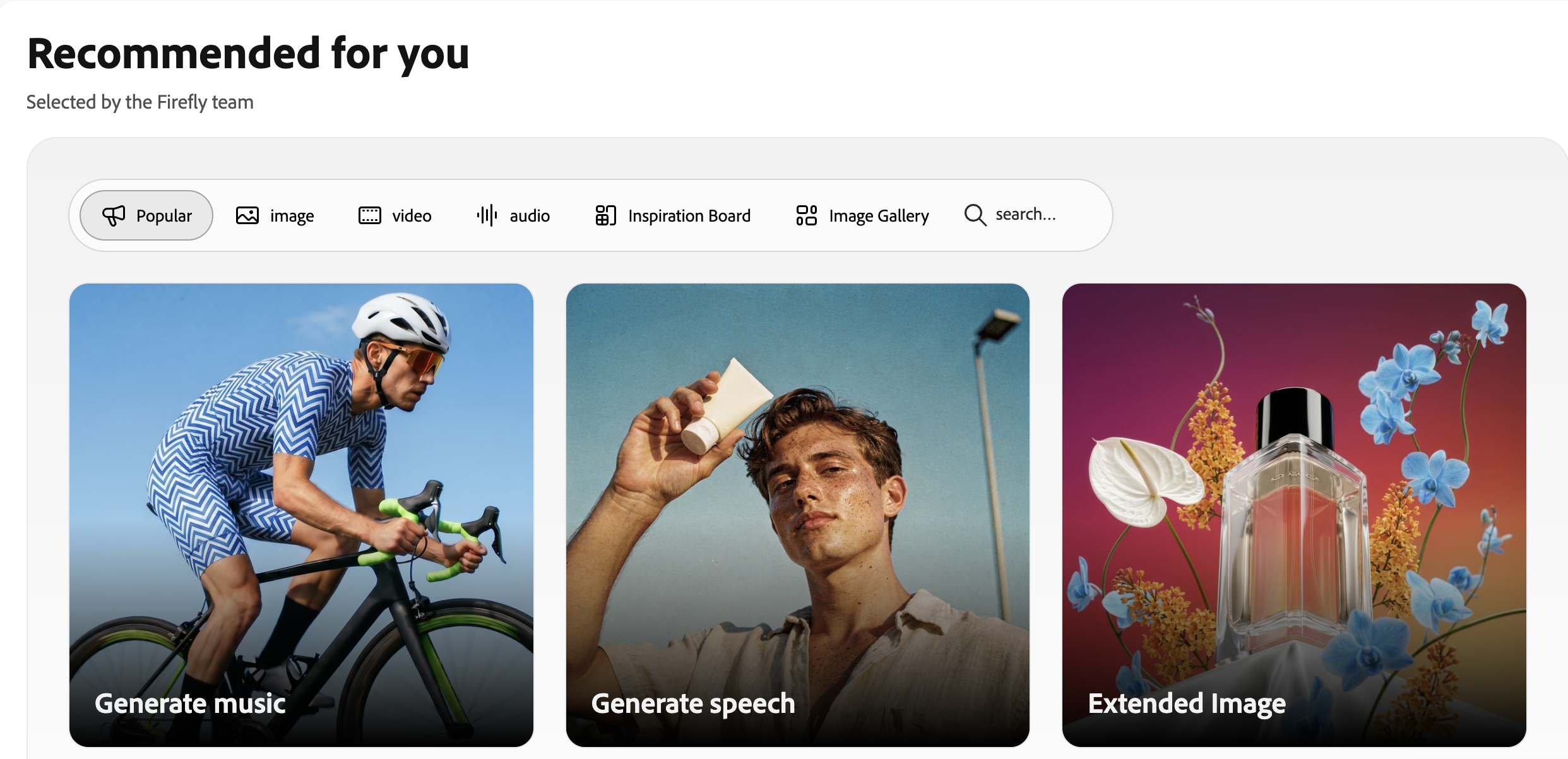
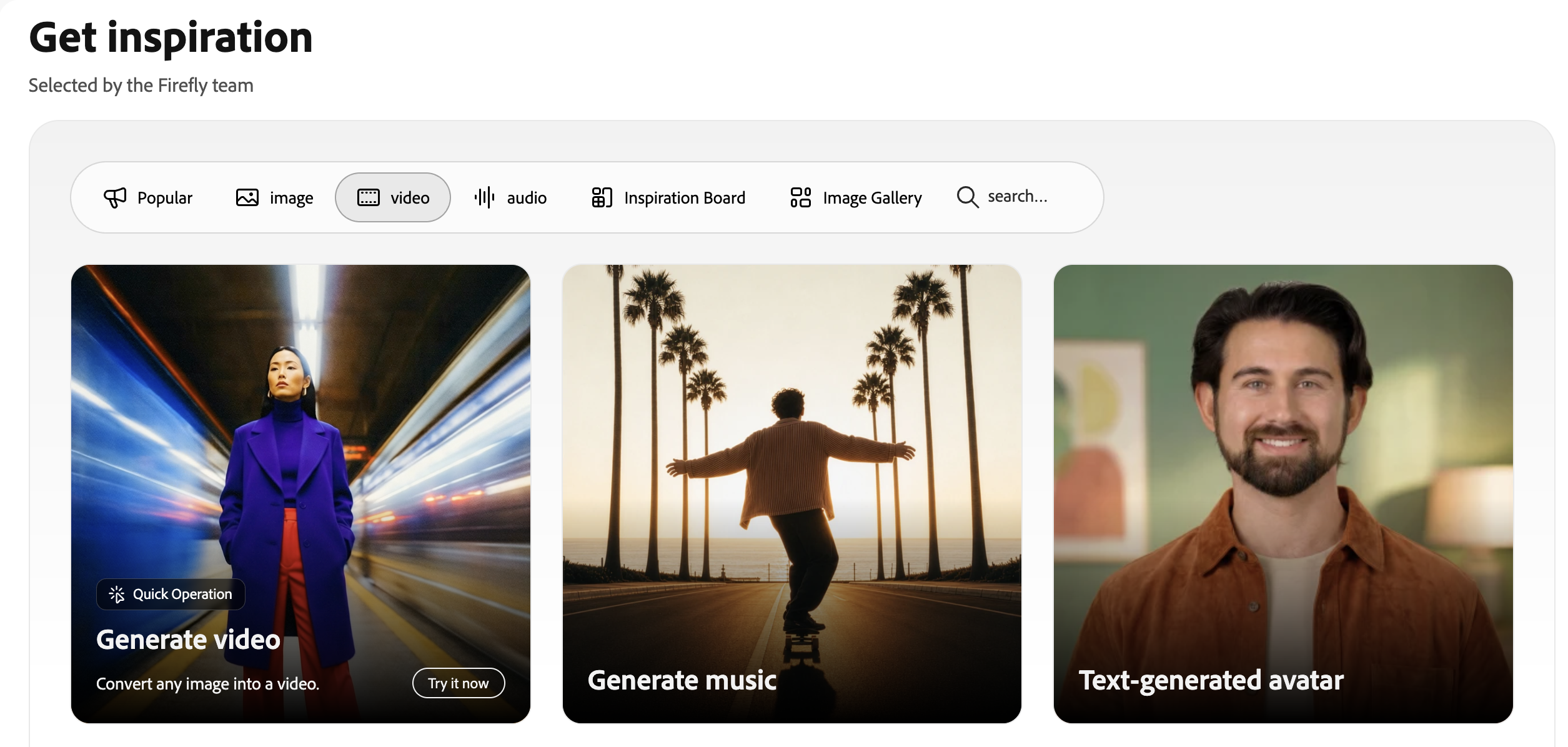
Adobe Firefly Video is Adobe’s AI video generation and editing experience. It supports workflows such as text-to-video, image-to-video, video-to-video, generated B-roll, sound effects, voiceovers, and timeline-based editing inside Firefly.
The core idea is simple: creators can describe the clip they want, start from an image, or use AI-generated media as part of a larger video project. Adobe also emphasizes camera control, reference images, editing continuity, and commercial safety.
That last part matters. Firefly has always leaned heavily into the idea that its generative models are designed for professional use. For brands, agencies, and enterprise teams, that can be more important than chasing the most experimental output. Adobe Firefly Video is best understood as an AI-assisted creative production tool, not just a viral video generator.
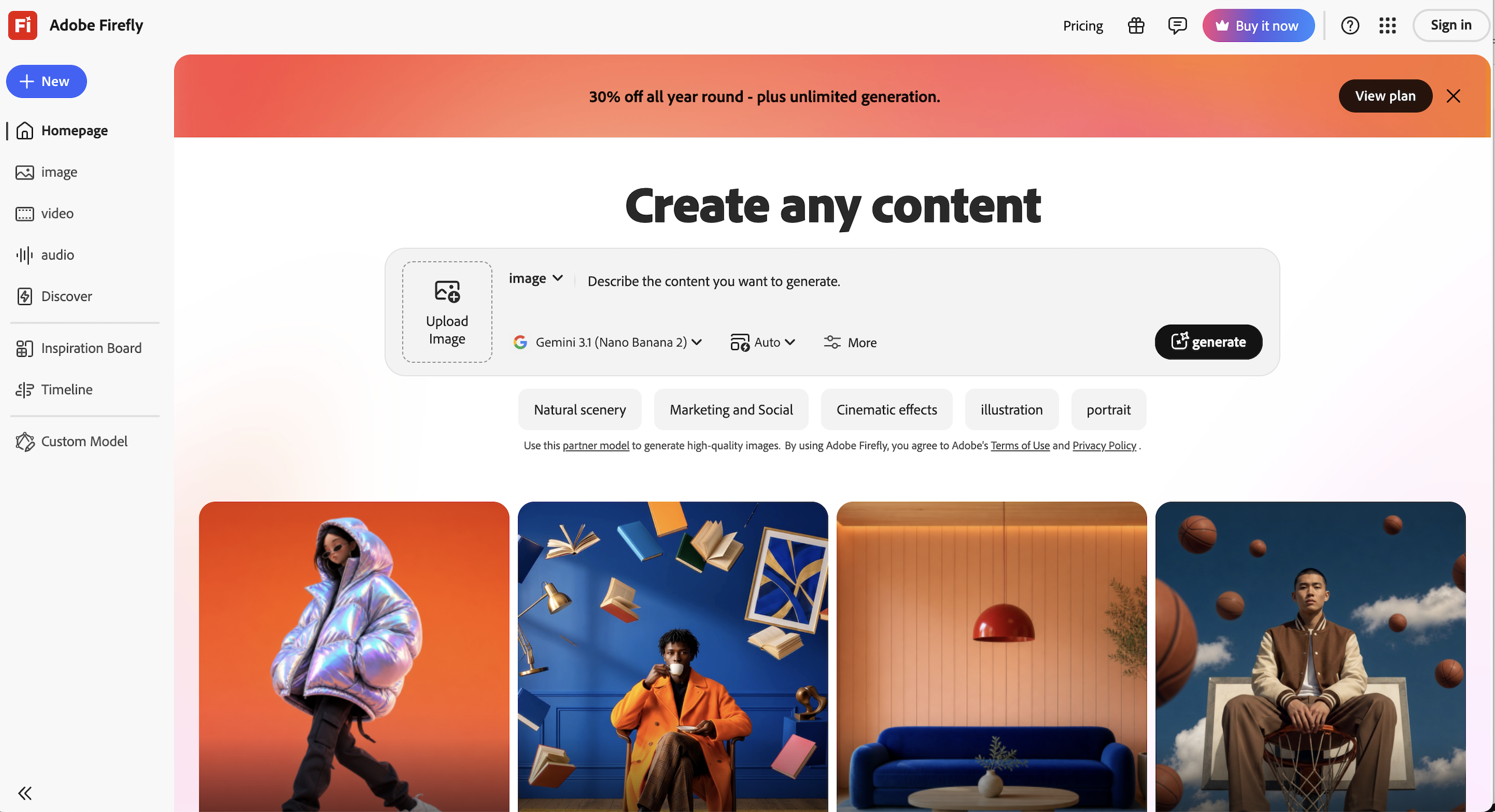
Where Adobe Firefly Video Works Well
Firefly Video is strongest when you already think like an editor or designer.
If you need B-roll, visual transitions, atmospheric clips, product-style inserts, background motion, or visual material to support a larger edit, Firefly can be useful. It fits naturally into a workflow where the creator already has a project, a direction, and maybe other Adobe assets.
It is also useful for people who care about polish. Adobe’s interface and product philosophy tend to favor controlled creation over chaotic experimentation. That makes Firefly feel more professional and less random than some AI video tools.
Another major advantage is ecosystem fit. If your team already works inside Adobe tools, Firefly Video can feel like an extension of what you already know. You can generate, refine, and use assets without constantly jumping between unrelated apps.
For agencies and brand teams, that kind of workflow continuity matters.
Why Creators Look for Adobe Firefly Video Alternatives
The reason creators look for Firefly alternatives is usually not that Firefly is bad. It is that Firefly is built around a certain kind of creator.
If you are a professional editor, designer, or Adobe user, Firefly makes a lot of sense. But if you are a social creator, ecommerce team, startup marketer, or solo creator trying to turn ideas into videos quickly, the Adobe workflow can sometimes feel heavier than necessary.
Many creators do not start with a full editing project. They start with something simpler:
a product photo
a landing pag
a scrip
a social tren
a promp
a campaign ide
an AI imag
a rough video concept
They do not always need a professional creative suite. They need a fast way to turn that starting point into a usable video. That is where Medeo fits more naturally.
Where Medeo Fits In
Medeo is useful when the video starts before the editing stage.
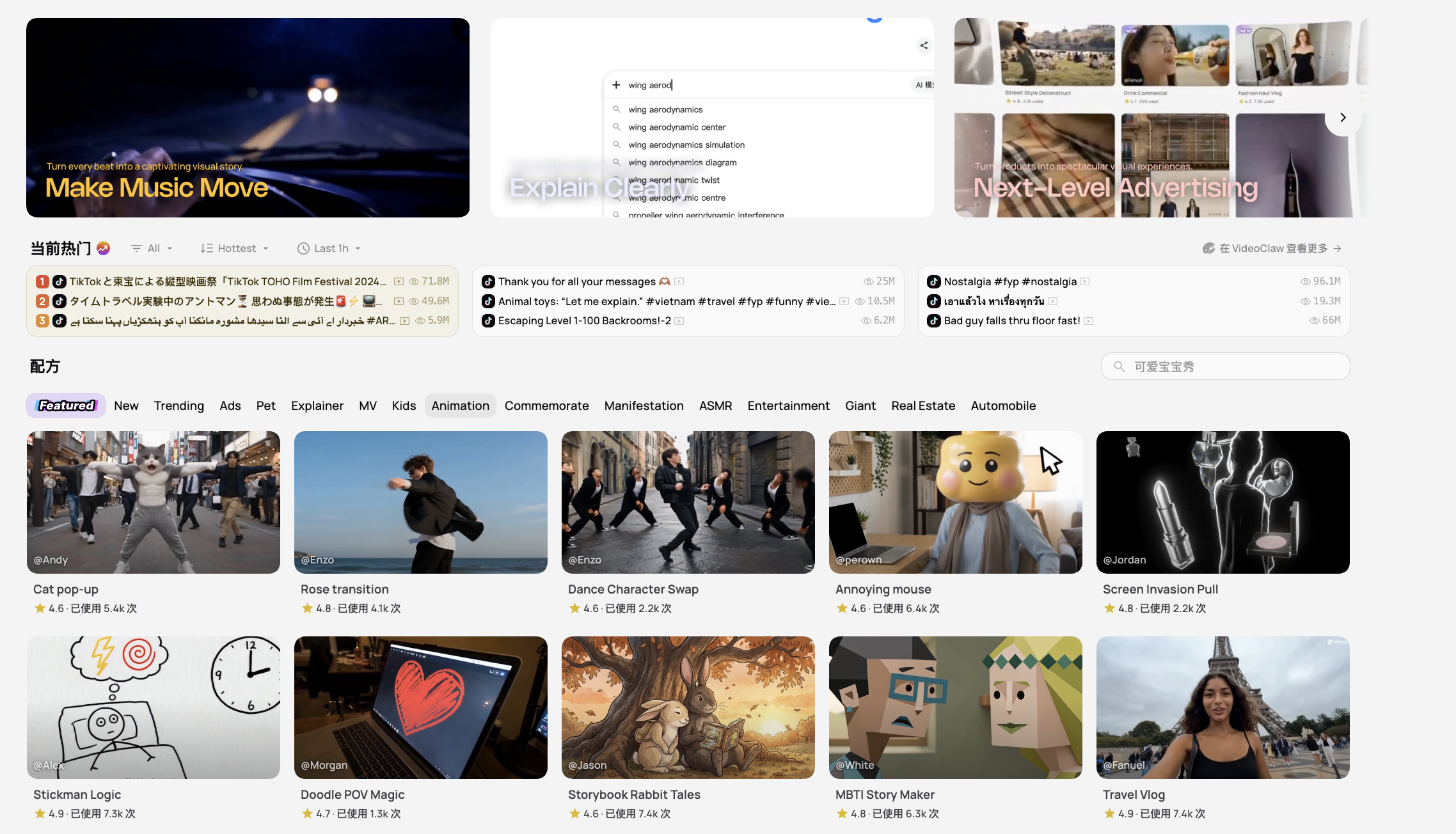
Instead of assuming you already have a timeline or a production workflow, Medeo lets you begin with the source material you actually have. A script can become a video draft. A product image can become motion. A text prompt can become a scene. A product page can become a marketing video direction.
For creators who care about polished visual output, Medeo’s AI video upscaler can help improve generated clips before they are used in campaigns, social posts, or client-facing projects; For avatar-led explainers or training-style videos, Medeo’s talking avatar workflow offers another route when the content needs a presenter rather than purely generated B-roll; For creators working with audio, dialogue, or translated character content, Medeo’s lip sync tool can help match speech to faces and make AI videos feel more complete; And for creators who want to compare model-driven video generation beyond Adobe’s ecosystem, Medeo’s Veo 3.1 page is a useful place to explore cinematic prompt and image-based video creation.
The difference is subtle but important. Adobe Firefly Video feels strongest when AI supports a creative production environment. Medeo feels stronger when AI helps turn loose inputs into video outputs.
Adobe Firefly Video for Professional Creative Teams
Firefly Video is probably most appealing to teams that already care about brand safety, production standards, and Adobe integration.
A creative agency might use it to generate B-roll ideas. A video editor might use it to fill visual gaps. A designer might create a concept image and then animate it. A brand team might use Firefly because they want AI tools that feel safer for commercial work.
This is where Adobe has a clear advantage. Firefly is not trying to be the wildest AI video tool on the internet. It is trying to be useful for real creative departments.
For that audience, being controlled is not a weakness. It is the point.

Medeo for Faster Multi-Format Creation
Medeo is better suited for creators who need to move across formats quickly.
A marketer may need a product video today, an image-to-video clip tomorrow, a script-based explainer next week, and a short social ad after that. A creator may want to test several video models, generate from images, build social-first content, or turn ideas into short clips without setting up a full editing workflow.
That kind of work is less about building a polished production environment and more about making video creation repeatable.
Medeo is useful because it does not force one starting point. The project can begin with text, image, product, script, model, or concept. For modern content teams, that flexibility is often more valuable than having one perfect editing surface.
Adobe Firefly Video Pricing: What to Consider
Adobe Firefly pricing and credits can change, especially as Adobe adds more models and video tools. Some Firefly access is tied to Adobe plans, generative credits, and specific product surfaces.
The important thing is to compare pricing based on your real workflow.
If you already pay for Adobe Creative Cloud and need AI-generated assets inside an Adobe production process, Firefly may be a natural addition. If you mainly need quick AI videos for social media, ecommerce, or marketing experiments, a more direct platform may feel easier to justify.
With AI video, the cost is not only the subscription. It is also the time spent moving between tools, rewriting prompts, regenerating clips, editing outputs, and turning generations into publishable videos.
Who Should Use Adobe Firefly Video?
Adobe Firefly Video is a good fit for creators who already work inside Adobe’s ecosystem. It is also useful for agencies, brand teams, designers, editors, and businesses that care about commercial safety and polished production workflows.
It makes the most sense when AI video is part of a larger creative process.
If you are already editing, designing, generating assets, and assembling campaigns inside Adobe tools, Firefly Video can feel like a natural extension.
Who Should Consider Medeo Instead?
Medeo is a better fit when the goal is faster, more flexible AI video creation.
If your work includes product videos, image-to-video clips, script-to-video, social content, AI model testing, or video generation from different source materials, Medeo may feel more direct.
It is especially useful for creators and marketers who do not want every project to begin inside a professional editing workflow. Sometimes the goal is not to build a full production pipeline. Sometimes the goal is simply to turn an idea or asset into a strong video quickly.
Final Take
Adobe Firefly Video is polished, thoughtful, and clearly built for serious creative users. Its biggest strength is trust: commercial safety, Adobe ecosystem integration, and a workflow that feels familiar to professionals.
But not every creator needs the Adobe way of making video.
Some creators need speed. Some need product videos. Some need image-to-video. Some need scripts turned into clips. Some need social content in different formats. For that kind of flexible AI video creation, Medeo is a stronger fit.
Use Adobe Firefly Video when AI needs to support a professional Adobe production workflow.
Use Medeo when you want to turn ideas, images, scripts, and products into videos more directly.
FAQ
What is Adobe Firefly Video?
Adobe Firefly Video is Adobe’s AI video generation and editing experience. It supports workflows such as text-to-video, image-to-video, video-to-video, generated B-roll, sound effects, and AI-assisted video editing.
Is Adobe Firefly Video good?
Yes. Adobe Firefly Video is especially good for creators who want polished AI video generation inside a professional creative workflow. It is strongest for Adobe users, agencies, designers, editors, and brand teams.
What is Adobe Firefly Video best for?
Adobe Firefly Video is best for B-roll generation, visual concepts, image-to-video, video style transformation, production support, storyboards, short clips, and Adobe-connected creative workflows.
What is the best Adobe Firefly Video alternative?
Medeo is a strong Adobe Firefly Video alternative if you want a more flexible AI video workflow for text-to-video, image-to-video, script-to-video, product videos, and social content.
Is Medeo better than Adobe Firefly Video?
Medeo is better if you need quick, flexible AI video creation from different inputs. Adobe Firefly Video is better if you already work inside Adobe’s creative ecosystem and want AI video generation as part of that production environment.
Can Medeo create image-to-video content?
Yes. Medeo can turn product photos, portraits, AI images, campaign visuals, and other still images into video clips.
Can Medeo create product videos?
Yes. Medeo’s product video generator is designed for ecommerce, ads, landing pages, social posts, and marketing campaigns.
Why do creators look for Adobe Firefly Video alternatives?
Creators often look for alternatives when they want faster workflows, different video models, product-focused video tools, script-to-video generation, social-ready formats, or a simpler way to turn ideas into videos.
Should I use Adobe Firefly Video or Medeo?
Use Adobe Firefly Video if you already work inside Adobe tools and want AI-generated assets for a professional creative workflow. Use Medeo if you want flexible AI video creation from prompts, images, scripts, products, and social content ideas.