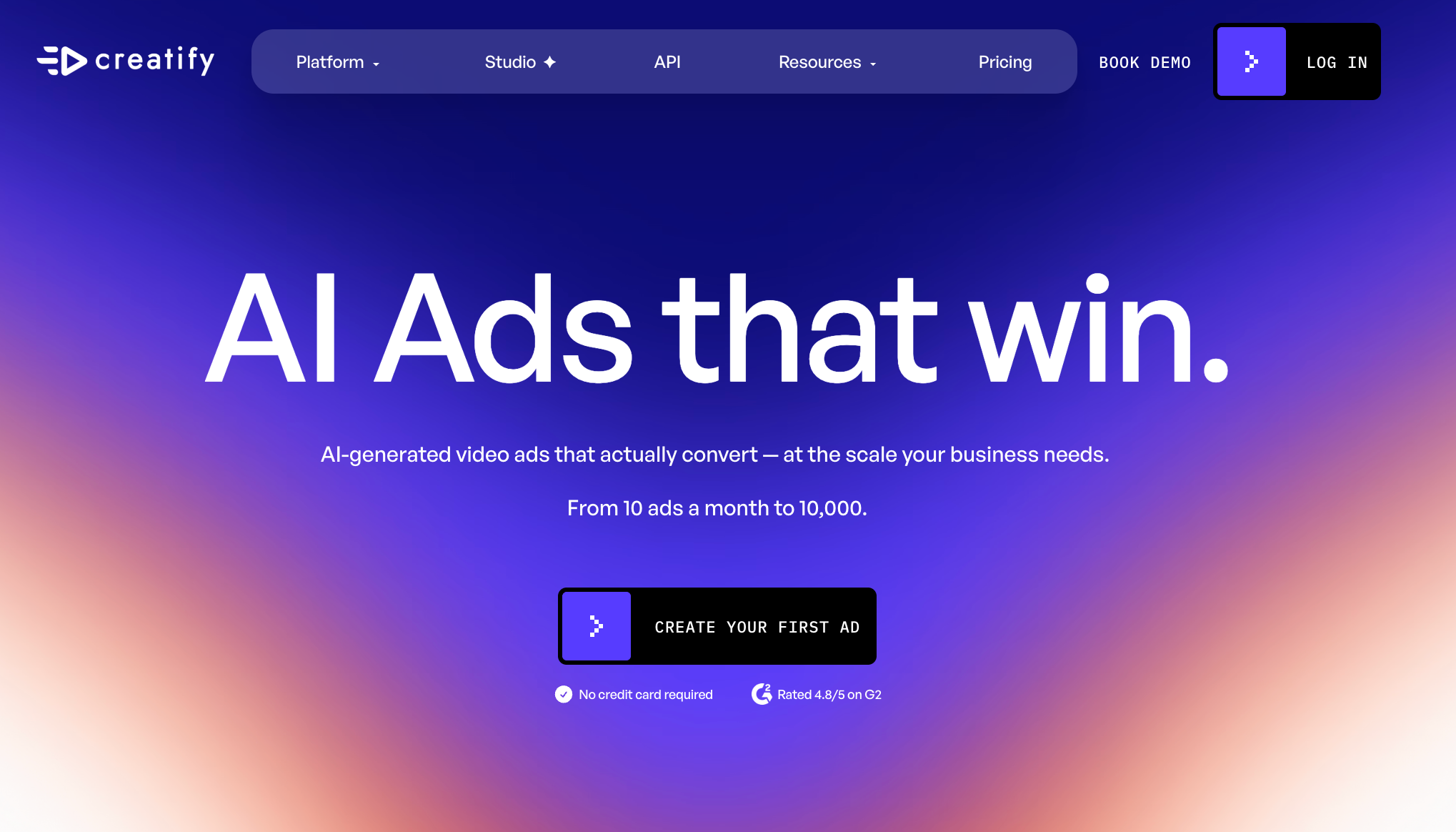
Creatify AI has become one of the more visible AI video ad tools for ecommerce brands, agencies, dropshippers, app marketers, and performance teams. Its promise is simple: paste a product URL, generate video ad variations, and move faster from product page to publishable creative.
That is a strong pitch, especially for teams that need lots of short-form ad concepts for TikTok, Instagram, Facebook, YouTube Shorts, Snapchat, or app install campaigns. Instead of starting with a blank editor, Creatify tries to automate the early creative work: script, avatar, product angle, layout, and ad format.
But after looking at Creatify more closely, I would describe it as an AI ad production tool first, not a general AI video creation workspace. That distinction matters. If your goal is to make product ads quickly, Creatify makes sense. If your goal is to create many kinds of AI videos, test different models, build cinematic scenes, animate images, or produce broader social content, you may want something more flexible, such as Medeo.
What Is Creatify AI?
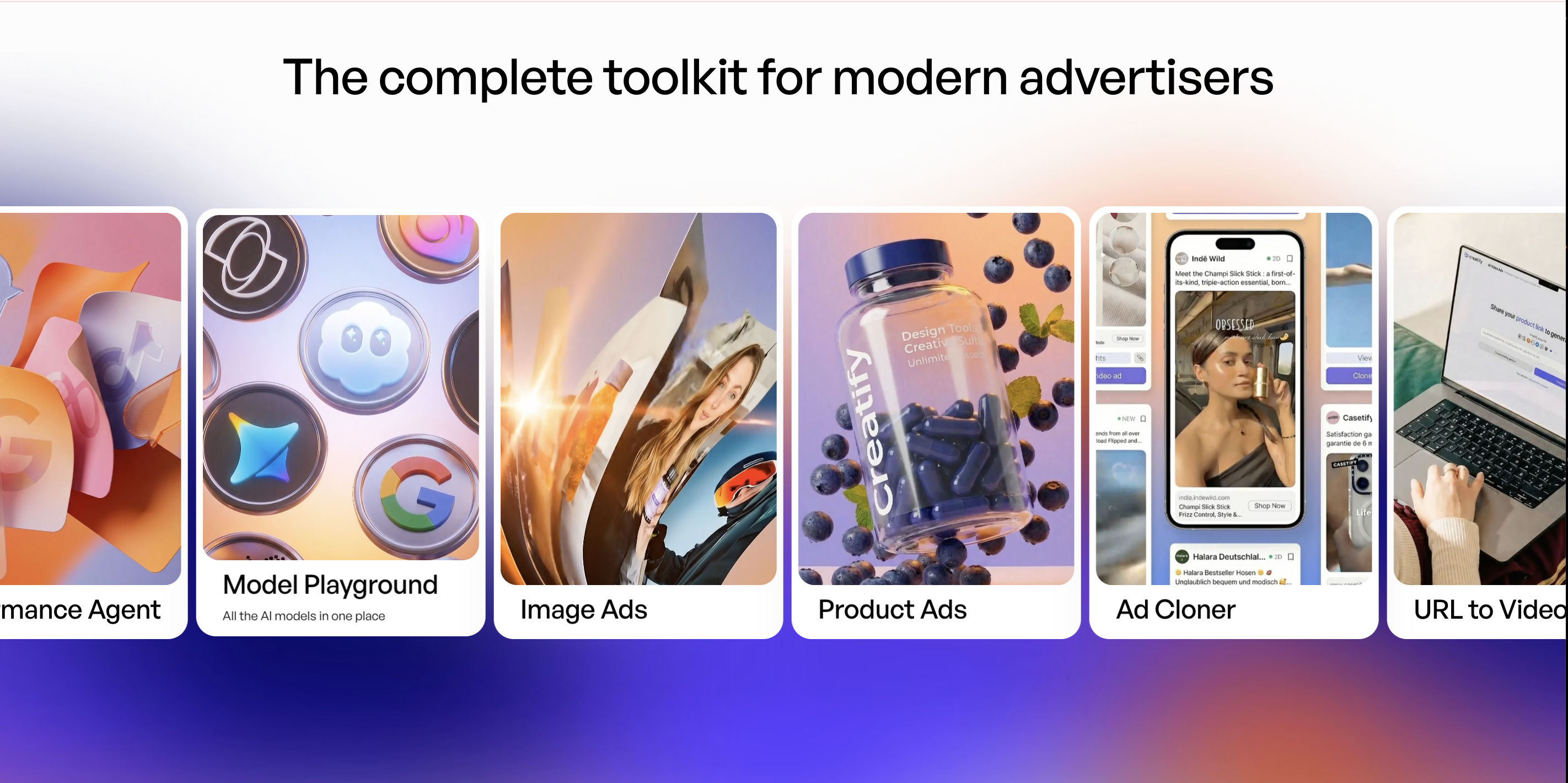
Creatify AI is an AI ad generator designed to help marketers create video ads from URLs, scripts, images, avatars, and product assets. Its official site positions it as an AI ad platform built for performance, with tools such as URL to Video, Creative Agent, Avatar Video, Ad Flow, Performance Agent, Model Playground, Image Ads, Product Ads, and Ad Cloner.
The most important thing to understand is that Creatify is built around advertising. It is not just asking, “What video do you want to create?” It is usually asking, “What product are you selling, what angle should the ad take, and how can this creative be turned into campaign-ready variations?”
That makes Creatify especially useful for ecommerce sellers, DTC brands, agencies, and marketers who already know they want ad creatives.
Creatify AI Features That Stand Out
URL to Video
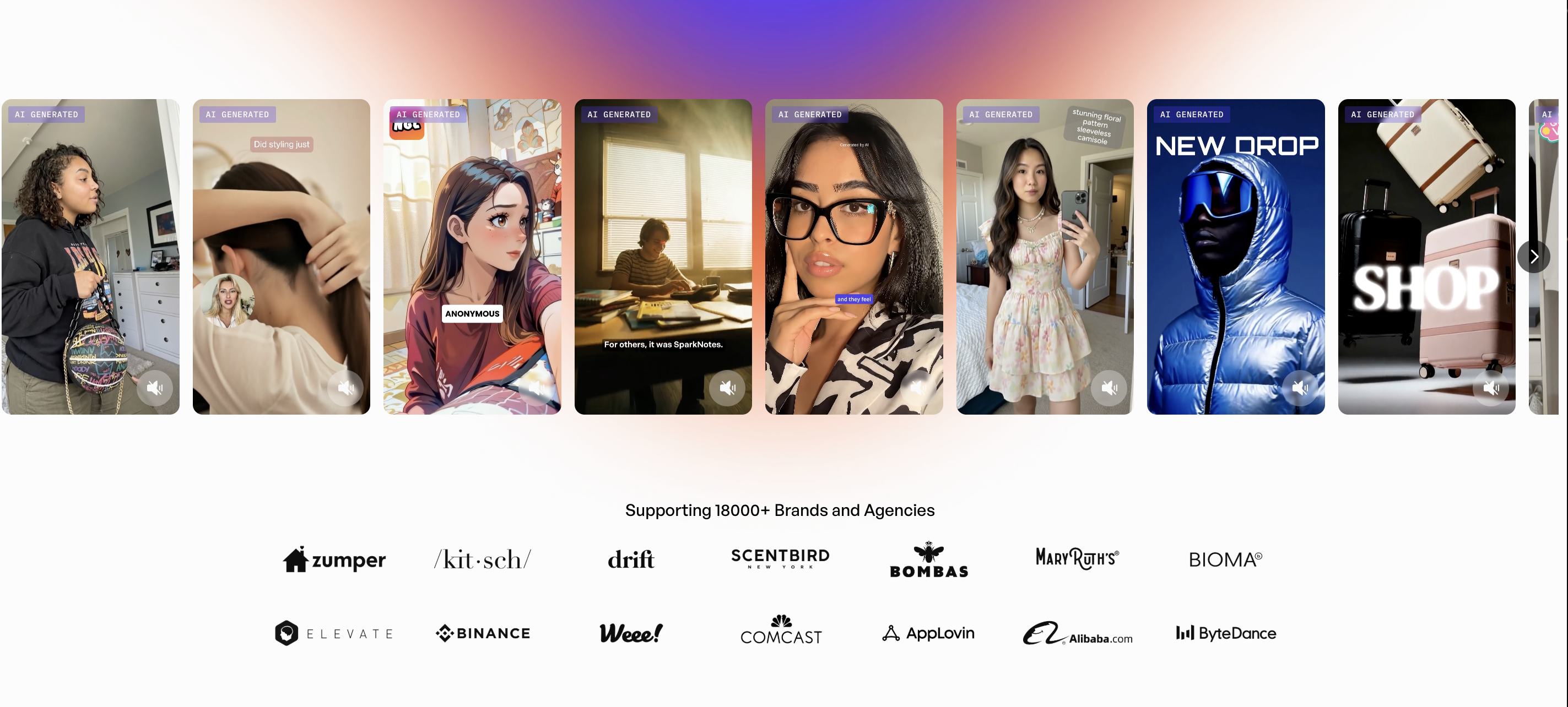
This is probably Creatify’s clearest feature. You paste a product link, and the platform turns the page into a video ad concept. For ecommerce teams, this removes a lot of friction. Instead of manually writing a product script, choosing scenes, and building a first draft, Creatify can generate a starting point from the page itself.
This works best when the product page is already clear: strong images, obvious benefits, clean description, and a simple value proposition. If the product page is messy or vague, the generated ad may also need more editing.
AI Avatar Video
Creatify also supports AI avatar videos, which are useful for UGC-style ads, product explainers, app promos, and social campaigns. Avatar videos can make an ad feel more human without requiring a real shoot.
This is a good fit for brands that want spokesperson-style content at scale. The limitation is that avatar ads can start to feel formulaic if every brand uses the same structure: hook, product pitch, benefit list, call to action. The quality depends heavily on script, pacing, voice, and how natural the avatar feels.
Ad Flow and Templates
Creatify includes ad templates and workflow tools for building ads faster. This is helpful for teams that care about repeatability. If you are producing many variations for paid social, templates can save time and keep formats consistent.
The tradeoff is creative sameness. Templates are efficient, but they can also push you toward familiar ad patterns. For some brands, that is fine. For others, especially creators or teams trying to build a more distinctive visual style, template-driven output may feel limiting.
Ad Cloner and Competitor Inspiration
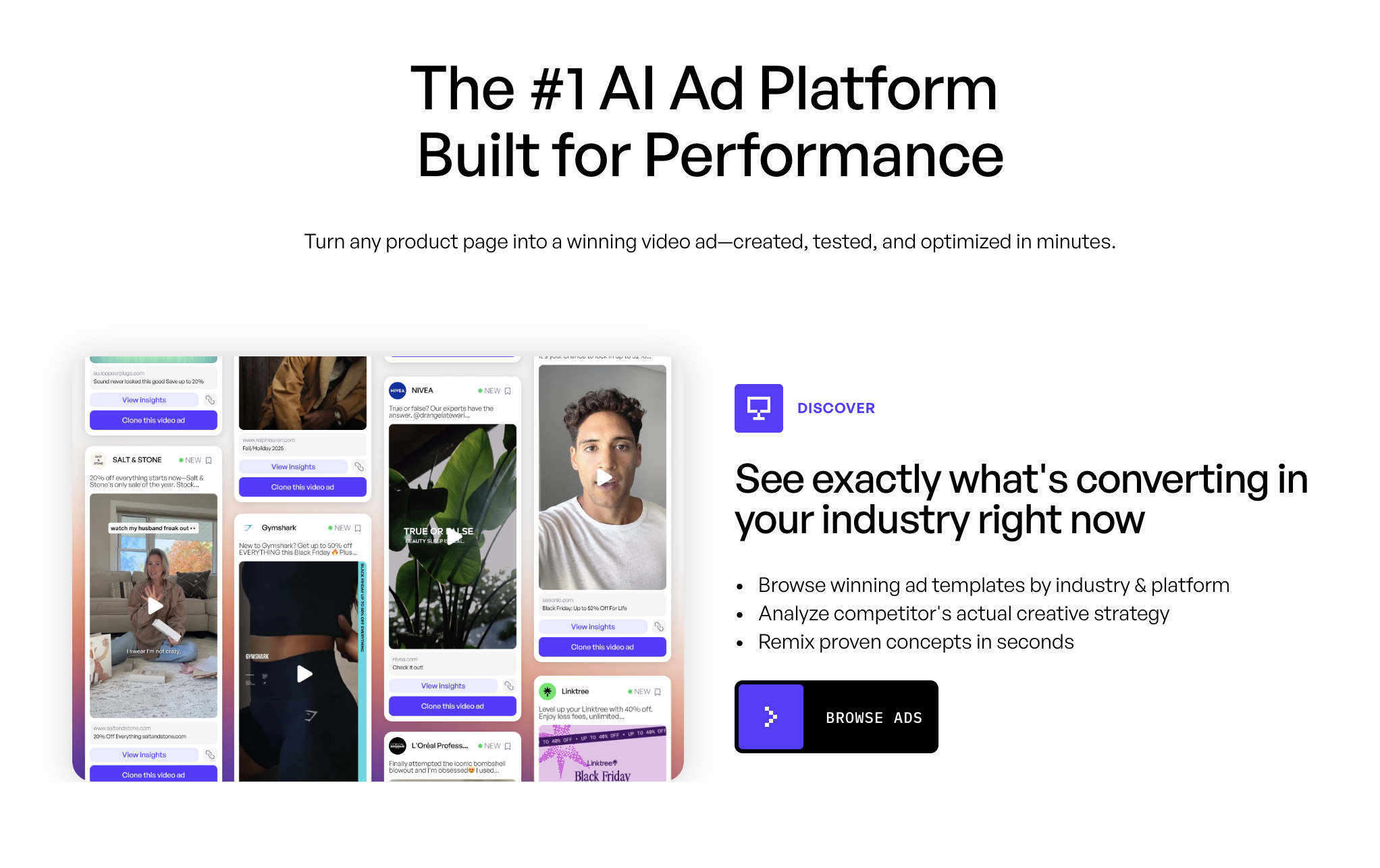
Creatify’s ad cloning and competitor inspiration features are interesting because they connect video creation with creative research. Instead of starting from nothing, marketers can study what is already working and create their own version.
This is useful, but it should be handled carefully. A good competitor-inspired workflow should extract structure, hook style, pacing, and positioning. It should not directly copy another brand’s assets, script, or identity.
Performance Agent and Ad Insights
Creatify is also moving toward the performance side of creative production. Its official site mentions tools for tracking what works, comparing variants, and understanding creative performance signals. That is a strong direction because ad teams do not just need more videos; they need better learning loops.
For performance marketers, this is one of Creatify’s more valuable angles. The platform is trying to connect creation, testing, and optimization instead of treating video generation as a one-off task.
What Creatify AI Does Well
Creatify is good when the job is narrow and commercial: turn a product, app, or offer into ad creatives quickly.
It reduces blank-page friction. If you have a product URL, you can get a usable first draft much faster than writing everything from scratch.
It understands common ad formats. UGC ads, product ads, avatar explainers, and direct-response videos are clearly central to the product.
It supports variation testing. Batch creative production is important for paid social, and Creatify is built around that reality.
It is useful for small teams. A founder, marketer, or ecommerce seller can create ad drafts without hiring a full video team for every test.
Where Creatify AI Feels Limited
Creatify is less ideal when you want open-ended creative control. It is made for ads, so the workflow naturally pushes toward campaign assets, product messaging, and performance creative.
It may not be the best choice for cinematic AI videos, storytelling content, music videos, image-to-video experiments, character scenes, or model-based creative exploration. For those workflows, you may want a broader AI video platform.
The credit system also matters. If you test heavily, regenerate often, or need many variations, pricing can add up. The free plan is useful for trying the product, but serious ad production will likely require a paid plan.
Another limitation is originality. AI ad tools can help generate fast drafts, but the output still needs human judgment. Hooks, emotional angle, offer clarity, brand voice, and visual taste are still where the best ads win.
Who Should Use Creatify AI?
Creatify is a strong fit for ecommerce brands that need product ads quickly. It is also useful for dropshippers, DTC teams, app marketers, agencies, and performance marketers who need many video ad variations.
It is especially practical if your workflow starts with a product page and ends with paid social creatives.
Creatify may be less ideal if you are a creator, filmmaker, educator, storyteller, or brand team looking for broader video generation. If your creative process includes text-to-video, image-to-video, cinematic models, character scenes, talking avatars, or different video formats beyond ads, Creatify may feel too ad-specific.
Creatify AI vs Medeo: Which One Makes More Sense?
Creatify and Medeo are not trying to solve exactly the same problem.
Creatify is focused on AI ad creation. It is strongest when you want product ads, UGC-style videos, avatar ads, and performance creative variations.
Medeo is better suited for a broader AI video workflow. If you want to create videos from prompts, images, URLs, scripts, product ideas, or model-based generation, Medeo gives you more room to explore different video types.
For example, if your starting point is a webpage or product link, Medeo’s URL-to-video workflow can help turn that source into a video concept.
If your focus is ecommerce or product promotion, Medeo’s product video generator is a natural fit;
If you need spokesperson-style content, tutorials, or explainer videos, Medeo’s talking avatar page is also relevant;
And if your creative direction starts from a product image, campaign visual, or character reference, Medeo’s image-to-video workflow gives you another route.
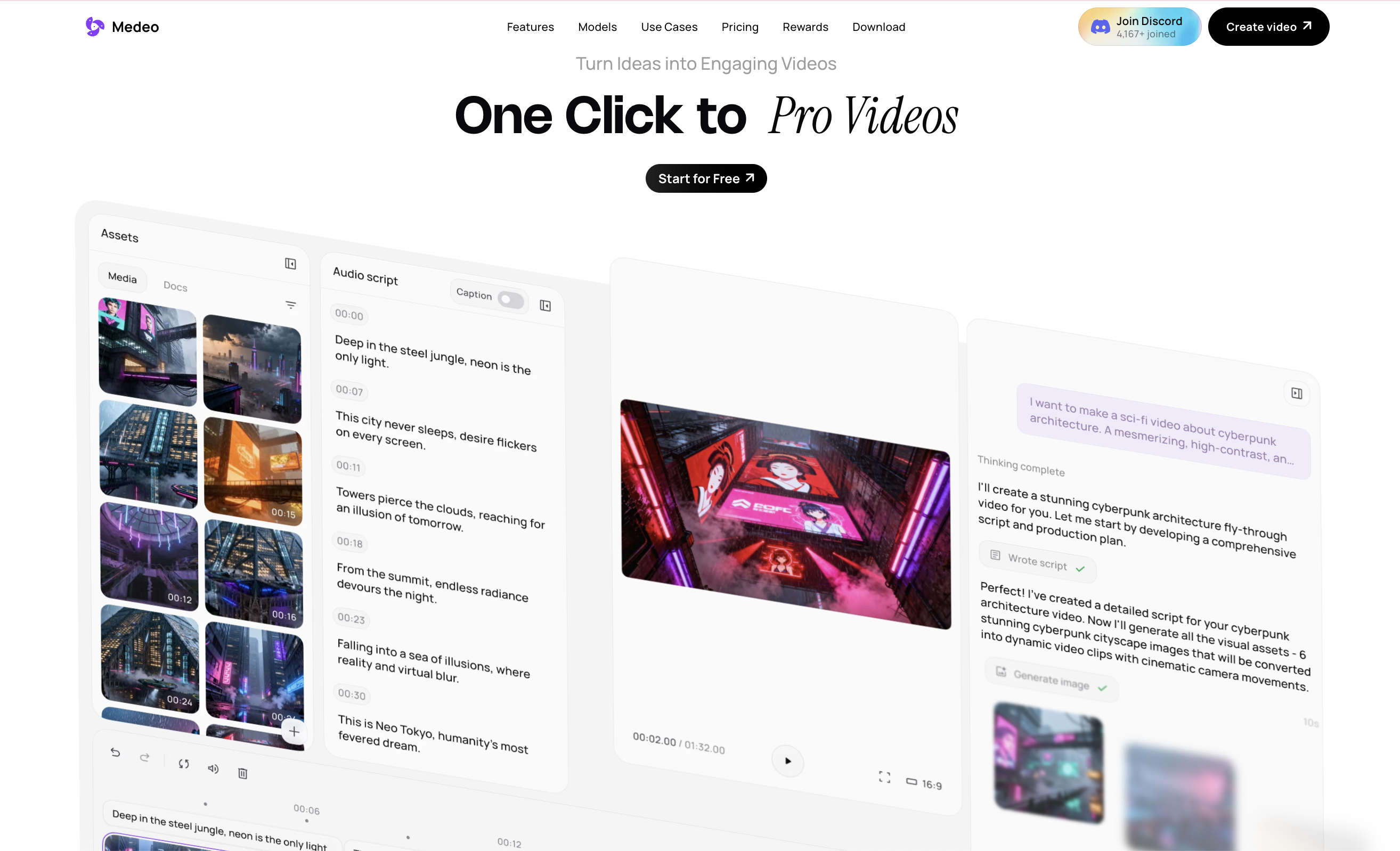
The practical difference is this: Creatify is good for making ads fast. Medeo is better when you want one workspace for different AI video creation paths, from product content to social videos, visual storytelling, and model-based generation.
Best Creatify AI Alternative for Flexible Video Creation
If you only need AI-generated video ads, Creatify is worth testing. It is built for that job, and its product direction is clearly aligned with performance marketing.
But if you want a more flexible creative workspace, Medeo may be the better alternative. It is useful when your video workflow is not limited to ad templates. You can use Medeo for product videos, text-to-video, image-to-video, avatar content, short-form social clips, and AI model-driven video generation.
That flexibility matters because not every marketing video is a direct-response ad. Sometimes you need a product teaser, a brand story, a social trend video, a visual concept, a tutorial, a cinematic clip, or a set of creative tests before deciding what becomes an ad.
Creatify helps you produce ads. Medeo helps you build a wider video creation pipeline.
Creatify AI Pros
Creatify is fast for product ad generation.
It is useful for ecommerce, DTC, apps, and paid social campaigns.
URL-to-video is a practical starting point for product pages.
AI avatars make UGC-style ads easier to produce.
Templates and batch generation help teams test multiple creative angles.
The platform is clearly built around performance marketing workflows.
Creatify AI Cons
Creatify can feel narrow if you want more than ad creatives.
Template-based output may need editing to feel original.
The free plan is limited and includes watermark exports.
Heavy testing can consume credits quickly.
It may not be ideal for cinematic videos, storytelling, image animation, or broader creative exploration.
Is Creatify AI Worth It?
Creatify AI is worth trying if your main goal is to create product ads quickly. It is especially useful for marketers who need fast ad variations and do not want to build every creative from scratch.
It is less compelling if you need an all-purpose AI video generator. For broader creative work, Medeo gives you more flexibility across video types, sources, formats, and creative directions.
My honest take: Creatify is a strong ad factory. Medeo is a stronger creative workspace.
FAQ
Is Creatify AI free?
Creatify has a free plan with limited monthly credits. According to its pricing page, free exports include a watermark. Paid plans offer more credits, watermark removal, more actors, and more creation tools.
How much does Creatify AI cost?
At the time of writing, Creatify lists Starter at $39 per month and Pro at $99 per month, with custom Enterprise pricing. Pricing and credits may change, so always check Creatify’s official pricing page before deciding.
What is Creatify AI best for?
Creatify AI is best for creating product video ads, UGC-style ads, avatar videos, and ecommerce ad variations from URLs, scripts, or product assets.
Can Creatify AI create videos from a URL?
Yes. URL to Video is one of Creatify’s key features. You can paste a product page or link and generate a video ad draft from that source.
Is Creatify AI good for ecommerce?
Yes. Creatify is especially useful for ecommerce brands, DTC products, dropshipping stores, Shopify sellers, and agencies that need fast product ad creatives.
What is the best Creatify AI alternative?
Medeo is a strong Creatify alternative if you want more flexible AI video creation, including URL to video, image to video, product videos, talking avatars, and broader creative workflows beyond ads.
Is Medeo better than Creatify?
It depends on the use case. Creatify is stronger for focused AI ad generation. Medeo is better if you want a more flexible AI video workspace for different formats, models, and creative directions.
Can I use Medeo for AI product videos?
Yes. Medeo can help create product videos, social clips, image-to-video content, URL-based videos, and other AI-generated video assets for marketing and ecommerce.

Final Verdict
Creatify AI is a useful tool for marketers who want to move quickly from product page to ad creative. Its strongest value is speed: URL-to-video, avatars, templates, batch variations, and performance-oriented workflows.
But speed is not the only thing that matters. If you want more creative control, more video formats, and a wider AI video production workflow, Medeo is a better platform to explore.
Use Creatify when your task is clearly “make more ads.” Use Medeo when your task is “turn this idea, image, product, script, or URL into better video content.”