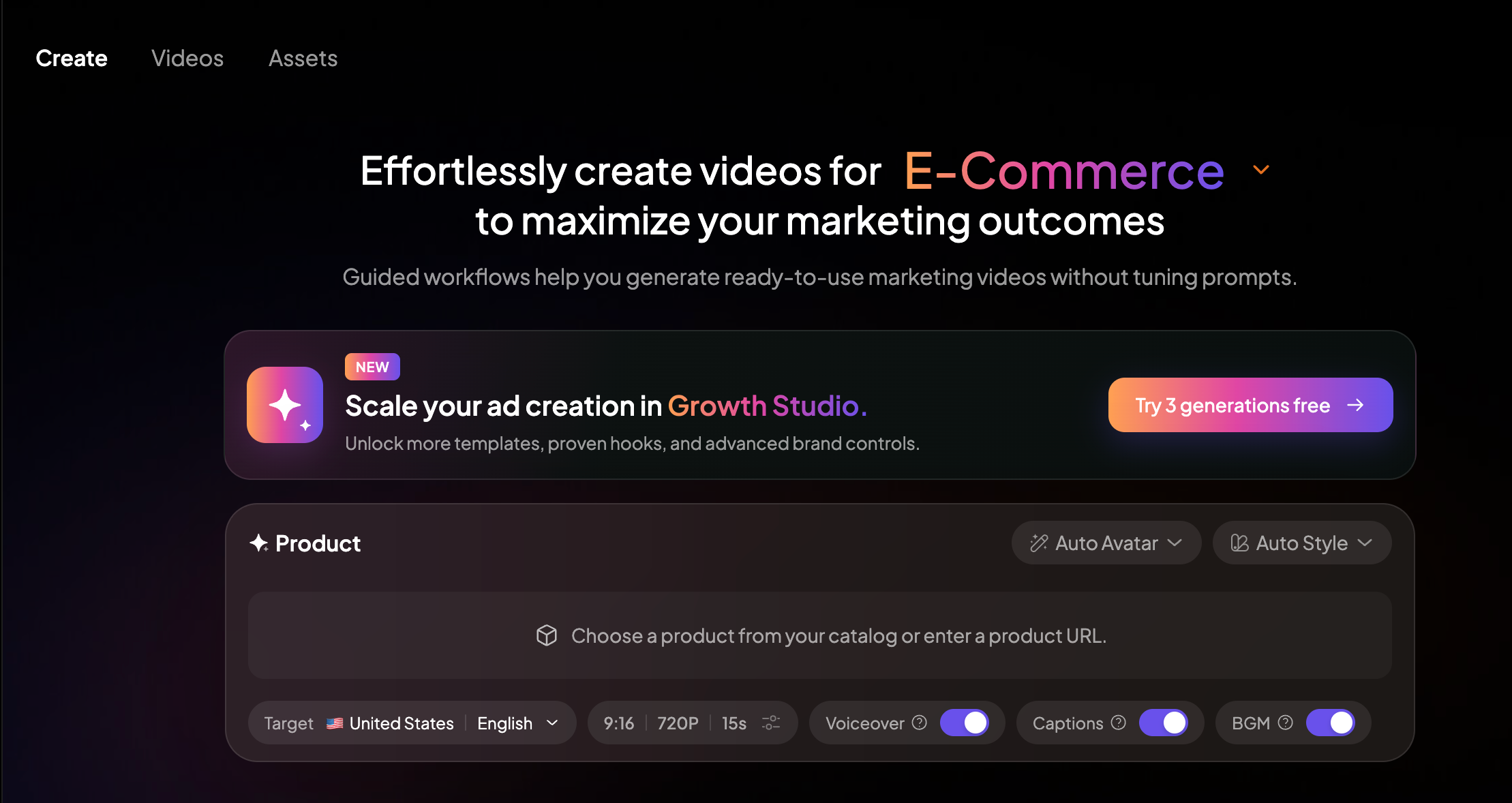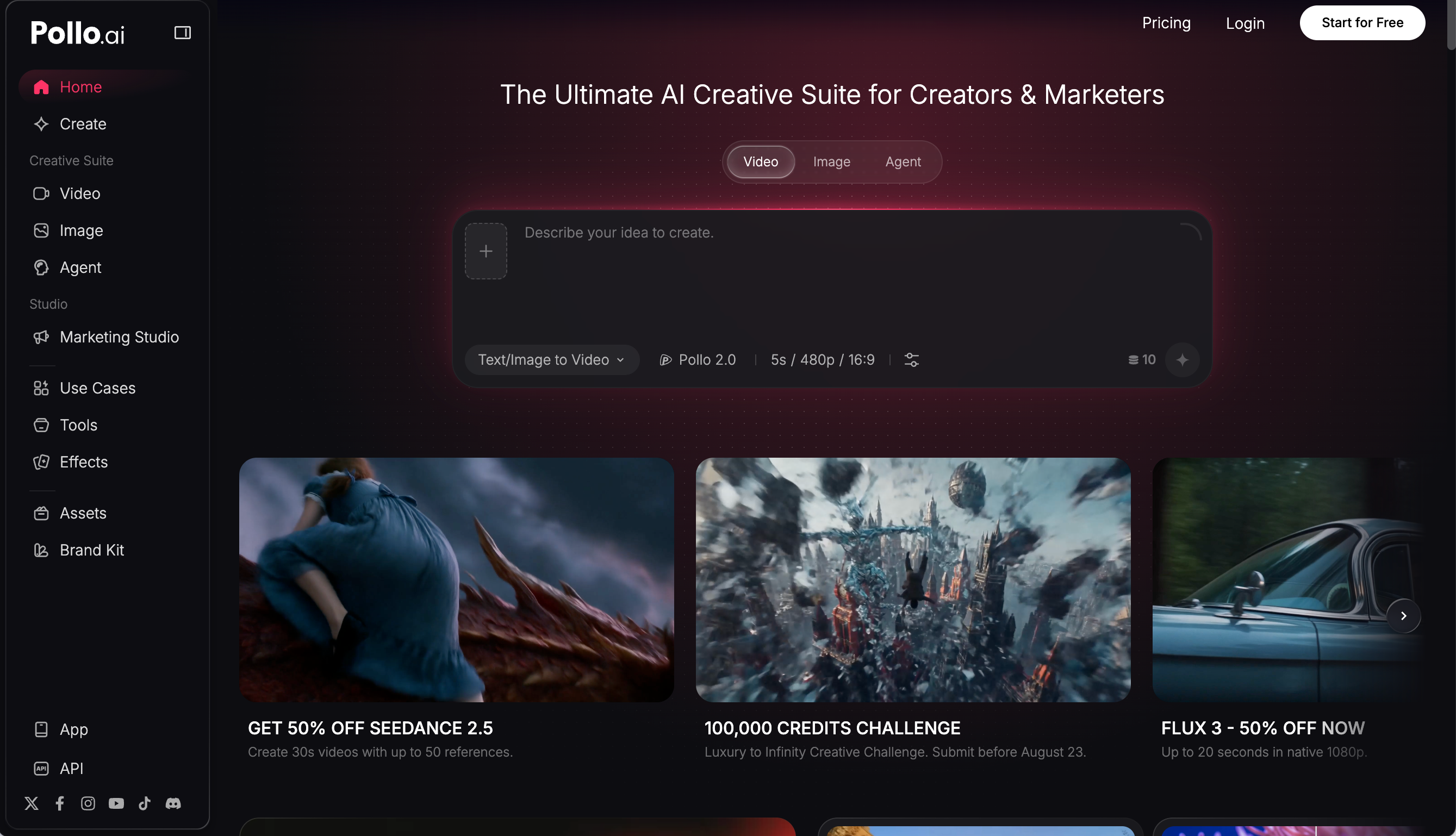
Pollo AI has become popular because it gives creators a simple way to make AI videos from text prompts, images, and different video models. Instead of asking users to learn one complex tool, Pollo presents itself as an all-in-one AI video workspace with text-to-video, image-to-video, video editing tools, avatars, audio features, and access to models such as Seedance, Veo, Sora, Kling, Hailuo, and others.
That sounds powerful, but the real challenge is not just opening Pollo and typing a prompt. The challenge is getting a usable video without wasting credits on vague generations, messy motion, or clips that look good for two seconds and then fall apart.
This guide explains how to use Pollo AI more effectively, what to prepare before generating, where beginners often make mistakes, and how Medeo can support a more complete AI video workflow when you need product videos, scripts, color polish, music visuals, or model-based experimentation.
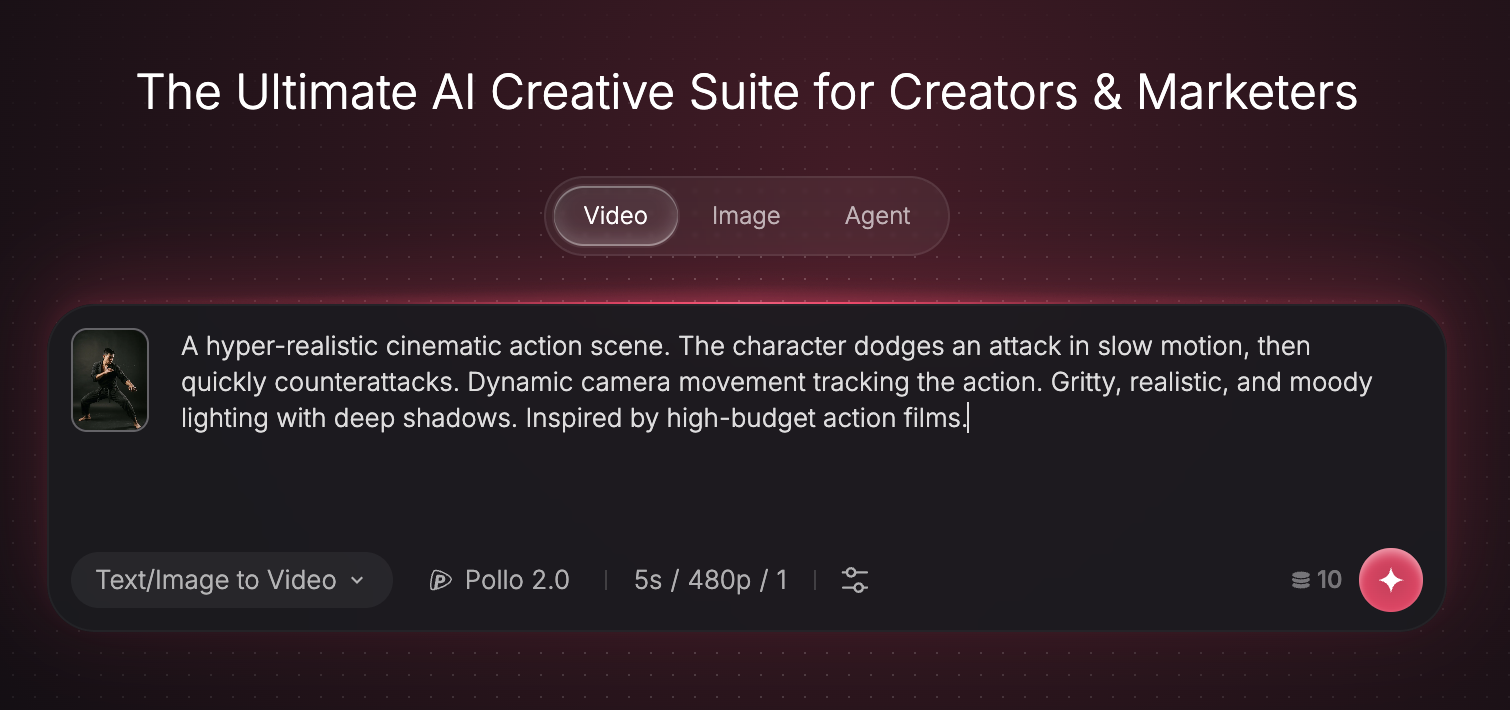
What Pollo AI Is Best Used For
Pollo AI is best for short-form AI video experimentation. It works well when you have a clear subject, a simple action, and a short output goal.
For example, Pollo can be useful for turning a product image into a short motion clip, creating a visual hook for TikTok or Reels, testing a fantasy scene, animating a portrait, or generating a quick cinematic shot from a prompt.
Its official text-to-video page presents the workflow as a way to type an idea and generate a video using multiple AI video models. Its image-to-video page focuses on turning photos into dynamic clips with motion and prompt guidance. Pollo’s pricing page also shows that credits are affected by the tool, model, video duration, output count, and resolution, which means the same idea can cost more or less depending on how you generate it.
That is why Pollo works best when you treat it like a testing tool first, not a magic final-cut machine.
Step 1: Start with the Output, Not the Prompt
A common mistake is starting with a big prompt like “make a cinematic viral video about my product.” That sounds creative, but it gives the model too much freedom.
Before opening Pollo, decide what the final video should do.
Is it a product reveal?
Is it a social media hook?
Is it a short music visual?
Is it a character animation?
Is it a before-and-after clip?
Is it a video ad draft?
This decision changes the prompt. A product reveal needs controlled motion and clear focus. A music visual needs rhythm and atmosphere. A social hook needs one strong visual action. A cinematic scene needs camera language, lighting, and mood.
If your project starts from a script rather than a visual, Medeo’s script-to-video workflow is a better planning reference because it starts with narrative structure
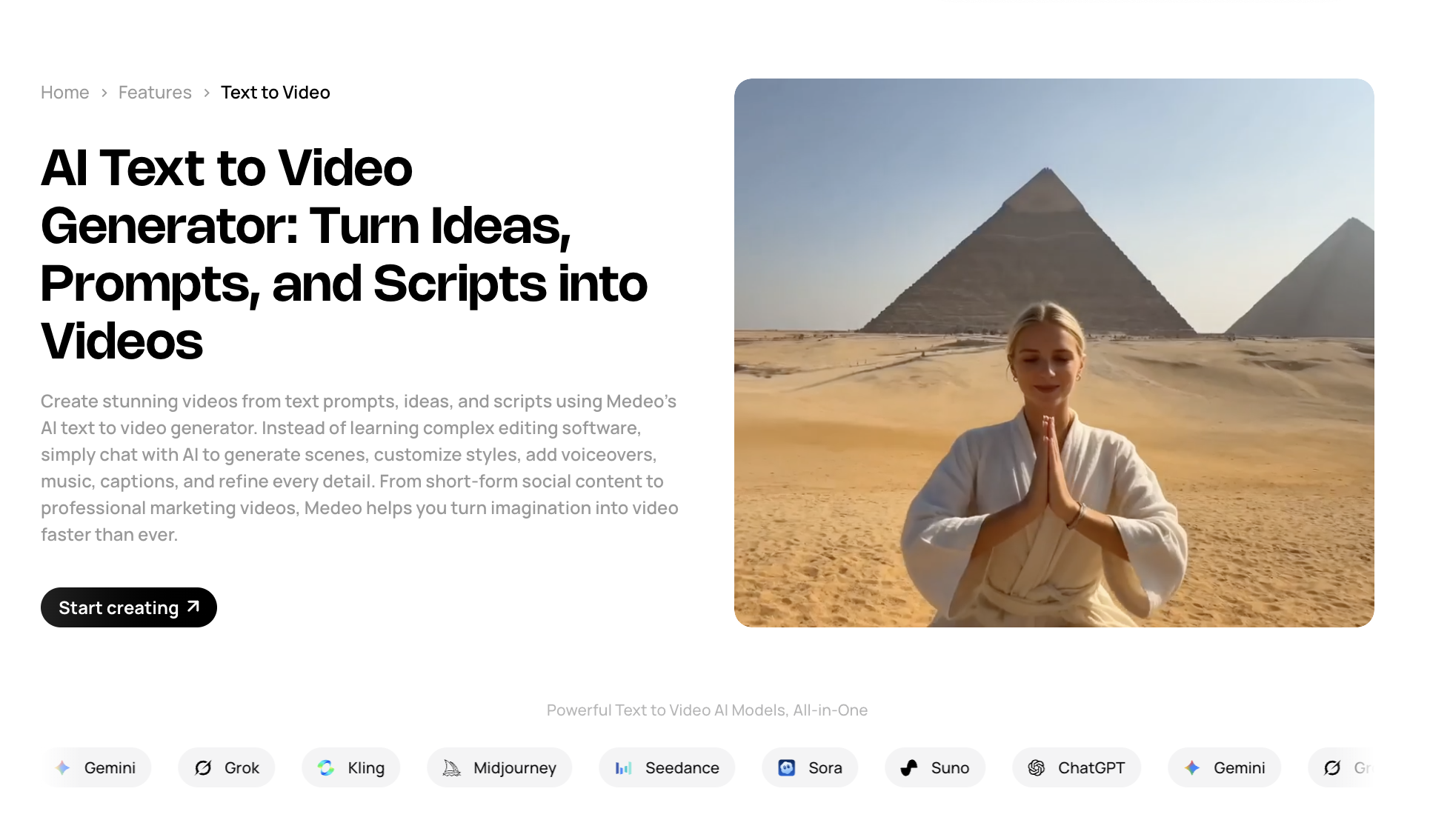
Use Pollo when you already know the shot you want. Use a script-first workflow when the story or message still needs structure.
Step 2: Choose Text-to-Video or Image-to-Video
Pollo supports both text-to-video and image-to-video, but they are not interchangeable.
Use text-to-video when you want to create something from scratch. This works well for fantasy shots, mood videos, abstract scenes, simple cinematic moments, or social visuals where exact identity and product accuracy do not matter too much.
Use image-to-video when you already have a visual foundation. This is usually better for product content, character visuals, portraits, fashion shots, thumbnails, or brand assets. The image gives the model a stronger anchor, which can reduce randomness.
For serious content, image-to-video is often the safer first route. A clean image gives the AI less to invent. This matters because low-quality input images often lead to unstable motion, blurry details, or distorted product shapes.
Step 3: Keep the First Prompt Narrow
The best beginner prompt is not the longest prompt. It is the clearest prompt.
A good Pollo prompt should include the subject, action, camera movement, mood, and format. It should not try to describe ten different events in one short clip.
Weak prompt: A cool video of a sneaker in a futuristic city with people walking around and lights and cinematic camera and viral TikTok energy.
Stronger prompt: A close-up product video of a white sneaker on a reflective black floor. The camera slowly pushes in from the front. Soft blue neon light moves across the shoe. Premium sportswear commercial style, clean background, no people, vertical format.
The second prompt works better because it gives the model fewer things to solve. One product. One setting. One camera movement. One mood.
Step 4: Generate One Test Before Changing Everything
Many users waste credits because they panic after the first result. They change the entire prompt, switch models, change the format, and regenerate. Then they cannot tell what actually improved or broke the output.
A better method is to test one change at a time.
If the motion is too wild, keep the same prompt but simplify the action.
If the camera is wrong, keep the subject and mood but change the camera instruction.
If the image changes too much, use image-to-video and give stronger preservation instructions.
If the result feels too flat, adjust lighting and atmosphere before changing the whole scene.
AI video is closer to directing than searching. You are guiding a system through revisions. The more controlled your revisions are, the less likely you are to burn credits randomly.
Step 5: Use Pollo for the Shot, Then Build the Content Around It
Pollo can be good at generating a shot. But a finished content piece usually needs more than one shot.
A real video may need a hook, headline, product moment, transition, music, captions, color consistency, and a final call to action. This is where many AI video tools feel incomplete. They can make a clip, but they do not always help you shape the whole content workflow.
This is one place where Medeo can be introduced naturally. Medeo is useful when the video is not just an isolated generation, but part of a larger content process.
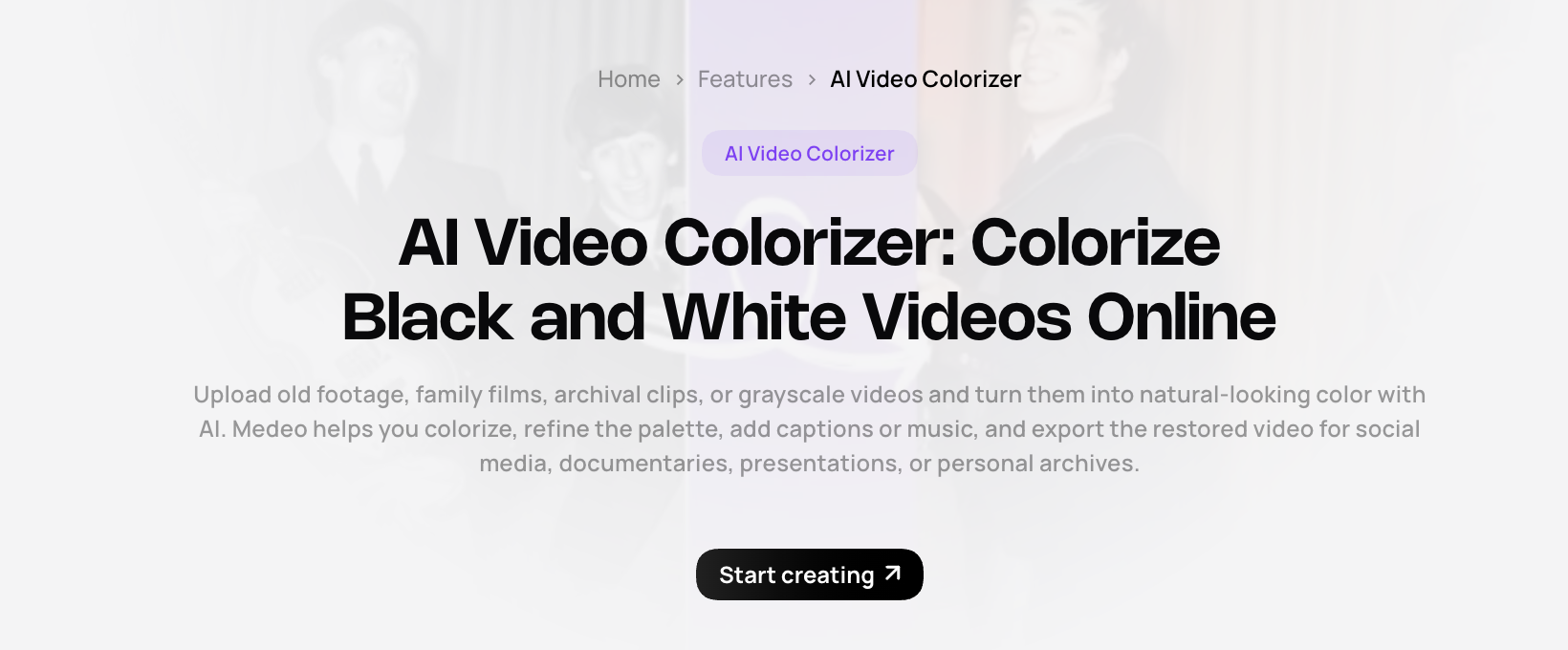
For example, if you generate a strong clip in Pollo but want to improve the final look, Medeo’s video colorizer can help with visual polish:
If you are creating music-led visuals, Medeo’s music video generator page is also relevant:
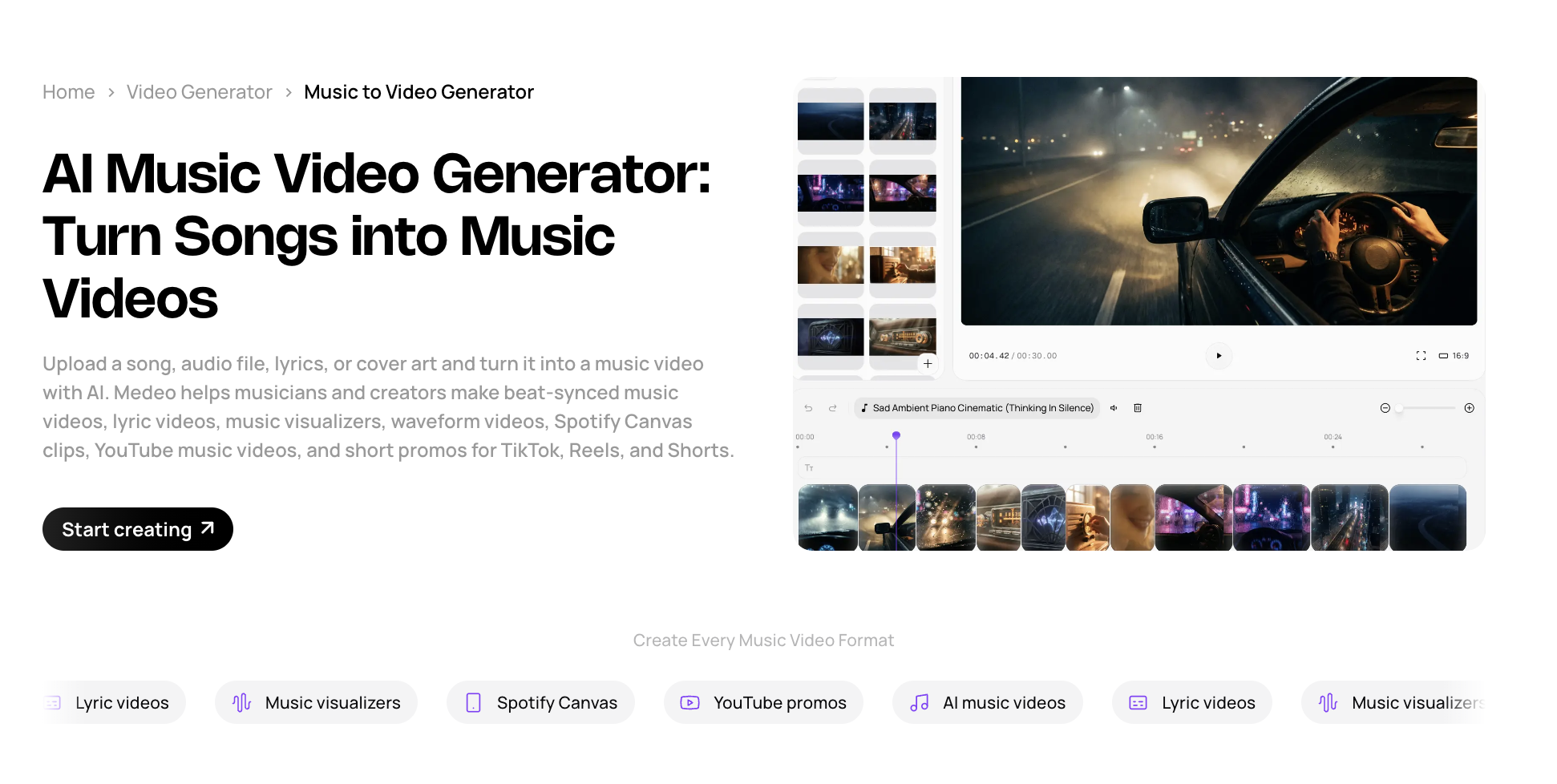
This makes the workflow feel more practical: Pollo can help test the visual idea, while Medeo can help continue the project into a more publishable format.
Step 6: Match the Model to the Job
Pollo’s appeal partly comes from multi-model access. On its own site, Pollo lists different video models across its video tools. This can be useful, but it also means users need to choose models based on the job.
If you want cinematic realism, test models known for stronger motion and scene quality.
If you want fast social tests, choose settings that save credits and produce quick drafts.
If you want character-style or stylized motion, start with a clean image and keep the action simple.
If you want a surreal or entertainment-style clip, leave more room for creative interpretation
This keeps the article from sounding like Medeo is only one tool. It positions Medeo as a place to compare and use different AI video routes depending on the creative goal.
Step 7: Watch Your Credits Carefully
Pollo’s pricing page explains that credits are deducted based on the selected tool, model, duration, number of outputs, and resolution. It also states that unused subscription credits do not roll over to the next billing cycle.
This is important for beginners. A cheap-looking plan may be enough for casual testing, but not enough for serious production if you need many revisions.
Before generating, decide what counts as a successful result. If you only want to test ideas, lower settings may be fine. If you need a polished campaign asset, expect multiple attempts.
Where Pollo AI Works Well
Pollo works well for quick visual experiments, short clips, image-to-video tests, product motion drafts, social video hooks, and creators who want to compare different AI models without opening many separate websites.
It is also useful for people who like trying new effects and model updates. Pollo’s platform has many tools, so it can feel like a large creative playground.
Pollo can be frustrating when users expect perfect results immediately. AI video is still unpredictable, especially with hands, faces, text, logos, long scenes, multiple characters, or detailed object behavior.
The credit system can also feel confusing if users do not understand how settings affect cost. A short test and a higher-resolution model generation may not cost the same.
Another limitation is workflow depth. Pollo gives users many generation tools, but creators may still need a separate process for scripting, editing, polishing, and shaping videos into complete content pieces.
That is where Medeo can be a good companion or alternative. If the goal is not only to generate a clip, but to build a content workflow around it, Medeo gives creators more paths for scripts, products, models, music visuals, and video improvement.
A Better Workflow: Pollo for Drafting, Medeo for Production
The most practical way to use Pollo is not to depend on it for everything. Use it for fast visual exploration, then decide whether the output needs to become a finished asset.
A creator might use Pollo to test three versions of a product motion clip. Then they might bring the best direction into Medeo to build a product video, improve visual consistency, or create related video content from a script or model workflow.
A musician might use Pollo to test abstract visual loops, then use Medeo’s music video workflow to shape a stronger full concept.
A marketer might use Pollo to test a single visual hook, then use Medeo to create a more complete product video or campaign asset.
This is a better soft-sell angle than saying one tool beats the other. Pollo is useful for fast generation. Medeo is useful when AI video needs to become a repeatable creative process.
FAQ
Is Pollo AI good for beginners?
Yes, Pollo AI is beginner-friendly because it offers text-to-video and image-to-video tools in a browser-based interface. However, beginners should start with simple prompts and short clips to avoid wasting credits.
Can Pollo AI create videos from images?
Yes. Pollo AI’s image-to-video tool turns photos or images into dynamic video clips based on user instructions.
Can Pollo AI create videos from text?
Yes. Pollo AI supports text-to-video generation, allowing users to describe a scene and generate a short video from the prompt.
Is Pollo AI free?
Pollo AI offers free access or free credits for new users, but regular use depends on credits and paid plans. Check the official pricing page for current plan details.
Why do Pollo AI results vary?
AI video results vary because the model must interpret motion, subject consistency, camera movement, lighting, and scene details. Complex prompts usually need more attempts than simple prompts.
How can I get better results with Pollo AI?
Use a clear subject, one main action, a simple camera movement, and a short video goal. If possible, start with a strong image and use image-to-video instead of asking the model to invent everything from text.
What is a good Pollo AI alternative?
Medeo is a strong option if you want a broader AI video workflow for scripts, product videos, model-based generation, music videos, and video enhancement. Pollo is useful for quick generation tests, while Medeo is better when you want to build content around the result.
Should I use Pollo AI or Medeo?
Use Pollo AI when you want to quickly test visual ideas and experiment with different AI video models. Use Medeo when you need a more complete workflow for creating, refining, and publishing AI video content.