Luma Dream Machine is one of the AI video tools that made creators take text-to-video seriously. When it first became widely available, a lot of people used it to animate memes, concept art, cinematic scenes, product shots, and surreal image prompts. It felt fast, visual, and surprisingly good at creating motion from a simple idea.
That is still the main reason people pay attention to Luma. It is a visually expressive AI video generator, especially when the goal is to turn a prompt or image into a short cinematic clip.
But Luma Dream Machine is not always the best fit for every creator. Some users need a broader workflow: scripts, product videos, URL-to-video, social formats, image animation, multiple model options, editing, and content that can move from idea to publishable asset more directly.
That is where Medeo becomes a strong Luma Dream Machine alternative.
What Is Luma Dream Machine?
Luma Dream Machine is an AI video generation platform from Luma AI. It is best known for generating short videos from text prompts and still images. Creators use it for cinematic scenes, B-roll concepts, fantasy visuals, social clips, motion tests, and image-to-video experiments.
Luma has also developed models such as Ray2 and Photon, which are often discussed in relation to high-quality motion, visual consistency, and creative image/video generation. In simple terms, Luma is strongest when you want a short, visually impressive AI clip from a prompt or image.
It is not just for casual users either. Designers, filmmakers, AI artists, marketers, and social creators all use tools like Luma to test ideas before committing to a larger production.

Where Luma Dream Machine Works Well
Luma is especially good when the creative direction is visual. If you want a dramatic camera move, a dreamy product shot, a cinematic character moment, or an image that comes alive with motion, Luma can be a strong choice.
It is also useful for fast concept testing. A creator can write a prompt, generate a clip, adjust the idea, and quickly compare different visual directions. That makes Luma helpful for moodboards, pitch materials, short-form content, music visuals, and early-stage campaign ideas.
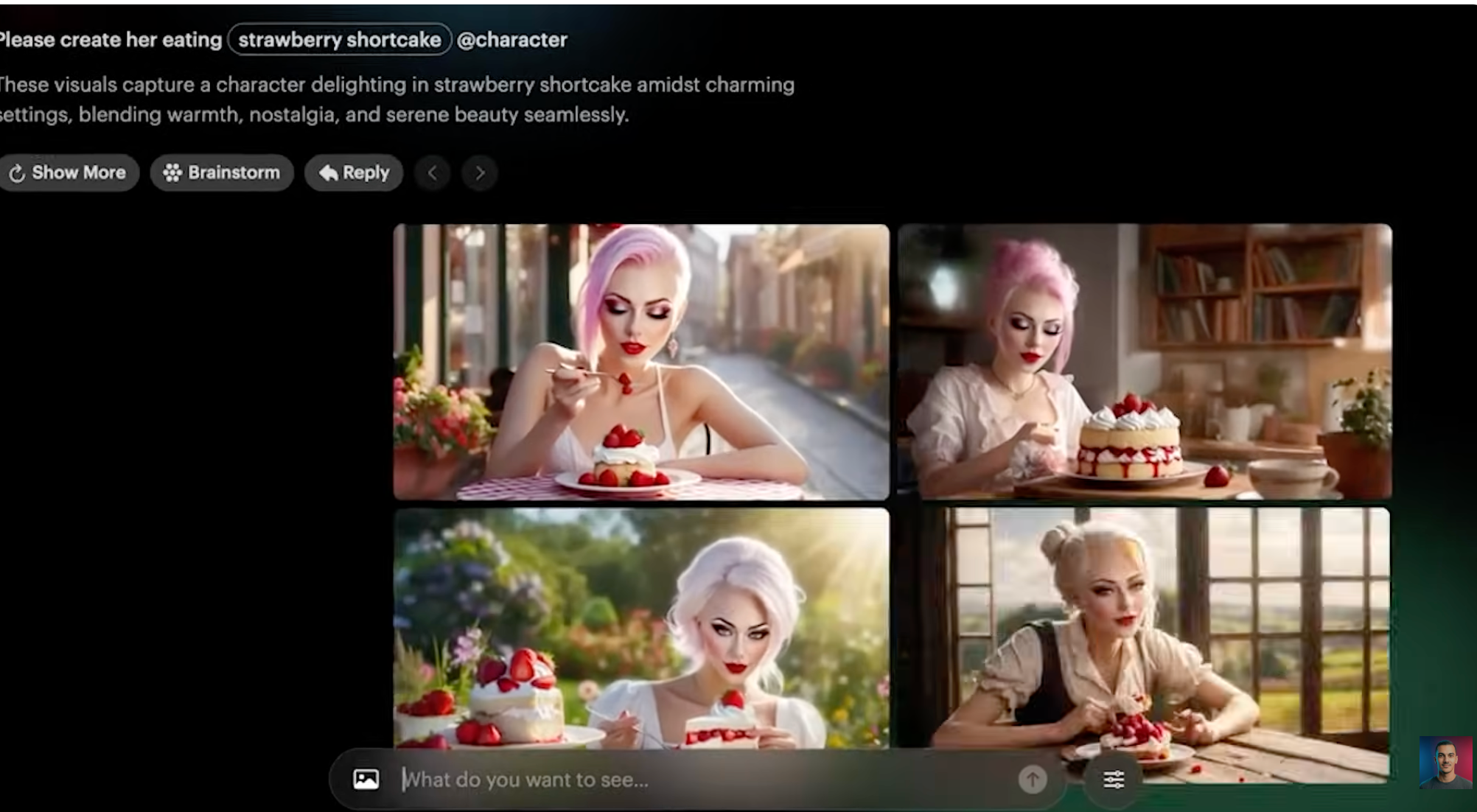
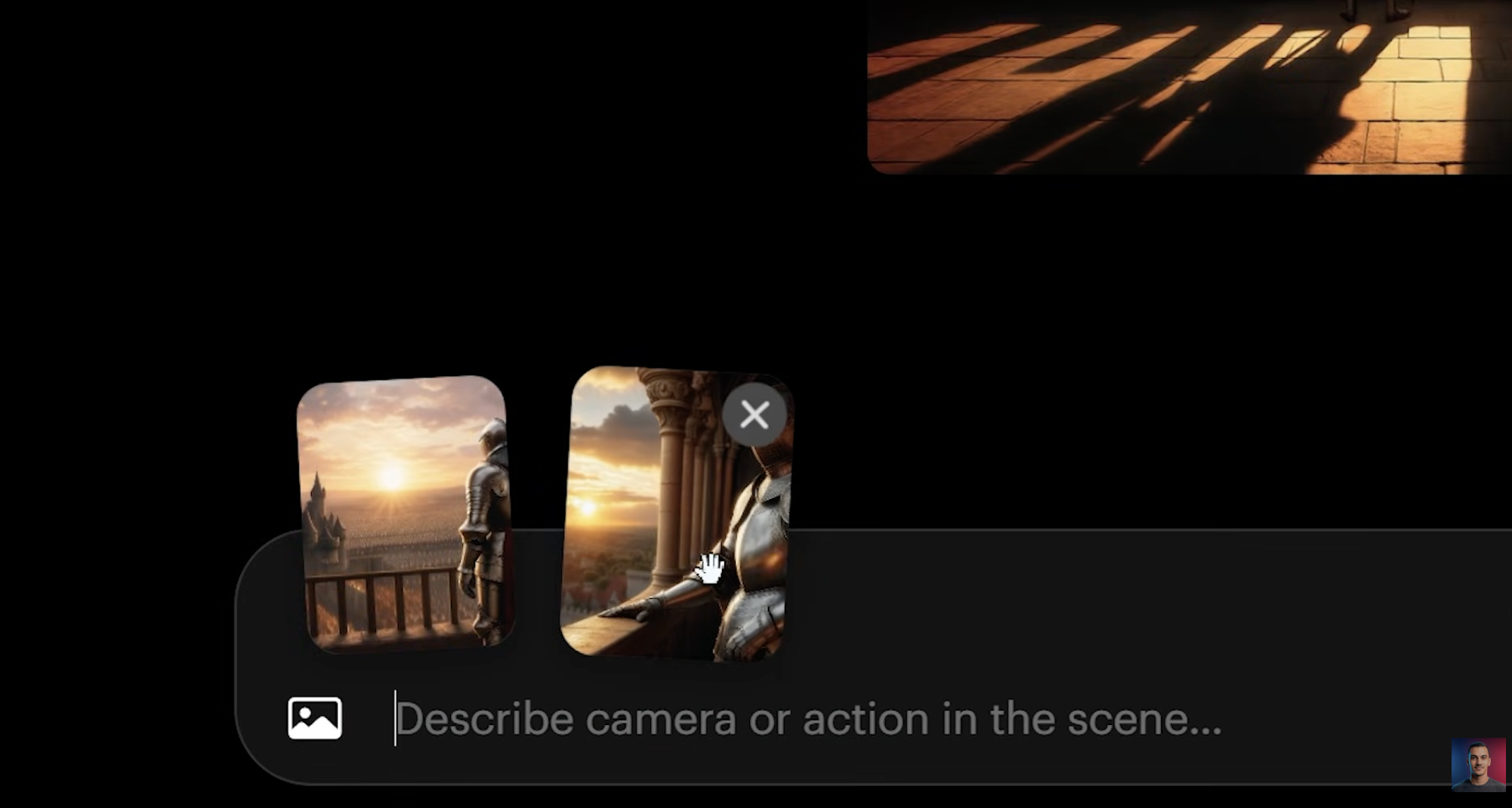
Image-to-video is one of its strongest use cases. Many creators now start with a still frame from Midjourney, an AI image model, a product photo, or a designed poster. Luma helps turn that still image into movement, which is often more useful for social media than a static asset.

Where Luma Can Feel Limited
Luma’s limitation is not that it lacks visual quality. The limitation is that generating a short clip is only one part of a real video workflow.
A marketer may need to turn a product page into a video. A creator may need captions, multiple scene ideas, a stronger script, and a vertical social format. An ecommerce team may want product storytelling, not just cinematic motion. A social media manager may need to produce five variations quickly for TikTok, Reels, and Shorts.
In those cases, Luma can feel more like a strong generation model than a complete creative workspace.
Another challenge is iteration. Like other AI video tools, Luma may need multiple attempts before the output feels usable. Motion can be beautiful, but the final result still depends on prompt clarity, input image quality, and whether the model understands the subject exactly as intended.
That is why many creators look for a Luma Dream Machine alternative. They are not rejecting Luma. They simply need more than one generation path.
Why Medeo Is a Strong Luma Alternative
Medeo is built for creators who need flexibility across different video workflows. Instead of only starting with a prompt or image, Medeo supports multiple starting points: ideas, scripts, images, URLs, products, and creative concepts.
If you want to create a video from a written idea, Medeo’s text-to-video workflow is a direct fit;
If you already have an image and want to animate it, Medeo’s image-to-video workflow covers the same core intent that many people use Luma for;
If your starting point is not an image but a webpage, product page, or article, Medeo’s URL-to-video workflow is more practical;
And if your goal is to test larger creative ideas rather than one-off clips, Medeo’s idea-to-video workflow gives you more room to shape the concept before generation;
This makes Medeo a better choice when the project is not just “generate a beautiful clip,” but “turn this input into useful video content.”
Luma vs Medeo
Luma Dream Machine is strongest as a visual generation tool. It is good for cinematic short clips, image animation, and creative motion experiments.
Medeo is stronger as a workflow tool. It is better when you need to move across different types of video creation: text-to-video, image-to-video, URL-to-video, product videos, social clips, and campaign assets.
The difference is practical. Luma helps you generate a scene. Medeo helps you build a video workflow around the scene.
If you are an AI artist testing visual motion, Luma is worth trying. If you are a creator or marketer trying to publish content regularly, Medeo may be easier to use across more situations.
When to Use Luma Dream Machine
Use Luma when your main goal is visual experimentation. It is a good fit for cinematic clips, AI art animation, surreal scenes, concept videos, and short creative tests.
It is also useful when you already have a strong image and want to see how it might move. A still portrait, fantasy landscape, product shot, or stylized poster can become a short video with atmosphere and camera movement.
For creators who enjoy prompt testing and visual discovery, Luma can be very satisfying.
When to Use Medeo Instead
Use Medeo when your video project needs more structure or more formats.
If you need a product video, Medeo is more practical than a pure cinematic generator. If you need a video from a URL, Medeo gives you a more direct route. If you need to create different versions for social platforms, Medeo fits that workflow better.
Medeo is also better when you want your AI video workflow to include more than one model or one input type. A project may start as a prompt, then need an image, then need animation, then need upscaling or refinement. Medeo is built for that mixed process.
For creators producing content often, that flexibility matters more than a single impressive generation.
Is Luma Dream Machine Worth It?
Yes, Luma Dream Machine is worth trying if you care about AI video quality and image-to-video motion. It remains one of the more interesting tools in the AI video space, especially for creators who want cinematic visual experiments.
But if your goal is broader content production, Medeo may be the better long-term choice. Medeo is not only about generating one clip. It is about turning ideas, assets, links, and products into videos across different formats.
The short version: Luma is great for visual magic. Medeo is better for repeatable video creation.
FAQ
What is Luma Dream Machine?
Luma Dream Machine is an AI video generator from Luma AI. It can create short videos from text prompts and still images, making it useful for cinematic clips, image animation, concept videos, and creative motion tests.
What is the best Luma Dream Machine alternative?
Medeo is a strong Luma Dream Machine alternative if you want more flexible AI video creation. It supports text-to-video, image-to-video, URL-to-video, idea-to-video, product videos, and broader creative workflows.
Is Medeo better than Luma?
Medeo is better if you need a complete video workflow across different inputs and formats. Luma may be better if your main goal is testing Luma’s specific cinematic generation style.
Can Luma Dream Machine create videos from images?
Yes. Image-to-video is one of Luma Dream Machine’s best-known use cases. Users can upload an image and generate motion from it.
Can Medeo create image-to-video content?
Yes. Medeo supports image-to-video generation, allowing creators to turn product photos, AI images, portraits, campaign visuals, and concept art into moving video clips.
Why do creators look for Luma alternatives?
Creators often look for Luma alternatives when they need more workflow options, product video tools, URL-to-video creation, social media formats, editing features, or a platform that supports more than short cinematic generations.
Is Luma Dream Machine free?
Luma has offered free access and paid plans at different times, but AI video pricing changes often. Check Luma’s official pricing page before relying on any plan details.
Should I use Luma or Medeo?
Use Luma if you mainly want cinematic AI video experiments. Use Medeo if you want a broader AI video workspace for prompts, images, URLs, product videos, social content, and repeatable creative production.