GTag PFP Maker for Custom Gorilla Tag Profile Pictures
Create a fan-made Gorilla Tag profile picture with Medeo's GTag PFP Maker. Choose a skin color, add cosmetics, pick an art style, and turn your character idea into a square PFP for Discord, YouTube, Steam, TikTok, VRChat, Meta Quest, and gaming communities.


Build a fan-made GTag profile look from one prompt

GTag PFP Maker for Custom Gorilla Tag Profile Pictures
Create a fan-made Gorilla Tag profile picture with Medeo's GTag PFP Maker. Choose a skin color, add cosmetics, pick an art style, and turn your character idea into a square PFP for Discord, YouTube, Steam, TikTok, VRChat, Meta Quest, and gaming communities.
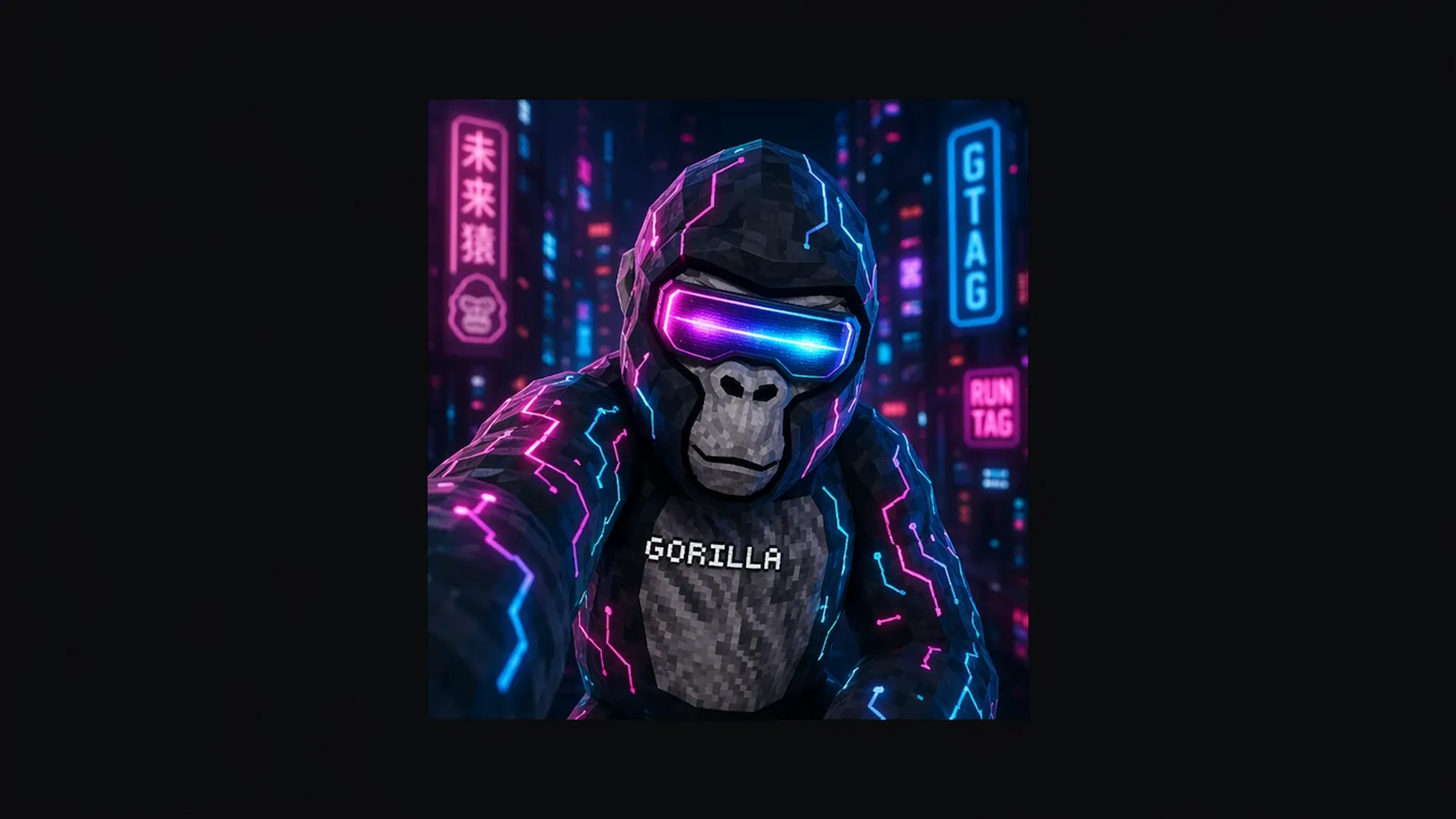
Create a Gorilla Tag PFP from Your Character Idea
Your profile picture should feel like your identity in the Gorilla Tag community, not a random avatar. Medeo helps you turn a quick character idea into a fan-made GTag PFP with clear color, cosmetics, mood, and profile-ready composition.
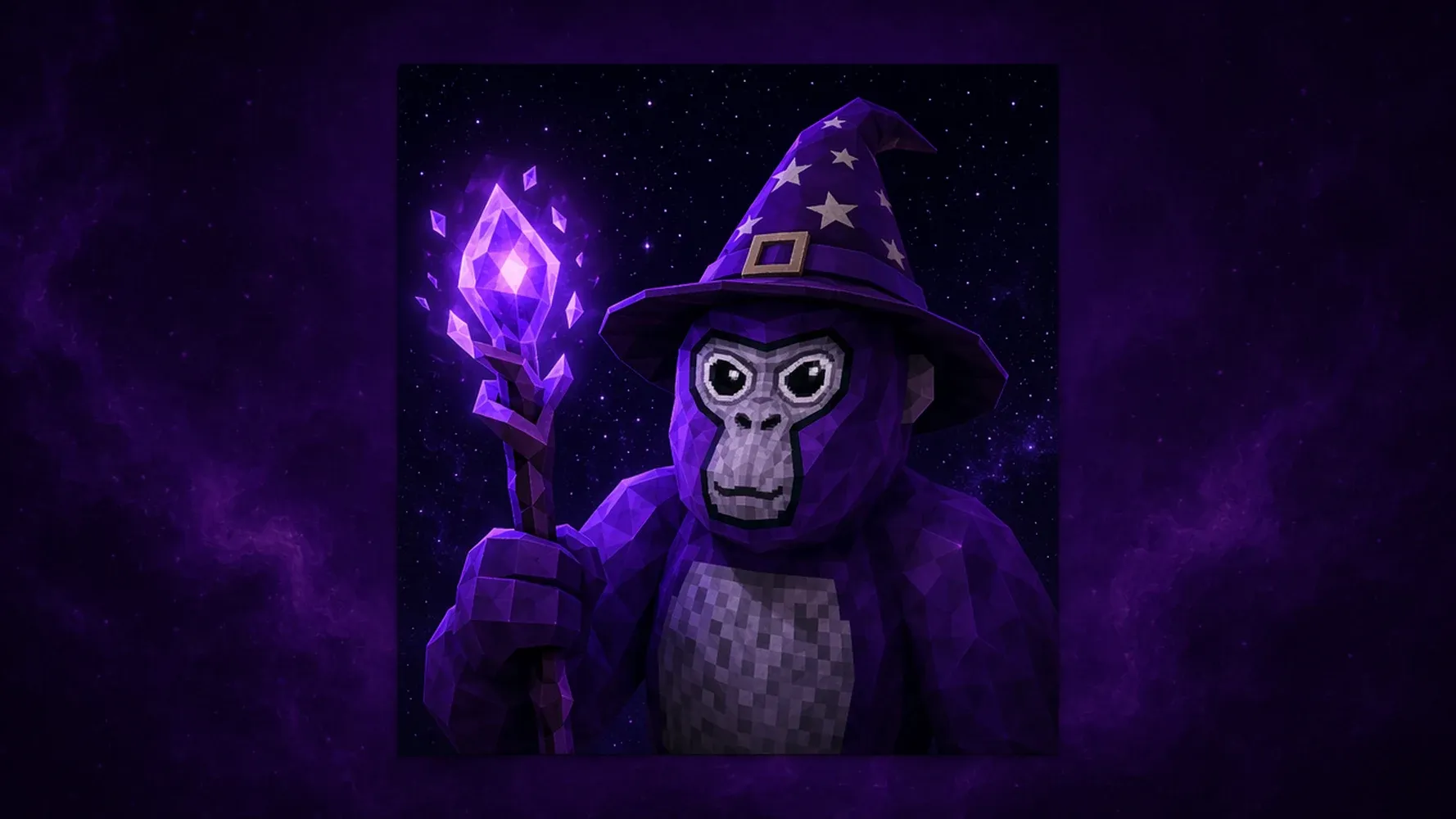
Start with Your GTag Character Color
Begin with the color that makes your GTag character instantly recognizable: purple, hot pink, jet black, royal blue, white, magma lava, gray stone, ice, or something custom. Medeo uses that choice as the visual anchor, helping the generated profile picture feel intentional across lighting, background, cosmetics, and future variations later.
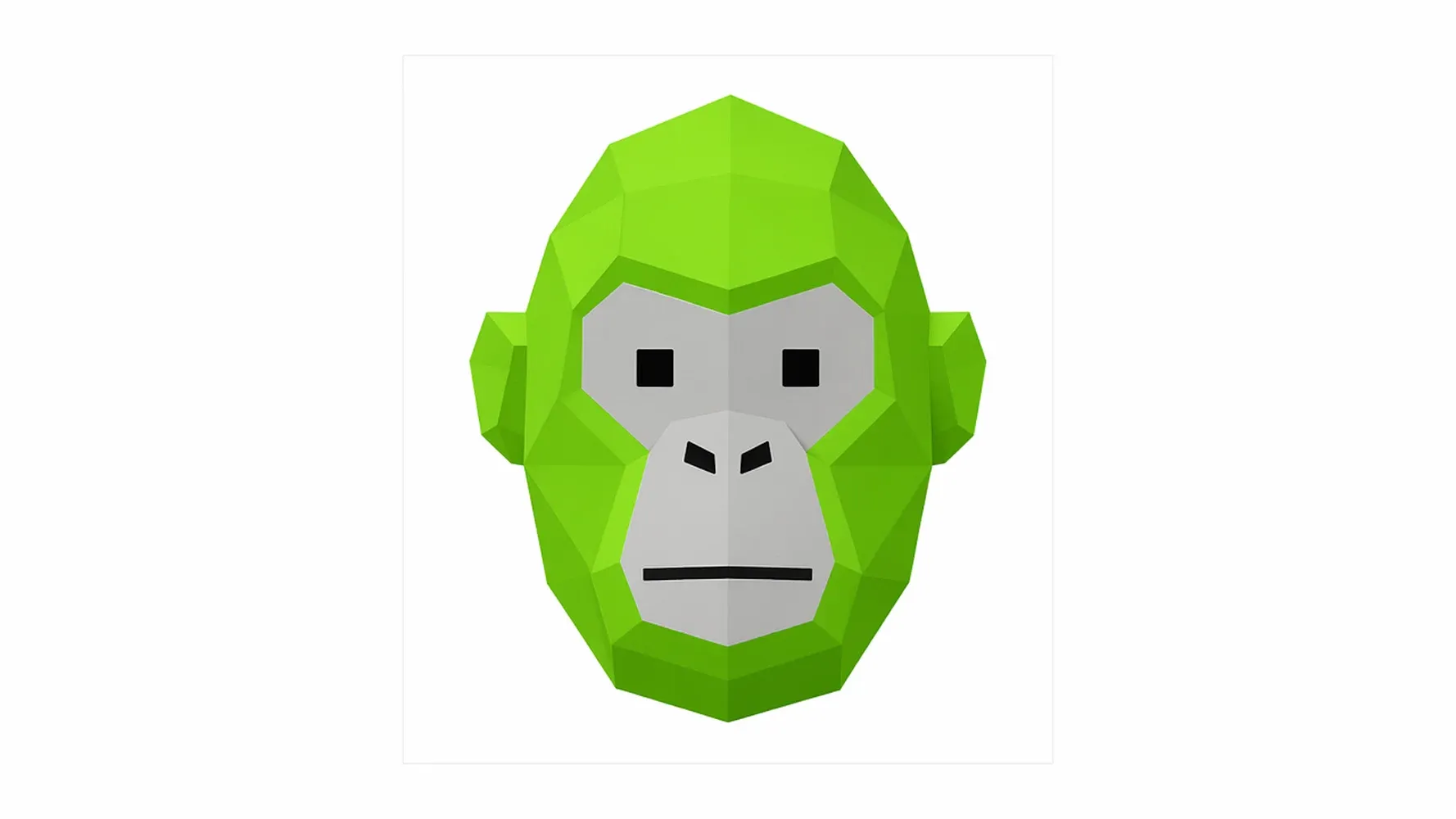
Add Cosmetics, Hats, Masks, and Accessories
Cosmetics give your Gorilla Tag PFP personality before anyone reads your name. Add a top hat, fox muzzle, aviator sunglasses, astronaut helmet, skull mask, pixel glasses, or a custom accessory description. Medeo turns those details into prompt-ready visual direction so the avatar communicates style, status, humor, or clan identity quickly.
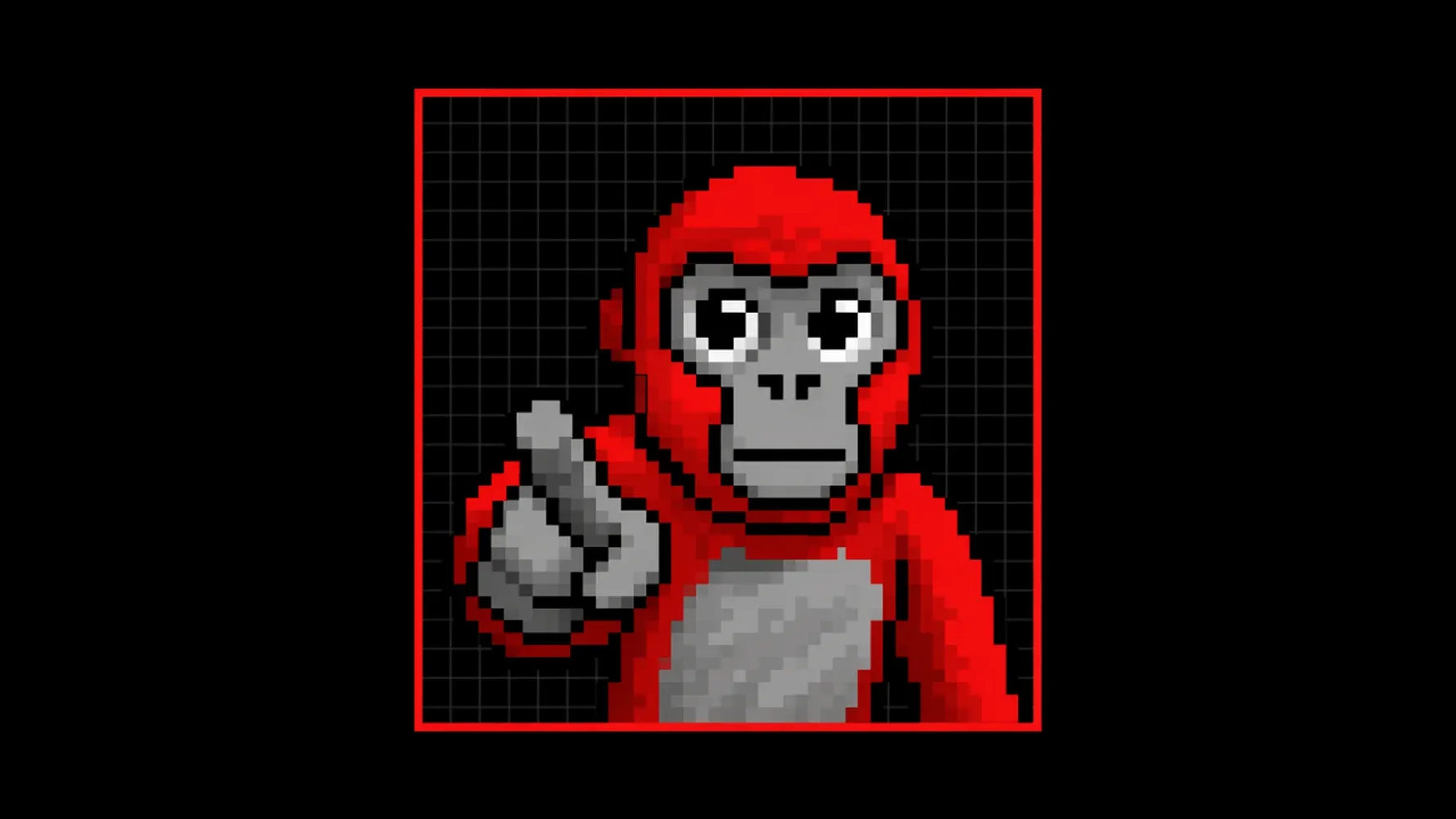
Turn Your Prompt into a Profile-Ready Avatar
Write a short description and let Medeo shape it into a square profile picture concept. The GTag PFP maker can combine character color, cosmetics, expression, pose, background, and style into a focused image direction. Use the first result as a draft, then adjust details until it fits your gaming profile.
Make a GTag Profile Picture with Skins and Cosmetics
The best PFP makers make customization obvious. This page should support the choices Gorilla Tag players expect: skin color, cosmetic loadout, style, and open-ended prompt details for anything that does not fit a preset.
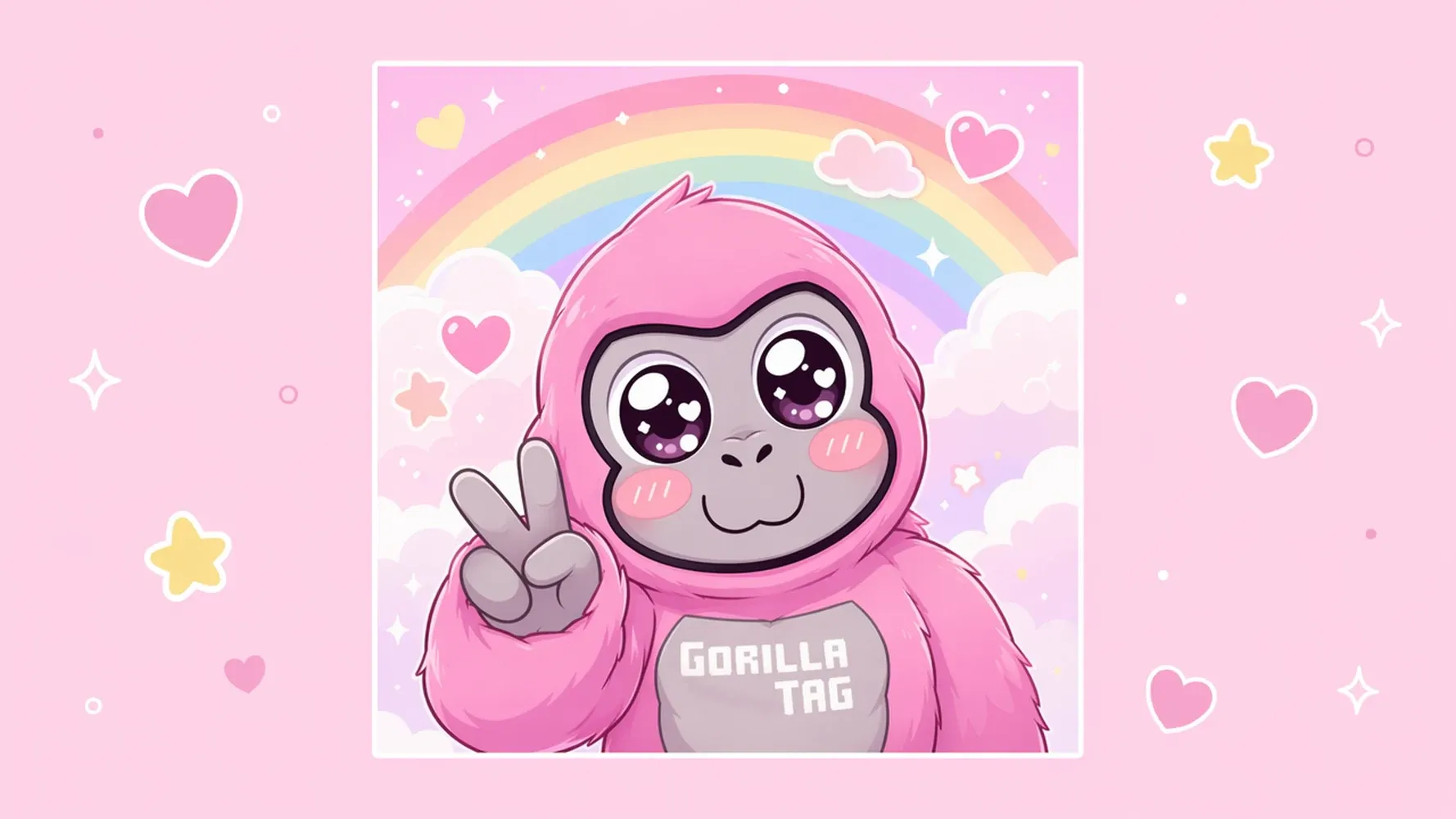
Choose Classic and Custom Skin Colors
Pick a familiar GTag-inspired color or describe a custom finish that feels more personal. You can try lava texture, translucent ice, neon green, galaxy pattern, chrome, shadow black, or a clan color set. Clear color direction helps Medeo create a profile picture that stays readable at small social avatar sizes.
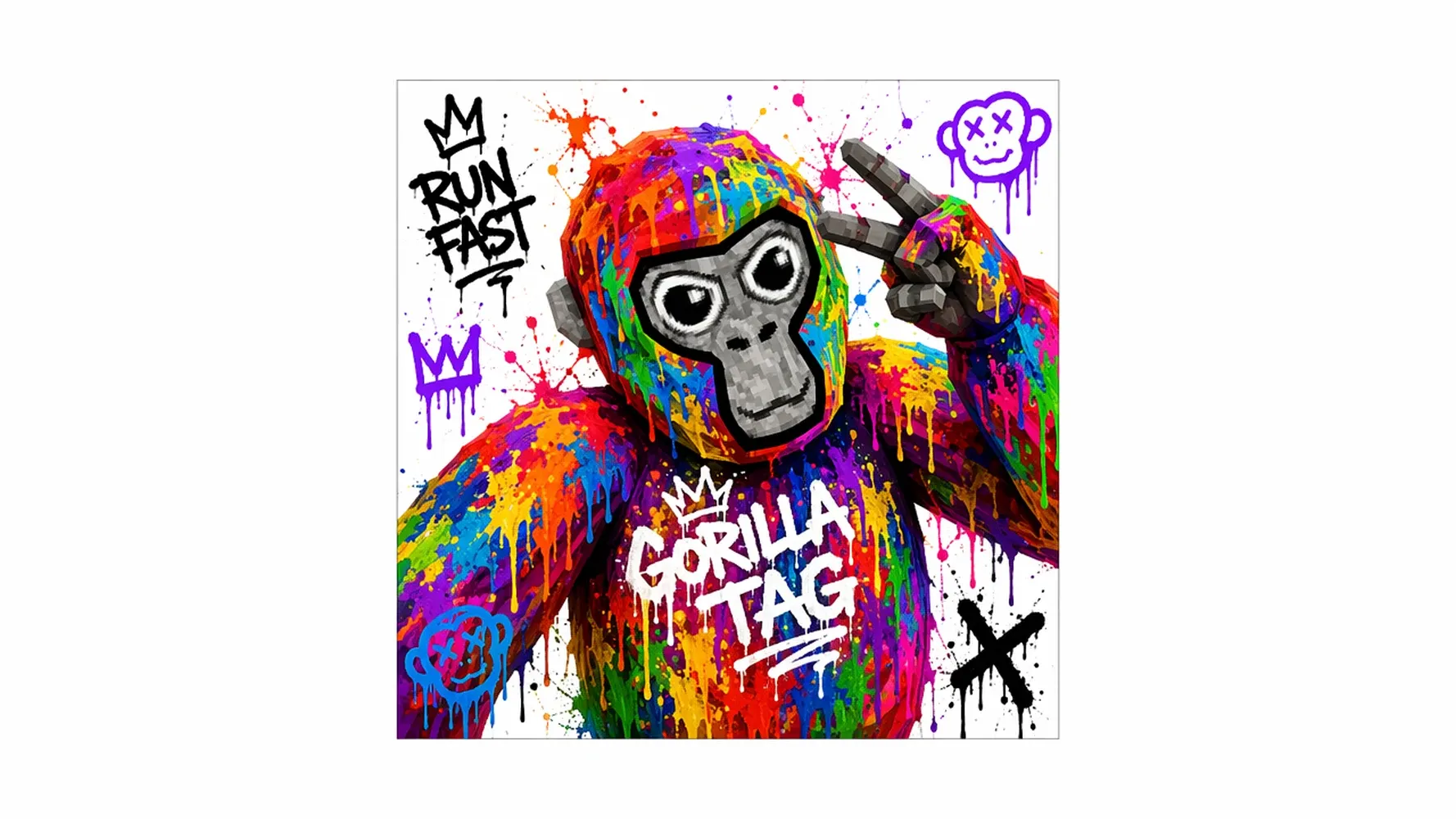
Describe the Cosmetics You Want
If the preset list does not include your favorite look, describe it in plain English. Add hats, glasses, masks, scarves, helmets, holdable props, or themed accessories that match your character. This gives the Gorilla Tag profile maker more creative range than a fixed template while keeping your cosmetic choices central.
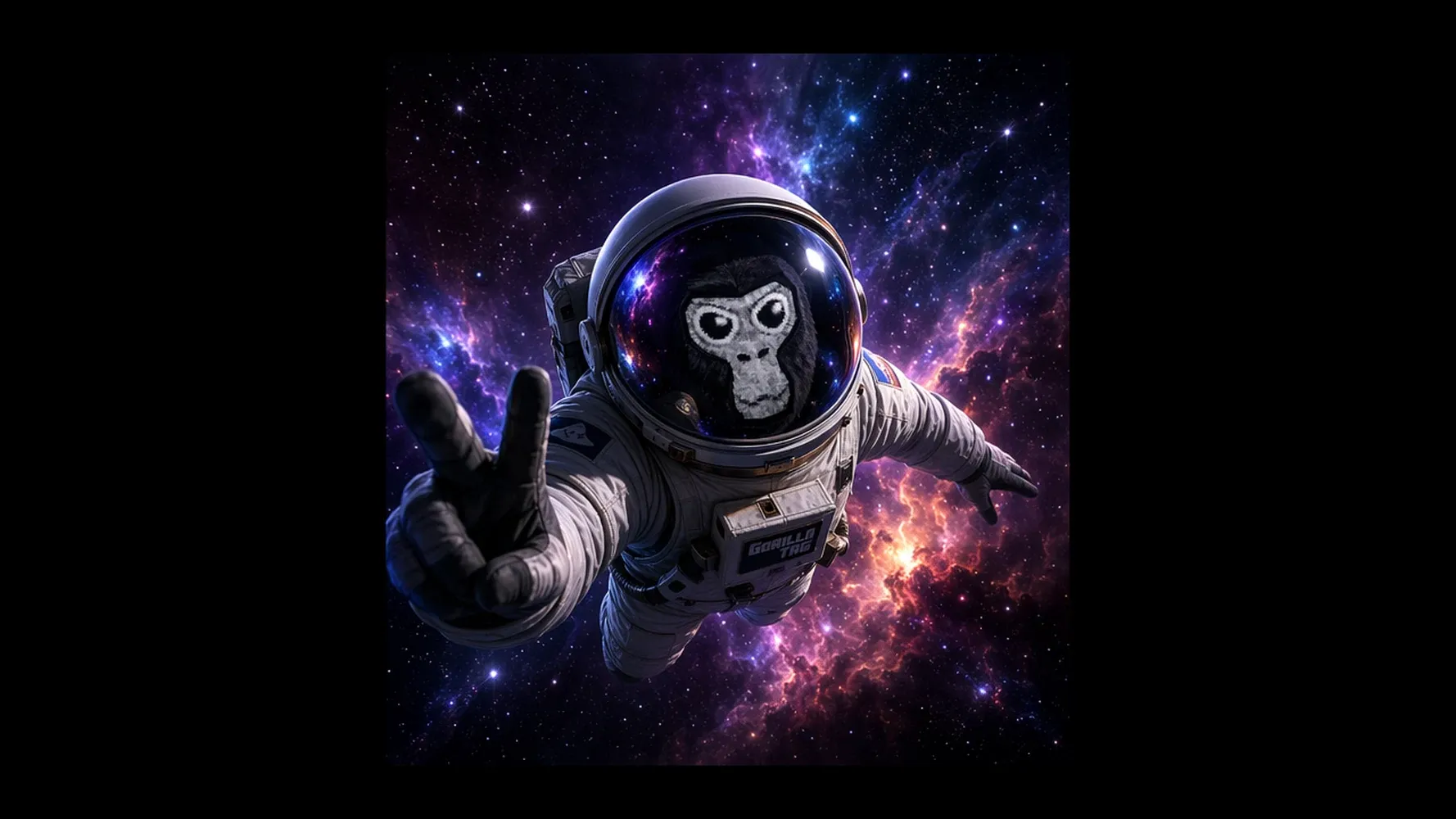
Create Matching Looks for Friends or Clans
Use the same prompt structure to make coordinated GTag profile pictures for a friend group, server, or clan. Keep one shared color palette, badge, background, or cosmetic theme, then vary expressions and poses. Matching PFPs make group identity easier to recognize across Discord chats, YouTube comments, and community posts online.
Choose the Right Style for Your GTag PFP
Style changes how your profile picture reads at a glance. Medeo lets you steer the look toward game-inspired 3D, playful cartoon, pixel art, glitchy edits, or a custom visual direction that matches your channel, server, or personal vibe.
Low-Poly and 3D Render Styles
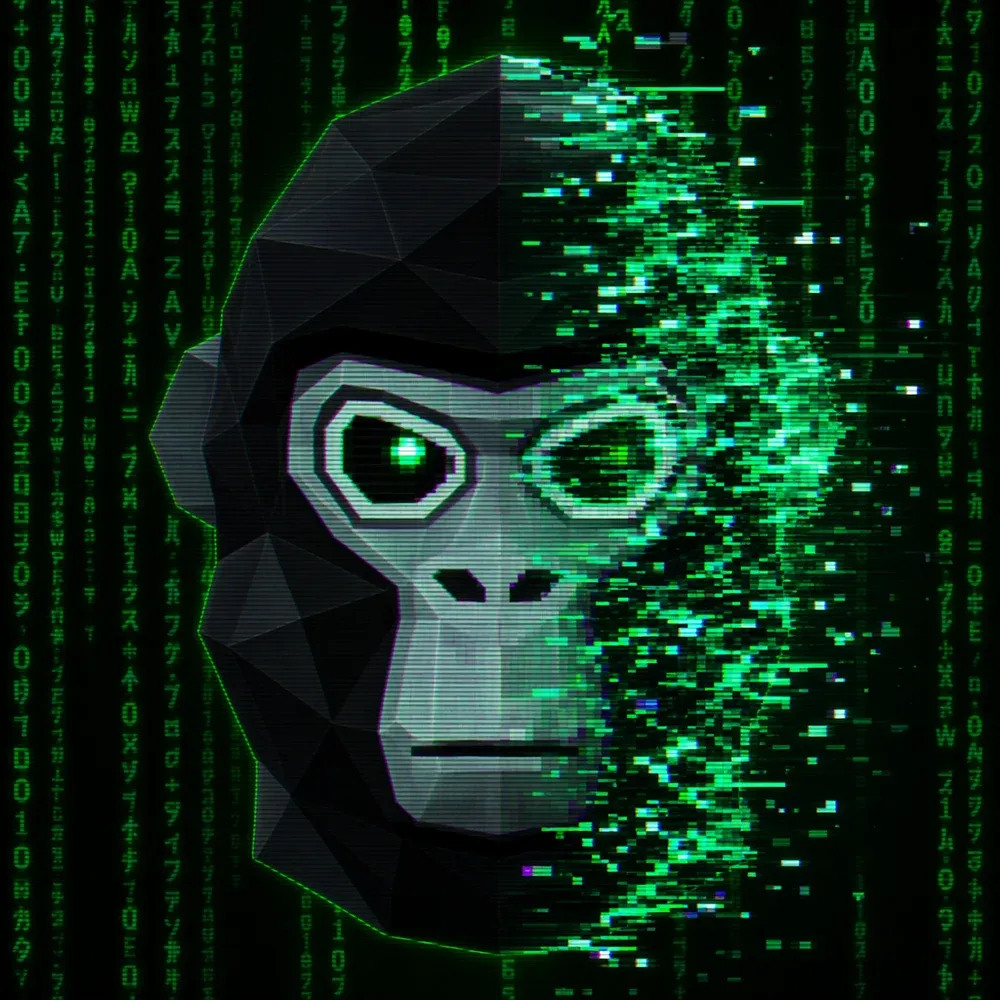
Low-poly and 3D render styles are useful when you want the PFP to feel close to a VR game identity. Use them for profile pictures that need simple shapes, bold lighting, and quick readability. Medeo can keep the character centered, expressive, and avatar-like instead of turning the result into a generic portrait.
Pixel, Cartoon, Doodle, and Glitch Styles
Pixel, cartoon, doodle, and glitch styles work when your GTag PFP needs more personality than realism. Try pixel art for retro servers, cartoon for playful YouTube branding, doodle for casual community posts, or glitch effects for a louder edit. Each style changes the mood without losing the core character idea.
Backgrounds, Poses, Lighting, and Effects
Small details make a profile picture feel finished. Add forest lighting, cave shadows, neon outlines, snow, lava glow, motion streaks, victory poses, or a clean colored backdrop. Medeo uses those prompt details to create a stronger composition, so the avatar does not disappear when cropped into a small circular profile icon.
Generate Profile Pictures for Discord, YouTube, and Gaming Accounts
A good Gorilla Tag profile picture has to work where players actually use it. Keep the output square, readable, and simple enough to survive small crops on social platforms, gaming accounts, and community servers.
Square PFPs for Discord and Steam
Discord and Steam avatars are often seen small, so clarity matters more than crowded detail. A square GTag PFP with one strong color, one main cosmetic, and a clean background is easier to recognize in chats and friend lists. Medeo helps you focus the image around the face, expression, and loadout.
Creator Avatars for YouTube and TikTok
For YouTube and TikTok, your PFP has to support a channel identity, not just look cool once. Use consistent colors, a memorable cosmetic, and a style that matches your thumbnails or shorts. Medeo can help turn a Gorilla Tag profile pic into a repeatable creator asset for future video posts.
GTag Identity for VRChat, Meta Quest, and Community Servers
If you move between VRChat, Meta Quest spaces, and Gorilla Tag communities, a consistent profile image helps people recognize you faster. Use Medeo to keep the same skin, accessory, and mood across variations. That visual continuity makes your gtag profile feel intentional wherever your gaming name appears in community spaces.
How to Use the GTag PFP Maker
You do not need a complex design process to start. Choose the essentials, add a little personality, generate the first result, and refine it until the profile picture feels like something you would actually use.
Step 1
Pick a Skin Color and Cosmetic Loadout
Choose a base color, then add one or two cosmetics that define the character. Keep the first version simple so the result stays readable.
Step 2
Select a Visual Style
Choose 3D render, low-poly, pixel, cartoon, doodle, glitch, vaporwave, or a custom style. Match the style to the platform where you will use the PFP.
Step 3
Add Extra Details in Your Prompt
Describe the expression, pose, background, lighting, and mood. A few specific details can make the output feel more personal.
Step 4
Generate, Review, and Download Your PFP
Create the first version, review what works, then refine the prompt for better color, cosmetics, crop, or expression before downloading your favorite result.
GTag Art Ideas You Can Create
If you are not sure what to generate, start with a theme. Medeo can help you explore fan-made GTag art directions that look good as profile pictures and still leave room for your own personality.
Lava, Ice, Neon, and Stone Character Looks
Elemental looks are easy to recognize in a tiny profile picture. Try magma lava with glowing cracks, translucent ice with cool rim light, neon green with cyber details, or gray stone with rugged texture. These themes give your Gorilla Tag character a clear visual hook before you add cosmetics or backgrounds.
Competitive, Funny, Cute, and Spooky PFP Concepts
Match the PFP mood to the way you show up in the community. Competitive looks can use sharp lighting and focused expressions, funny looks can exaggerate cosmetics, cute styles can soften shapes, and spooky concepts can add masks or shadows. Medeo helps each direction feel intentional instead of randomly decorated.
Clan, Team, and Matching Profile Picture Ideas
For a group identity, choose one shared motif that every member keeps. That might be a color stripe, background symbol, accessory type, or lighting style. Then vary each GTag PFP with different expressions, poses, and secondary cosmetics, so the set feels unified while every player still gets an individual look.
Why Use Medeo as Your Gorilla Tag PFP Maker?
Medeo is useful when you want more than a preset avatar. You can start with a simple profile-picture idea, refine the result, and keep developing the same fan-made character into art, social assets, and video concepts.
More Flexible Than Fixed Avatar Templates
Template tools are fast, but they only offer the parts already built into the maker. Medeo gives you more room to describe custom skin finishes, unusual cosmetics, expressive poses, and specific backgrounds. That flexibility is helpful when your Gorilla Tag PFP idea is too personal or specific for a preset list.
Built for PFPs, Character Art, and Video Ideas
Medeo can support the full path from profile picture to creator asset. Start with a square avatar, then reuse the same character direction for image prompts, thumbnails, intro scenes, or short video concepts. This makes the GTag PFP maker more useful for creators who need a repeatable visual identity online.
Free to Try with Starter Credits
New users can sign up and start with free trial credits, making it easier to test a GTag PFP idea before committing to more creation. Medeo is free to try with starter credits, then uses paid credits when you continue generating, refining, and building more profile pictures or creator assets.
GTag PFP Maker FAQs
Get clear answers about creating fan-made Gorilla Tag profile pictures, adding cosmetics, choosing image size, using the result on social platforms, and keeping your work original.
See Why Creators Choose Medeo
Creators use Medeo to move from a rough avatar idea to clearer image and video directions. It is useful when you want a profile picture quickly, but still want control over the details that make the result feel like your identity.
"Medeo's GTAG PFP Maker helped me create a unique profile picture in minutes. It stands out perfectly on Discord and YouTube."
Jordan Walker
Gaming Streamer
"The generated avatars capture the fun style of Gorilla Tag while still feeling original. I found my favorite design almost immediately."
Kennedy Foster
VR Gamer
"Medeo's GTAG PFP Maker helped me create a unique profile picture in minutes. It stands out perfectly on Discord and YouTube."
Jordan Walker
Gaming Streamer
"The generated avatars capture the fun style of Gorilla Tag while still feeling original. I found my favorite design almost immediately."
Kennedy Foster
VR Gamer
"I wanted a custom GTAG profile picture that looked different from everyone else's, and Medeo delivered exactly that."
Hunter Collins
Community Moderator
"The designs are clean, creative, and full of personality. Medeo makes creating custom GTAG profile pictures incredibly easy."
Sienna Cooper
Gaming Content Creator
"I wanted a custom GTAG profile picture that looked different from everyone else's, and Medeo delivered exactly that."
Hunter Collins
Community Moderator
"The designs are clean, creative, and full of personality. Medeo makes creating custom GTAG profile pictures incredibly easy."
Sienna Cooper
Gaming Content Creator
Explore More AI Avatar and Video Tools
Keep creating after your first GTag PFP. Medeo can help you build profile images, avatar concepts, generated art, video ideas, and creator assets from the same visual direction.
Learn More About GTag Art and Profile Pictures
Explore more ideas for profile-picture design, fan-made character creation, prompt writing, and platform-ready avatar composition.

7 Best Idea to Video AI Tools in 2026 (Tested & Compared)
Compare the 7 best idea to video AI tools in 2026 — tested across output quality, format coverage, and ease of use. Find the right tool for your content workflow.
TIAN YUAN · Apr 29, 2026 · 13 min read

How to Make Educational Videos with AI: Step-by-Step Guide
Learn how to make educational videos with AI using lesson notes, slides, scripts, visuals, voiceovers, captions, and templates for courses, classrooms, training, and social learning content.
TIAN YUAN · May 9, 2026 · 19 min read
How to Make Rizz Videos with AI: Step-by-Step Guide
Learn how to make rizz videos with AI using prompts, captions, audio, effects, and short-form templates for TikTok, Instagram Reels, and YouTube Shorts.
TIAN YUAN · May 8, 2026 · 18 min read